

You can improve your health by balancing sitting and standing at work. Standing desks help reduce risks like obesity, diabetes, and back pain while encouraging better circulation and posture. However, standing too long can cause leg fatigue and varicose veins. Alternating every 30–60 minutes, adjusting your setup, and using supportive footwear are key. If you continue exploring, you’ll find practical tips to make the most of your workspace for comfort and long-term wellness.
What Are the Health Benefits and Risks of Sitting and Standing?
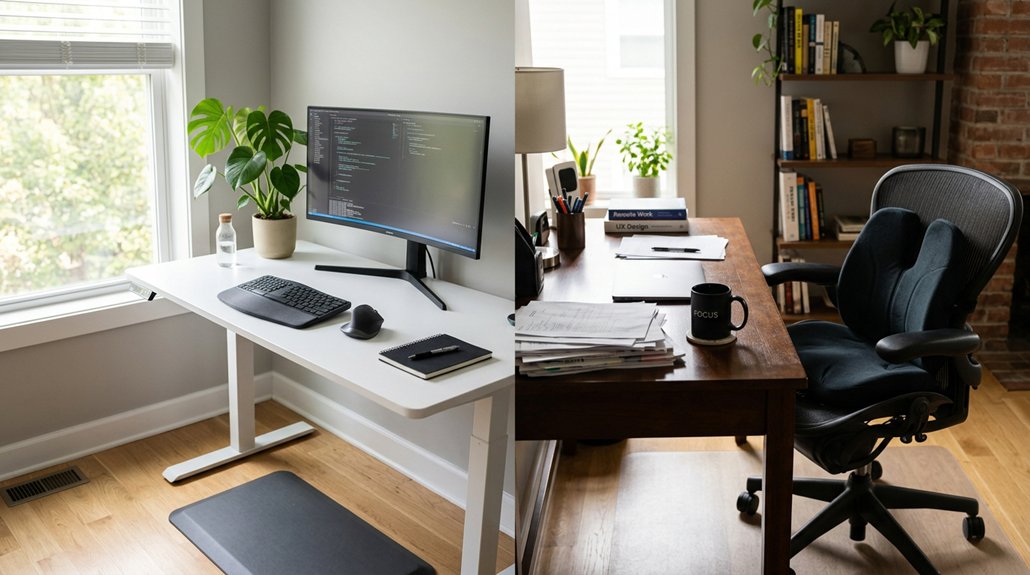
Have you ever wondered whether sitting or standing is healthier? Traditional setups often involve sitting for long periods, which can increase risks of obesity, diabetes, and heart disease.
Standing desks offer benefits like reducing low back pain by up to 37% and helping normalize blood sugar levels after meals. However, standing too long may cause leg fatigue, varicose veins, and back discomfort.
Standing burns only slightly more calories than sitting and can feel unnatural if done excessively. To maximize health benefits, it’s best to alternate between sitting and standing every 30–60 minutes.
Incorporating an anti-fatigue standing mat can help reduce fatigue and improve comfort during prolonged standing sessions. Combining sit-stand desks with ergonomic setups and movement reduces sedentary time and improves overall health, preventing musculoskeletal issues and supporting cardiovascular health efficiently.
How Can Standing Desks Help Reduce Sedentary Risks?
Standing desks actively combat the health risks of prolonged sitting by encouraging you to switch positions frequently, which helps reduce sedentary time linked to heart disease, obesity, and metabolic issues.
Alternating between sitting and standing can greatly lower sedentary risks by promoting movement and reducing spinal load, especially for those experiencing low back discomfort. When you use a standing desk, you engage postural muscles more effectively, preventing stiffness and muscle weakness associated with extended sitting.
Incorporating regular standing intervals—even about 20 minutes every half hour—can cut sedentary time by 60–120 minutes daily, supporting better vascular and musculoskeletal health. Using height-adjustable desks allows for easy transitions between sitting and standing, maximizing ergonomic benefits and comfort. While standing desks are beneficial, combining standing with movement breaks and ergonomic adjustments offers the most all-encompassing approach to reducing sedentary health risks.
Does Using a Standing Desk Boost Your Productivity and Focus?
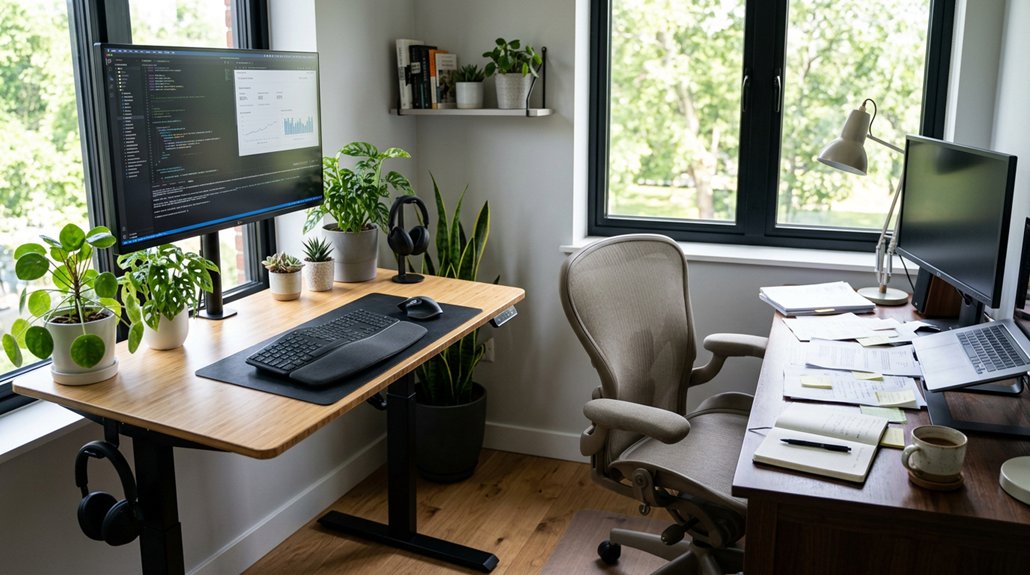
Using a standing desk can help boost your productivity by reducing distractions caused by discomfort and static postures. You’ll find that switching between sitting and standing helps you stay more focused on tasks, especially during collaborative work or active conversations. Additionally, selecting a compact footprint for your desk converter ensures your workspace remains organized and clutter-free, which further enhances focus and efficiency. However, it’s important to choose the right task and maintain good posture to prevent fatigue and maximize your concentration.
Posture and Distraction Levels
Switching between sitting and standing can enhance focus and reduce distractions by encouraging movement and preventing stiffness. An ergonomic standing desk lets you adopt frequent posture changes, which combat mental fatigue and keep your energy levels high.
When you stay in one position for too long, discomfort from poor posture can become a distraction, pulling your attention away from tasks. Alternating between sitting and standing helps maintain focus, especially during long work sessions or meetings, by giving your body a physical reset. Using adjustable monitor stands similar to those designed for ergonomic flexibility can further support this balancing act.
However, tasks requiring precise fine motor skills, like writing or coding, are usually better performed seated to minimize distraction. The key is finding a balance that promotes good posture, minimizes discomfort, and keeps your attention sharp without unnecessary distraction.
Task Suitability and Comfort
Adjusting your work position between sitting and standing can greatly impact your productivity, especially depending on the nature of the tasks at hand. A standing desk supports tasks that benefit from movement, collaboration, and creativity, boosting energy and mental alertness, and increasing productivity by 6.5% for creative roles. Conversely, tasks requiring fine motor skills, precise attention, or stability—such as coding or editing—are better performed while sitting. Alternating between sitting and standing every 30–60 minutes helps reduce discomfort and mental fatigue, enhancing focus. Proper ergonomics minimizes discomfort that distracts and hampers cognitive performance. For example: Ergonomic Height Adjustability allows seamless transitions between sitting and standing to support comfort and productivity.
How to Set Up Your Standing or Sitting Desk for Comfort
Wondering how to set up your desk for maximum comfort? Start by adjusting your seat or standing height so your elbows are at a 90° angle with neutral wrists, keeping shoulders relaxed. Position your monitor top slightly below or at eye level, about an arm’s length away, to minimize neck and eye strain. When standing, keep knees slightly bent and avoid locking them to reduce lower back stress. Use an anti-fatigue mat to lessen leg fatigue and wear supportive footwear for added comfort during prolonged standing. To prevent strain, alternate sitting and standing every 30 to 60 minutes, incorporating movement breaks. Proper surface material and ergonomic accessories can further enhance your setup, ensuring sustained comfort throughout the day. Remember, posture variation is key, so adjust your setup as needed to maintain comfort and avoid musculoskeletal issues.
Practical Tips for Space, Cost, and Workspace Setup
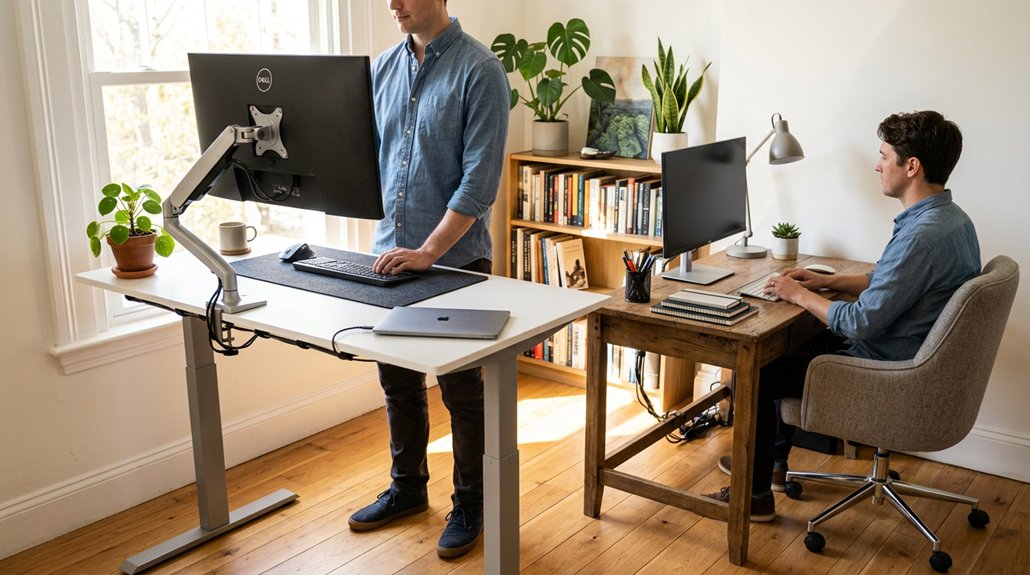
Creating an efficient workspace involves careful planning of space, budget, and setup options. If you’re considering adjustable standing desks, think about desk costs—these range from $300 to $700, with longer-term benefits outweighing initial expenses.
Flexible workspaces require thoughtful planning of space, budget, and gear for optimal comfort and efficiency.
Choosing a model with an appropriate adjustment mechanism, such as electric motors or pneumatic lifts, can greatly enhance ease of use and ergonomics.
Guarantee your workspace has enough room, requiring about 50 inches of vertical clearance and 36–42 inches of rear space for easy movement and chair access.
To optimize stability, look for desks with dual motors and sturdy frames to minimize wobbling at full height. Accessories like anti-fatigue mats improve comfort during prolonged standing, while desk converters from $50 to $500 are a cost-effective way to add standing options without extra space.
Proper setup maximizes comfort and functionality on a reasonable budget.
Who Should Be Careful When Using a Standing Desk?
If you have pre-existing conditions like DVT, recent surgery, or joint issues, you should check with your doctor before switching to a standing desk. Jumping into prolonged standing without gradual adjustment can cause pain in your back, legs, or feet, so start with shorter periods. People prone to leg fatigue or varicose veins need supportive footwear and anti-fatigue mats to reduce discomfort. Additionally, ensuring proper height adjustment and ergonomic support is crucial to prevent strain and promote circulation during prolonged standing.
Pre-Existing Medical Conditions
Individuals with pre-existing conditions such as deep vein thrombosis (DVT), recent surgeries, or spinal and joint issues should seek medical advice before using a standing desk.
Prolonged standing all day may worsen symptoms like leg fatigue, varicose veins, or back pain. To prevent complications, you should:
- Consult healthcare professionals, including physical therapists, for personalized guidance
- Guarantee ergonomic setups that support proper posture and reduce strain
- Use dynamic movement, alternating sitting and standing with breaks
- Be cautious if you have circulation or musculoskeletal concerns, avoiding extended periods of standing without medical input
- Incorporate supportive cushions to enhance comfort and reduce pressure on your lower back and hips during standing or sitting periods
Getting the right advice helps tailor your work routine safely, preventing aggravation of your conditions while benefiting from ergonomic adjustments.
Risk of Foot and Leg Issues
While standing desks can boost alertness and movement, they also pose risks for foot and leg issues, especially if you’re prone to circulation problems or recent injuries. Prolonged standing can cause leg fatigue, increased vein pressure, and swelling. If you have vascular disorders or pre-existing conditions, it’s essential to consult a healthcare professional before shifting to standing. Standing still often leads to locked knees and reduced muscle activity, worsening circulation and foot discomfort. To minimize risks, use anti-fatigue mats, wear supportive footwear, and take regular movement breaks. Recognize that sitting or standing excessively can both strain your body. Incorporating supportive footrests can further help reduce pressure and improve comfort during prolonged standing or sitting sessions.
How to Transition Safely Between Sitting and Standing
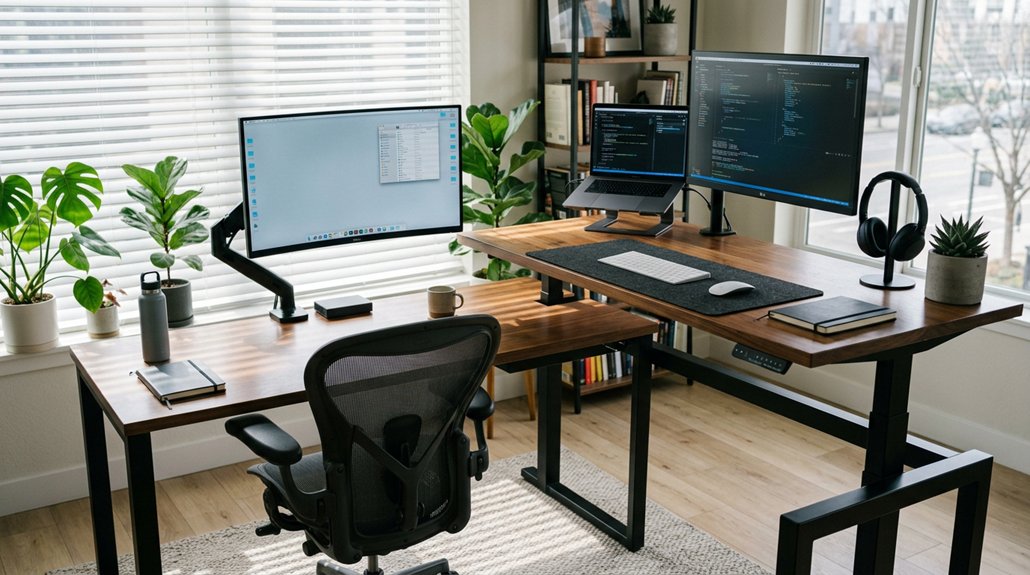
Wondering how to switch between sitting and standing safely? To guarantee smooth shifting, start by standing for 15–30 minutes per hour and gradually increase. Alternate sitting and standing every 30–60 minutes to prevent fatigue and boost circulation.
Use ergonomic adjustments—set your sit-stand workstation with desk height at elbow level, and keep your monitor at eye level. Wear supportive footwear and consider anti-fatigue mats to reduce pressure on legs and feet.
Incorporate stretch exercises during breaks to avoid stiffness. Shift your weight regularly or elevate one foot intermittently to improve comfort.
Listen to your body signals, and combine these practices with movement so your standing periods stay sustainable and injury-free.
Tips for Choosing a Standing Desk That Keeps You Comfortable Long-Term
Choosing a standing desk that keeps you comfortable long-term starts with prioritizing adjustability and stability. Look for desks with adjustable height features, ideally equipped with a dual-motor system for smooth, stable height changes.
Solid steel frames and sturdy legs are essential to guarantee desk stability, preventing wobbling during extended standing.
As you set up, aim for ergonomic posture: elbows at 90°, relaxed shoulders, and monitors at eye level, placed about an arm’s length away. Using anti-fatigue mats and supportive footwear helps reduce leg and back stress.
To avoid fatigue, gradually increase standing time from 15 to 60 minutes, and always alternate postures. Consistent adjustments and smart accessories will promote comfort and support your health for long-term use.
Frequently Asked Questions
Is a Standing Desk Better Than Sitting All Day?
A standing desk isn’t necessarily better than sitting all day, but alternating between the two prevents health issues. You can boost energy and reduce discomfort by gradually incorporating standing, balancing it with sitting to stay comfortable and productive throughout the day.
What Is the 20/8-2 Rule for Standing Desks?
The 20/8-2 rule advises you to sit for 20 minutes, stand for 8, and move for 2 minutes every half hour. It helps prevent strain, boosts circulation, and keeps you comfortable, productive, and energized during work.
Is Standing 8 Hours a Day Better Than Sitting?
Standing for 8 hours straight isn’t better than sitting; it can cause discomfort and health issues. Instead, you should alternate between sitting and standing every 30 to 60 minutes, and move regularly to stay healthy.
Is Standing Desk Better for a Herniated Disc?
A standing desk may help your herniated disc by reducing prolonged sitting and spinal load. However, start gradually, maintain proper ergonomics, and consult a healthcare professional to guarantee safe use tailored to your condition.
In Summary
Choosing between sitting and standing at your desk depends on your health needs and comfort preferences. By understanding the benefits and risks, setting up your workspace properly, and shifting safely, you can enjoy improved focus and reduced sedentary risks. Remember to listen to your body and make adjustments as needed. Ultimately, a balanced approach with regular movement is key to maintaining long-term comfort and well-being in your workspace.



