
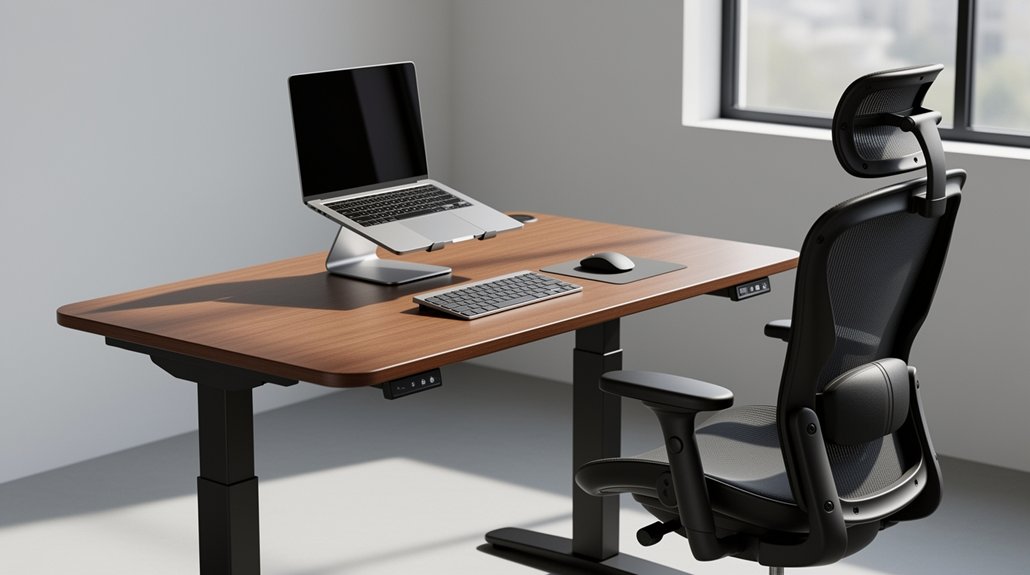
Set your desk so the work surface sits about 1–2 cm below your elbows when your feet are flat and knees at 90°. When you type, your forearms should be parallel to the desk and your elbows form a 90°–110° angle, keeping wrists neutral and the spine in its natural S‑curve. A footrest helps keep hips slightly higher than knees, preventing pelvis tilt. Adjust the height in small 1 cm steps if shoulders shrug or wrists extend, and you’ll discover more tips for sit‑stand transitions.
What Desk Height Relieves Back Pain?

How can you tell if your desk height is helping or hurting your back? You’ll feel a neutral spine, no slouching, and relaxed shoulders. Aim for a seated desk between 27–30 inches (63.5–70 cm); the surface should sit 1–2 cm below your elbows so forearms stay parallel to the floor. If the desk is too low, you’ll round your lower back and lean forward; if it’s too high, your shoulders will lift and neck tension will rise. For standing, target 38–42 inches (90–97 cm), letting arms hang naturally and hands reach the keyboard without hunching. Adjust by about 1 cm if you notice strain. Pair the right height with a chair that gives a 90–110° thigh‑leg angle, flat feet, and an eye‑level monitor for best back‑pain relief. Monitor height should allow you to look at the top third of the screen.
How a 90° Elbow Angle Sets Your Desk Height
When you bend your elbows to a 90° angle, your forearms line up parallel to the floor, giving you a clear cue that your shoulders can stay relaxed. This alignment tells you exactly where the desk surface should sit to keep your wrists neutral and your posture comfortable. Use it as a starting point, then fine‑tune for keyboard thickness, monitor height, and shoe soles. Elbow height is the primary ergonomic metric used by experts to set the correct desk height.
Elbow Angle Alignment
Ever wondered why a 90° elbow bend feels so natural at a workstation? That angle marks the spot where the desk should meet your elbows, keeping shoulders relaxed and preventing upper‑trap strain. To set it, sit or stand with shoulders down, let your arms hang, then bend elbows to roughly 90°. Measure the floor‑to‑elbow distance and adjust the desk surface to that height. If the desk sits above the line, you’ll shrug; if it sits below, you’ll hunch—both aggravate back pain. Keep the keyboard and mouse at the same level, maintain neutral wrists, and tweak chair or footrest as needed. This alignment supports an upright trunk, reduces shoulder elevation, and helps you stay pain‑free while you work. Neutral posture minimizes stress on muscles, tendons, and the skeletal system.
Forearm Parallel Position
Your elbows already form a comfortable 90° bend; now make sure your forearms stay parallel to the floor. When your forearms line up with the desk surface, your wrists stay neutral, reducing extension and flexion that strain tendons.
Set the desk height so the surface meets your elbows while you sit or stand; the forearms will naturally sit level, keeping hands over the keyboard without reaching up or down. This alignment lessens the urge to hunch forward, supporting an upright trunk and easing upper‑back tension.
Adjust chair height, keyboard tray, and mouse placement together—if the desk is too high or low, the forearms will tilt, prompting awkward wrist angles. A level forearm line is the simplest cue for a pain‑free workstation. Proper desk height should align with your seated elbow height to maintain a 90‑100° elbow bend.
Shoulder Relaxation Cue
Why does a relaxed shoulder feel like a quick check for desk height? When your shoulders stay low and unmoved, your elbows are likely hovering around a neutral 90°–110°. That “heavy and low” cue tells you the desk sits at or just below elbow height, preventing shoulder elevation and the upper‑trapezius strain that leads to neck pain.
Add brackets | Ideal Range Why It It| Matters||—–|————-|—————-|
| Elbow angle | 90°–110° | Keeps shoulders relaxed, avoids shrugging |
|---|---|---|
| Desk height | At/just below elbow | Reduces upward shoulder lift |
| Forearm support | Near desk edge | Minimizes traction, maintains posture |
If elbows rise above the surface, shoulders lift; if they drop too low, you’ll protract forward. Adjust the desk until your shoulders stay relaxed, your forearms rest comfortably, and your elbows stay within that sweet 90° zone. This simple visual check aligns your workstation for shoulder relief and back‑pain prevention. Adding a neutral elbow posture further reduces ulnar nerve irritation and outer elbow tendon tension.
Measure Your Ideal Desk Height – Step‑by‑Step
First, sit with feet flat and measure the distance from the floor to the underside of your relaxed elbow. Record your chair height, forearm length, and torso proportions, keeping knees and hips near 90‑110°.
Next, set the work surface just below elbow level—about 1‑2 cm lower—so your forearms rest comfortably and wrists stay neutral. Use an adjustable‑desk calculator to get a starting height, typically 63.5‑70 cm for seated work, then fine‑tune in 1 cm steps.
Check that elbows stay at 90‑110° while typing, shoulders remain relaxed, and your spine stays neutral. Adjust the monitor so the top third aligns with your gaze.
Finally, test for shoulder shrug, wrist extension, or forward lean; raise or lower the desk until typing feels relaxed and stable. Proper lumbar support is essential to prevent spine compression while you work.
Seated Desk Height Ranges Explained

After measuring your elbow‑to‑floor distance, the next step is to understand the typical seated desk height ranges. Most ergonomic guides cite 71–76 cm (28–30 in) as the standard range, but it’s a reference, not a one‑size‑fits‑all. Your forearms should rest comfortably on the surface, forming a 90–100° elbow angle with shoulders relaxed and wrists neutral. If the desk is too high, shoulders rise and wrists extend; if it’s too low, you’ll slouch and your thighs won’t stay parallel to the floor. Adjustability helps because body proportions, chair height, and arm length vary. Watch for shoulder tension, wrist discomfort, or persistent slouching—those signs mean the height isn’t right. Correct posture is essential for reducing long‑term musculoskeletal strain.
Standing Desk Height for Elbow & Wrist Comfort
You’ll want your desk at elbow height so your arms form a comfortable 90‑degree angle while you type.
Keeping the keyboard level lets your wrists stay neutral, preventing the strain that comes from downward extension.
A quick measurement from floor to elbow crease gives you a solid baseline, and you can fine‑tune it for keyboard thickness and personal comfort.
Correct elbow height is essential to avoid shoulder shrugging and neck strain.
Elbow Angle Alignment
Ever wondered why your elbows feel stiff when you type at a standing desk? You should aim for a roughly 90‑degree bend, give 90–110 degrees is acceptable. When your elbows line up with the desk surface, shoulders stay relaxed and forearms rest comfortably.
To find the right height, stand upright, shoulders down, and bend your elbows to 90 degrees. Measure that floor‑to‑elbow distance and set the desk accordingly, then fine‑tune for comfort.
A desk that’s too high forces shoulder elevation and neck tension; too low makes you slouch and over‑reach, loading the spine. Keep your keyboard and mouse within easy reach, and coordinate chair, monitor, and desk heights so the whole upper body stays neutral. This alignment reduces muscle fatigue and long‑term discomfort. Proper desk height also supports elbow‑wrist alignment.
Wrist Neutral Position
How can you keep your wrists straight while typing at a standing desk? Aim for a desk height that lets your forearms rest parallel to the surface, keeping wrists in a neutral line. Match the desk to your elbow height, then fine‑tune by raising it 1–2 inches if your keyboard sits lower than your forearms. This prevents ulnar deviation and reduces pressure on the carpal tunnel. Keep the keyboard and mouse at the same height and close enough to avoid reaching; a tray can help. Relax your shoulders, keep elbows close to your body, and let your hands float above the keys without pressing down. Adjust for shoes, mat, and monitor changes to maintain this alignment throughout the day. Carpal tunnel pressure increases with wrist extension, making a neutral position essential.
Adjust Chair Height to Match Desk
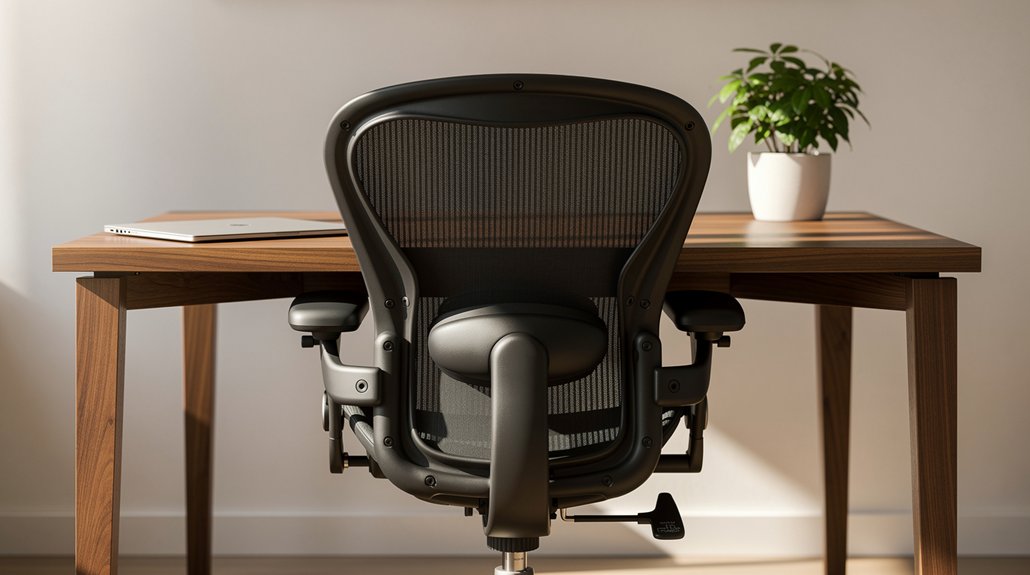
When you set your chair height to match the desk, the goal is simple: keep your feet flat on the floor and your knees at roughly a 90‑degree angle. Adjust the seat until your thighs are parallel to the floor and your elbows rest at a comfortable 90‑110 degrees.
For most people a chair that sits 16–21 inches from the ground works with a standard 28‑30‑inch desk. If you’re shorter than 5’3”, lower the seat and consider a footrest; if you’re taller, raise the chair or choose a higher desk. Make sure armrests don’t block desk clearance and that the seat edge doesn’t press on the back of your thighs. This pairing eliminates reaching strain and promotes a neutral upper‑body posture.
Ergonomic standards emphasize that proper alignment reduces long‑term musculoskeletal risk.
Keyboard & Mouse Placement for Neutral Forearms
After setting your chair so your feet are flat and your elbows form a 90‑110° angle, the next step is to align the keyboard and mouse with those elbows. Keep forearms neutral, parallel to the floor, and place the devices at or just below elbow height. Use a flat or slightly negative‑tilt keyboard and keep the mouse on the same plane, adjacent to the keyboard, to avoid side‑reaching and shoulder strain. Maintain a straight wrist by resting the heel of your palm lightly and preventing extension or flexion. Choose an ergonomic or tented keyboard if you need to reduce pronation, and pick a mouse that lets you move primarily from the elbow, not the wrist. Ensure the keyboard is positioned within 4–6 inches of the desk edge to prevent over‑reaching and maintain comfortable forearm length.
| Aspect | Guideline |
|---|---|
| Height | Keyboard & mouse at elbow level |
| Plane | Same height, no gaps |
| Wrist | Neutral, heel of palm resting |
| Reach | Minimal, centered to torso |
Monitor Height & Eye Level to Stop Forward‑Head Tilt
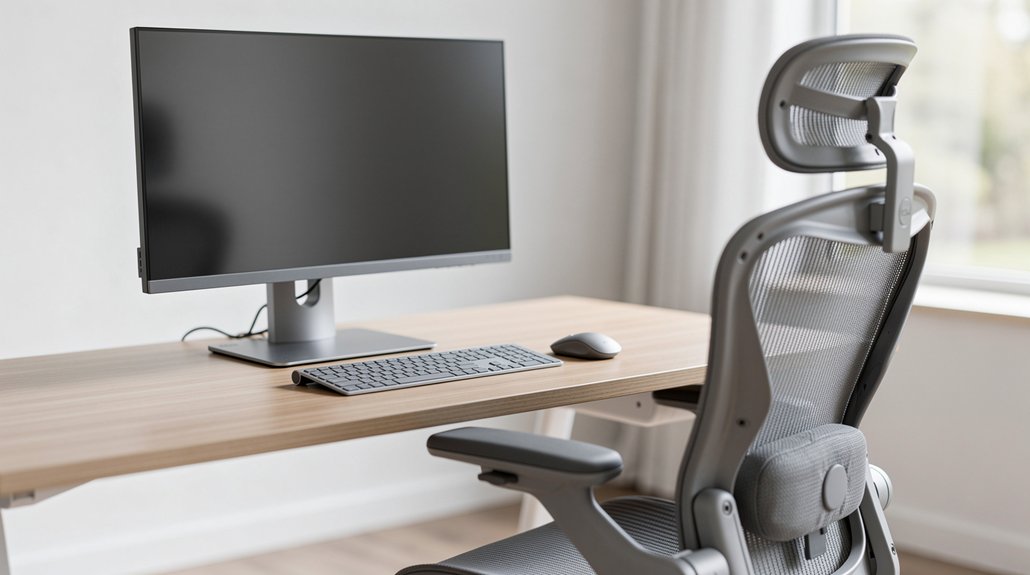
Ever notice how a screen that’s too low makes you crane your neck? Position the top of your monitor at or just below eye level so the upper third of the display falls near your gaze line. Aim for a slight downward angle of about 10°–20°, keeping the screen’s center roughly 15°–20° beneath horizontal eye level. Sit an arm’s length away—20–30 inches (50–75 cm)—to avoid leaning forward. Proper monitor height also reduces eye strain by allowing a comfortable viewing distance without squinting. For larger monitors, keep most of the panel below eye level while the top edge stays at or just under your eyes, preventing an extreme downward gaze. Center the screen directly in front of you and tilt it back 10°–20° if needed. This setup promotes a neutral head position, eases cervical strain, and curbs forward‑head tilt.
1‑Cm Tweaks to Remove Shoulder Tension
Could a tiny 1‑cm shift in desk height melt away shoulder tension?
When your work surface sits just 1–2 cm below your elbow, your elbows stay near 90–110°, and your forearms rest comfortably. That slight dip prevents you from shrugging shoulders or over‑extending the trapezius, letting the muscles relax.
Try lowering the desk by a single centimeter; you’ll feel the difference instantly, especially during long typing sessions. Keep your wrists neutral and your spine straight, and make sure the keyboard and mouse share the same height.
Test the new position for a few days—if shoulders stay loose and forearms stay straight, you’ve hit the sweet spot. Small, incremental tweaks often deliver big comfort gains without a full workstation overhaul. Proper ergonomic setup prevents new pain.
Common Desk Height Mistakes & Pain Effects

If your desk sits too high, you’ll find yourself shrugging your shoulders, which loads the neck and upper back.
When the surface is too low, you’ll round your upper back and over‑flex your spine to reach the keyboard.
Both mistakes keep your muscles in static strain and can quickly turn into persistent pain.
ISO 11226 indicates that fixed joint angles increase the risk of musculoskeletal disorders.
Too High Elevates Shoulders
How often do you notice your shoulders creeping up toward your ears while you type? A desk that sits above your elbows forces you to shrug, loading the upper trapezius and neck. That static tension quickly turns into fatigue, tightness, and even headaches. When your forearms can’t rest at a 90‑110° angle, you compensate by raising your shoulders and extending your wrists, breaking neutral posture and stressing the cervical spine. The solution is simple: keep the work surface at or just below elbow height, allowing relaxed shoulders and neutral wrists.
| Symptom | Cause | Remedy |
|---|---|---|
| Shoulders rise | Desk > elbow height | Lower desk or use tray |
| Wrist extension | Compensatory reach | Adjust keyboard height |
| Neck tension | Forward head posture | Align ears, shoulders, hips |
| Upper‑back stiffness | Prolonged shoulder lift | Maintain 90° elbow angle |
Too Low Rounds Upper Back
Ever notice how a desk that sits too low forces you to hunch forward, rounding your upper back? When the work surface drops below your elbow line, your forearms lose support, so your shoulders and upper spine collapse into a slouch. This forward lean pulls your head and shoulders ahead of your hips, breaking neutral spine alignment and straining the neck, shoulders, and thoracic vertebrae. You’ll feel sore arms, fatigue, and persistent back discomfort after long typing sessions. To correct it, raise the desk or add a riser so elbows stay at 90‑110 degrees, keeping forearms nearly parallel to the floor. Adjust chair height and foot support if needed, and maintain an upright spine to prevent chronic pain.
Footrest & Leg Support for Spinal Alignment
Why does a simple footrest make such a difference for your spine? When your feet rest on a solid surface, your knees stay near 90°, keeping the pelvis neutral and preserving the lumbar S‑curve. This stability stops the pelvis from tilting backward, which would flatten your lower back and force you to slouch. A footrest also spreads weight across the hips and thighs, easing pressure on the chair edge and reducing thigh compression. Better circulation follows, because the legs stay open and blood pools less, cutting fatigue during long desk sessions.
- Keep knees at ~90° with a flat footrest.
- Ensure the whole sole contacts the support, no heel hang‑off.
- Match chair height so hips are level with or slightly above knees.
- Choose an adjustable footrest to fine‑tune angle and height.
- Combine footrest use with lumbar support for consistent upright posture.
When to Switch: Adjusting Height for Sit‑Stand
A solid footrest keeps your pelvis neutral, but the real relief comes when you start alternating between sitting and standing. Switch when you notice shoulder shrugging, forward slouching, or wrist extension—signs the desk height no longer matches your posture. Aim for a 90–110° elbow angle in both positions; seated heights usually sit around 63.5–70 cm, while standing heights should let your hands rest without lifting shoulders. If fatigue, shoulder tension, or wrist discomfort builds, adjust the desk by roughly 1 cm and re‑evaluate. Keep separate presets for sit and stand, and re‑check after changing shoes, chair height, or monitor level. Consistent, neutral alignment in each posture reduces static spinal loading and eases back pain.
Desk‑Setup Checklist for Back‑Pain Relief
How can you guarantee every element of your workstation works together to protect your back? Start by aligning chair, desk, and monitor so each joint rests in a neutral position. Adjust your seat so feet are flat, thighs parallel, and hips slightly higher than knees, leaving a finger gap behind the knees. Set the desk height so forearms stay parallel and elbows form a 90–100° angle, keeping wrists neutral. Position the monitor top at eye level and directly centered to avoid neck rotation. Finally, use a footrest and check posture regularly.
- Seat height: feet flat, knees 90–100°
- Desk height: forearms parallel, elbows 90–100°
- Monitor: top at eye level, centered
- Footrest: supports knees, prevents dangling
- Posture checks: roll shoulders, reset every hour
Frequently Asked Questions
Do Desk Height Recommendations Differ for Left‑Handed Versus Right‑Handed Users?
You don’t need different heights for left‑ or right‑handedness; set the desk at elbow level, about a 90‑110° angle, then fine‑tune a couple of centimeters for comfort.
How Does a Rolling Chair Base Affect Optimal Desk Height?
A rolling chair lets you fine‑tune seat height, so you should set the desk just a couple centimeters below your elbows when seated, keeping forearms parallel and shoulders relaxed for optimal back‑pain relief.
Should Desk Height Be Adjusted for Different Keyboard Types (Mechanical vs. Membrane)?
Yes, you should tweak the desk height for each keyboard. Mechanical boards often need a slightly lower surface, while thin membrane keyboards usually work at the standard ergonomic height. Adjust in small increments.
Can a Standing Desk Height Be Set Lower for Frequent Mouse‑Only Tasks?
You can set the desk a bit lower for mouse‑only work, keeping it roughly 1‑2 cm beneath elbow height, so your forearms stay neutral and shoulders stay relaxed while you point.
Do Height Recommendations Change When Using a Laptop Versus a Desktop Monitor?
You’ll find laptop ergonomics differ: keep the keyboard at elbow height, but raise the screen to eye level, while a desktop lets you set a fixed typing height and adjust the monitor separately.
In Summary
By keeping your desk at a height that lets your elbows stay at a relaxed 90°, you’ll protect your back and wrists. Adjust the surface so your forearms rest comfortably, use a footrest if needed, and switch between sitting and standing throughout the day. Small tweaks—like proper chair height and ergonomic accessories—make a big difference, helping you stay pain‑free and productive.



