
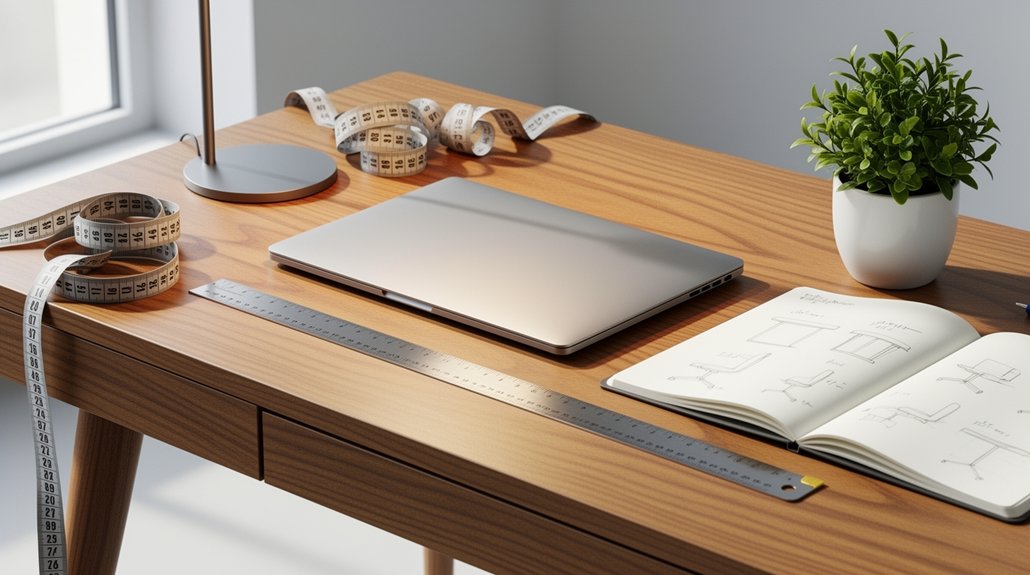
Measure your elbow‑to‑floor distance while you sit naturally and set the desk to that height, aiming for a 90‑110° elbow angle. Adjust for shoe height, keeping the range around 40.5‑43.5 in for a 5′7″ person, then fine‑tune so your wrists stay neutral and shoulders relaxed. When you stand, replicate the same elbow angle and keep the monitor’s top third at eye level with a slight 10‑20° tilt. Test both positions, tweak the chair and footrest, and you’ll discover a comfortable, ergonomic setup.
Why Desk Height Matters for Ergonomic Comfort
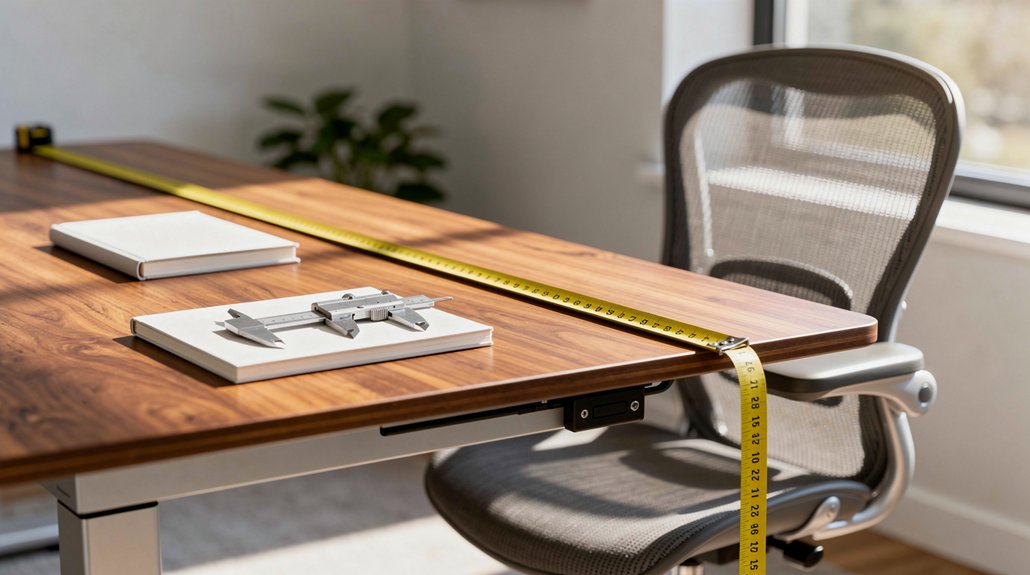
Why does desk height matter? You’ll find that an ergonomic desk height lets your elbows rest at a comfortable 90–110 degrees, keeping wrists neutral and shoulders relaxed. When your chair height matches the desk, your feet stay flat and your thighs form a 90–110 degree angle, promoting stable foot placement and reducing pressure on your lower back. Proper monitor alignment—top third of the screen at eye level and tilted 10–20 degrees—minimizes neck strain. If the desk sits too low, you’ll hunch, increasing spinal disc risk; too high forces you to lift shoulders, causing tension. Adjusting gradually and personalizing based on your body proportions ensures you stay comfortable throughout the day, supporting long‑term posture health.
Measure Your Elbow‑to‑Floor Distance to Start the Calculation
How do you pinpoint the ideal desk height? Start by sitting or standing in your usual work posture and grab a tape measure. Place the tape at the floor and bring it up to the underside of your elbow, recording the elbow-to-floor distance. This measurement marks the sweet spot for your desk height, ensuring an ergonomic setup that reduces strain. If you use an adjustable desk, set the surface to match that distance, then fine‑tune for comfort. Remember to measure in both sitting and standing posture if you switch between them, because the optimal height can differ. Accurate data gives you a solid baseline, letting you align your workspace with your body’s natural angles.
Calculate a Starting Desk Height Using Height‑in‑Shoes and Formula Ranges

Ever wondered how to turn your height‑in‑shoes into a practical desk‑height starting point? Measure your total height with shoes, then locate it within the 40.5–43.5 inch desk height range for a 5 ft 7 in person. Use that range as a guide, not a rule, and adjust for your own ergonomic comfort. If you’re on an adjustable desk, set the surface near the lower end, test your posture, then fine‑tune up or down. Remember, shoe sole thickness and arm length may shift the sweet spot, so treat the formula as a flexible launchpad.
| Height‑in‑Shoes | Suggested Starting Desk Height |
|---|---|
| 60 in | 40.5 in |
| 62 in | 41.0 in |
| 64 in | 41.5 in |
| 66 in | 42.0 in |
| 68 in | 42.5 in |
Adjust Desk Height for Sitting vs. Standing: Angles and Posture
Ever wondered how to keep your posture neutral whether you’re seated or standing? When you sit, set the desk height so your thighs and feet stay parallel to the floor and your knees form a 90°–110° angle. For standing, adjust the desk until your elbows also sit at 90°–110° and your wrists hover in a neutral wrist position. Keep shoulders relaxed, head aligned with the spine, and monitor top third at eye level with a slight 10–20° tilt. Test both positions, then fine‑tune until you feel balanced and comfortable.
Adjust desk height for neutral elbows, relaxed shoulders, and eye‑level monitor for comfortable seated or standing posture.
- Aim for a 90° elbow angle in both sitting posture and standing posture.
- Ensure wrists stay neutral, not resting on the desk.
- Keep shoulders relaxed and spine aligned at all times.
- Use a trial‑and‑adjust approach to perfect desk height.
Fine‑Tune Desk, Chair, and Monitor Positions for Neutral Wrists
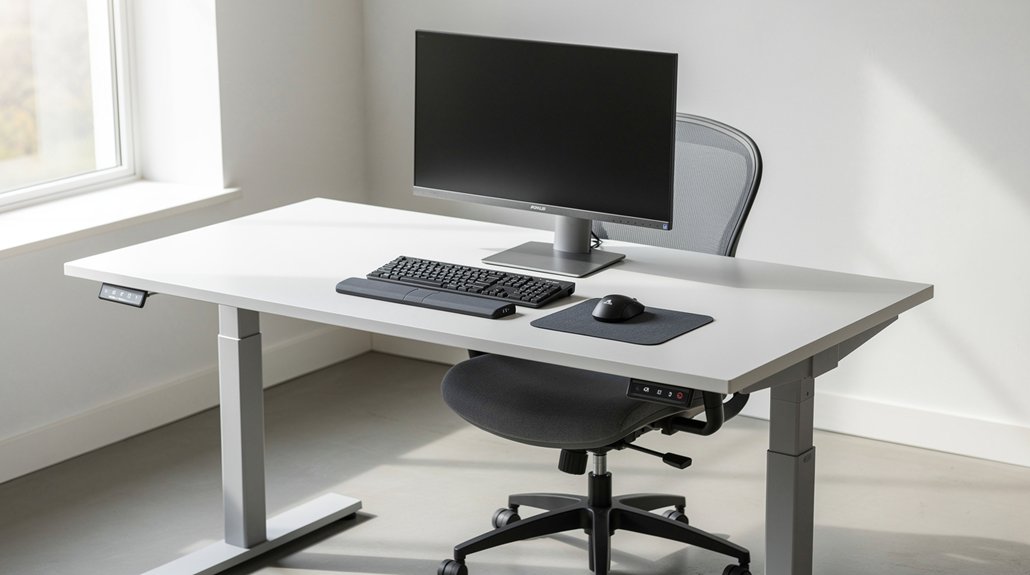
You’ll keep your wrists neutral by setting the desk so your elbows rest at a 90–110° angle, letting your forearms lie flat.
Adjust the chair so your thighs and feet stay parallel to the floor, and raise the monitor until the top third of the screen aligns with your eye line, tilted slightly.
This alignment lets you type and scroll without strain, maintaining a comfortable, ergonomic posture.
Neutral Wrist Alignment
How can you keep your wrists neutral while typing? Aim for a straight line from elbow to forearm, keeping elbows flat on the desk at a 90°–110° angle. Adjust desk height so your forearms rest comfortably, and set the monitor just below eye level with a slight tilt. In a sit‑stand setup, transition slowly and test comfort each time you change positions. Fine‑tune chair and keyboard placement until your wrists hover above the keys without bending.
- Keep elbow angle between 90°–110° for optimal forearm position.
- Align desk height so forearms stay flat on the surface.
- Position monitor top at eye level, tilt 10°–20° to reduce neck and wrist strain.
- Use gradual sit‑stand transitions and short trials to maintain neutral wrist alignment.
Elbow‑to‑Desk Angle
What’s the ideal elbow‑to‑desk angle for neutral wrists? Aim for 90°‑110° while seated, keeping your forearms flat on the desk and wrists hovering just above the keyboard. Adjust your desk height and seating position together; a slight rise in the desk or a lower chair can bring the elbow angle into ergonomic alignment. Remember to fine‑tune the chair, desk, and monitor as a unit, especially if you switch between sitting and standing. Consistent angles prevent strain and maintain comfort throughout the day.
| Position | Elbow Angle | Desk Height |
|---|---|---|
| Sitting | 95° | Adjustable |
| Standing | 105° | Adjustable |
| Low Chair | 88° | Raise desk |
| High Desk | 112° | Lower chair |
Monitor Height Positioning
A proper monitor height completes the ergonomic chain that starts with a neutral elbow‑to‑desk angle. You should set the monitor so the top third of the screen sits at eye level, letting your gaze drop slightly downward. Adjust the monitor tilt to about 10–20 degrees to cut glare and match your natural head posture. Whether you’re seated or standing, keep the screen’s top third 1–2 inches below your eyes to maintain neutral wrists. Use a monitor arm or an adjustable desk height to preserve this position as you shift between tasks.
- Position the monitor for top‑third viewing at eye level.
- Tilt the screen 10–20° to reduce glare.
- Keep eyes 1–2 inches below the top edge when seated.
- Raise the monitor for standing, maintaining the same top‑third alignment.
Validate Desk Height: Thigh‑Knee, Elbow, and Monitor Angles

Check that your thigh‑knee angle sits between 90° and 110° with feet flat, then adjust the desk until your elbows form the same range while your forearms stay straight. Make sure the monitor’s top third aligns with your eye level and tilt it slightly 10°–20° for comfort. When you stand, keep the arm‑forearm angle in that 90°–110° window to maintain neutral wrists.
Thigh‑Knee Angle
Ever wonder how a proper thigh‑knee angle can instantly improve your workstation comfort? When you sit, aim for your thighs and feet to be parallel to the floor, keeping the knee joint at 90°–110°. This range lets your hips stay neutral, reduces pressure on lower back, and supports an ergonomic posture. Adjust your desk height first; an adjustable desk height lets you fine‑tune the thigh‑knee angle without compromising elbow or monitor positioning. If you feel your hips tilt forward or your feet drag, raise or lower the desk until the angle feels natural. Consistently maintaining this alignment will keep your seating posture stable and fatigue low.
- Keep knees at 90°–110° while seated
- Ensure thighs stay parallel to the floor
- Use an adjustable desk height to achieve the angle
- Recheck angle after any chair or monitor move
Elbow Alignment Guidelines
How can you guarantee your elbows stay comfortably bent while you type? Aim for an elbow angle of 90°–110° by adjusting your desk height until your forearms rest parallel to the floor. Sit or stand with thighs and feet flat, then measure the distance from your elbow to the floor; that measurement guides the initial desk height. Fine‑tune the surface so your shoulders relax and your wrists remain in a neutral wrist position. When you type, your forearms should form a straight line from elbow to hand, avoiding any upward or downward tilt. If you notice tension, lower or raise the desk in small increments until the elbow angle stays within the 90°–110° range across all tasks. This alignment reduces strain and supports long‑term comfort.
Monitor Height Positioning
Now that your elbows are comfortably bent, adjust the monitor so the top third aligns with your eye level and the screen tilts 10–20 degrees downward. This ensures the monitor height supports a natural line of sight while keeping your elbow angle between 90° and 110°. When you sit with thighs parallel to the floor and feet flat, the ergonomic desk height you’ve set works with the monitor tilt to prevent neck strain. Verify that the screen’s top edge sits at or just below eye level; your wrists should stay neutral and your shoulders relaxed.
- Keep monitor top at eye level for a neutral gaze.
- Maintain elbow angle 90°‑110° while typing.
- Use a 10‑20° monitor tilt to reduce glare.
- Align desk, chair, and monitor for consistent ergonomic desk height.
Iterate Desk Height: Footrests, Heel Thickness, and Daily Adjustments

Ever wonder how a simple heel or footrest can fine‑tune your standing‑desk setup? Measure your elbow‑to‑floor distance while you’re seated, then set the standing desk height to match that baseline. If you wear shoes, factor in heel thickness—add those millimeters to your floor‑to‑elbow measurement so the desk doesn’t sit too low. When the height feels off, grab a footrest; it lets you keep the desk where it’s while raising your feet for a more ergonomic angle. Make daily adjustments: start at the recommended 40.5–43.5 inches for a 5′7″ person in shoes, then nudge the desk up or down in small increments until your wrists and elbows stay in a neutral 90°–110° range. Re‑check posture after each tweak to lock in comfort.
Frequently Asked Questions
Do I Need a Keyboard Tray for Proper Wrist Alignment?
You don’t strictly need a tray, but it helps keep your wrists neutral by lowering your hands to elbow height. If your desk’s surface forces your forearms upward, a tray will improve alignment and reduce strain.
How Does Desk Height Affect Lower Back Pressure While Standing?
You’ll feel more lumbar strain when the desk sits too high, forcing you to lean forward and compress your spine; a proper height keeps your elbows at 90° and maintains neutral back alignment, reducing pressure.
Can I Use a Standing Mat to Compensate for a Too‑High Desk?
Yes, a standing mat can soften the impact of a too‑high desk, but it won’t fix ergonomic posture. Combine it with a monitor riser or keyboard tray, and adjust your stance frequently.
What Is the Ideal Monitor Height Relative to Desk Surface?
Your monitor should sit so the top edge is roughly at eye level, about 20‑30 cm above the desk, letting you keep your neck neutral while your gaze falls slightly downward on the screen.
Should I Adjust Desk Height for Different Tasks Like Drawing or Typing?
Yes, you should tweak the height: lower it for drawing to keep your forearms relaxed, raise it for typing to maintain neutral wrists, and adjust each task to avoid strain.
In Summary
By now you’ve seen why a proper desk height is key to comfort and health. You’ve learned to measure your elbow‑to‑floor distance, apply the height‑in‑shoes formula, and tweak settings for sitting or standing. Fine‑tune your chair, monitor, and wrist angles, then double‑check with thigh‑knee and elbow checks. Keep adjusting with footrests or heel pads as needed, and you’ll maintain an ergonomic workspace that supports you every day.



