
To fix your office posture, start with seven simple exercises like shoulder blade squeezes, neck stretches, and hip flexor stretches to relieve tension. Engage your core with planks and back extensions to support your spine. Incorporate movement breaks every 30 minutes, and focus on maintaining neutral hips, shoulders, and head alignment. Consistently practicing these exercises and habits will improve your posture over time. Keep going, and you’ll discover even more ways to stay comfy at your desk.
Understand How Poor Posture Affects Your Health
Poor posture at your desk doesn’t just look bad—it actively harms your health. Poor posture can cause forward head posture, where your head slides forward, straining neck muscles and causing neck pain.
Poor desk posture harms health, causing neck strain and pain from forward head and muscle imbalance.
When your shoulders aren’t back, muscle imbalances develop, leading to discomfort in your shoulders and back pain. Sitting upright with a straight spine helps prevent these issues; neglecting lumbar support can worsen the problem.
Text neck from looking down at screens tightens neck muscles and destabilizes cervical spine alignment, contributing to headaches. Maintaining good posture, like shoulders back and spine straight, is crucial.
Sitting with good posture reduces strain, prevents muscle imbalances, and supports overall mobility. Recognizing these risks underscores the importance of proper ergonomic habits lumbar support mechanisms.
Evaluate Your Office Posture and Find Common Problems
Evaluating your office posture is the first step toward making meaningful improvements. Start by observing common issues, such as a forward head posture, rounded shoulders, or a slouched back. These can develop from prolonged sitting and poor workstation setup.
Check for:
- Neck positioning—does your monitor cause neck strain by making you look up or down?
- Back support—are you lacking lumbar support, leading to a slouched back?
- Shoulder alignment—are your shoulders rounded or tense?
- Pelvic position—are you crossing legs or sitting incorrectly to maintain spinal balance?
Identifying these problems helps you recognize muscle imbalances, like weak upper back and tight chest muscles, which often cause poor posture. Proper support technology can make a significant difference in maintaining optimal spinal alignment while working. Addressing these issues is essential for improving your overall office posture and reducing discomfort.
Set Up Your Workspace for Better Posture
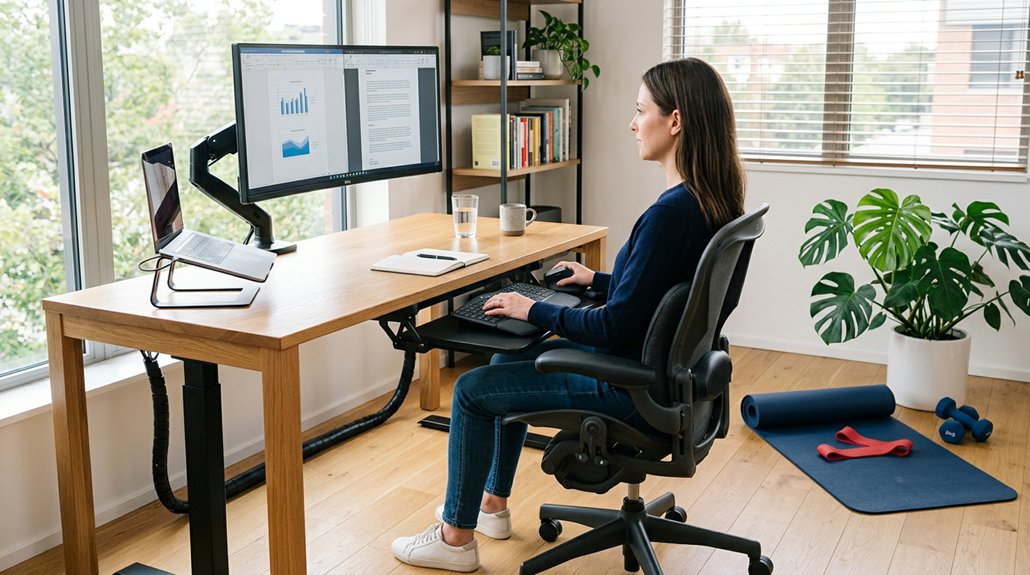
Creating an ergonomic workspace is essential for maintaining good posture and reducing discomfort during long work hours. Position your monitor at eye level to prevent neck strain and keep your head in a neutral position. Use a lumbar roll or rolled towel at the natural curve of your lower back to support your spine. Guarantee your feet are flat on the floor, with knees bent at or slightly below hip level, promoting pelvic balance. Your chair and desk should enable your hips forward, with elbows resting comfortably and shoulders relaxed. Adjust your workspace to support proper posture, preventing slouching and tension. Incorporate supportive ergonomic headrests to maintain proper neck alignment during long periods of sitting. Here’s a visual guide:
| Aspect | Proper Position | Purpose |
|---|---|---|
| Monitor | Eye level | Prevent neck strain |
| Lumbar support | Lumbar roll at lower back | Maintain spinal alignment |
| Feet | Flat on floor, knees bent | Promote pelvic and hip support |
Stretch and Move to Relieve Tension and Improve Flexibility
Incorporating regular stretching and movement into your workday is key to relieving tension and enhancing flexibility. If you sit at a desk for long periods, taking movement breaks every 30 minutes helps prevent muscle tightness.
Try these exercises:
- Perform neck stretches like the upper trapezius stretch to release neck tension.
- Do chest openers to counteract tightness from slouching.
- Include the cat-cow stretch to boost spinal flexibility and reduce back stiffness.
- Incorporate hip flexor stretches, such as the half-kneeling stretch, to improve pelvic alignment.
- Consider adjustable posture correction features in modern models to support sustained ergonomic support and better overall alignment during breaks.
These simple movements break up long sitting sessions, improve circulation, and keep muscles supple. Remember, maintaining flexibility isn’t just about stretching; it’s about making movement a regular part of your routine.
Strengthen Your Back and Core to Support Good Posture
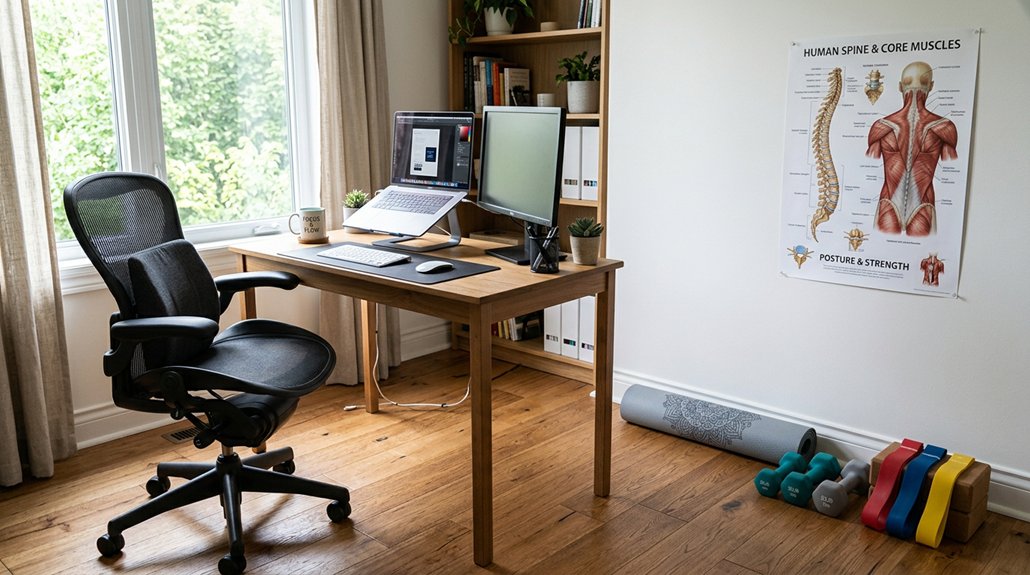
Building strength in your back and core is essential for maintaining good posture during long hours at your desk. Incorporate exercises like shoulder blade squeezes, bird dogs, and resistance band rows to support proper alignment. Incorporating a kneeling chair into your workspace can further enhance your posture by promoting open, forward-leaning postures that reduce lumbar strain. Consistently practicing these moves helps retrain your muscles to keep your spine neutral and reduce discomfort.
Engaging Core Muscles
Engaging your core muscles while working at your desk is essential for maintaining a neutral spine and good posture. When your core stabilizes, it supports your lower back, reducing strain and preventing slouching or forward-leaning posture. To activate your core effectively: 1. Focus on abdominal engagement to keep your pelvis properly positioned. 2. Practice exercises like bird dog and planks 2-3 times weekly. 3. Maintain conscious engagement throughout the day, especially during prolonged sitting. 4. Recognize that a strong core helps sustain good posture by supporting your lumbar curve and overall alignment. Additionally, incorporating memory foam cushions can help promote better spinal alignment and comfort during long hours of sitting.
Strengthening Back Support
Strengthening your back support is essential for maintaining good posture during long hours at the desk. Focus on back muscles like the middle trapezius and rhomboids to help pull your shoulders back and keep an upright position.
Incorporate resistance band rows to boost scapular retraction, which counters rounded shoulders. Shoulder blade squeezes are an excellent isometric exercise for enhancing endurance of your postural muscles, helping reduce fatigue and slouching.
Core stability exercises like the Bird Dog and Supine Bridge complement back strengthening by supporting your spine from within. Regularly practicing these exercises three times a week can improve posture and alleviate back pain.
Prioritizing back and core strengthening effectively maintains posture, reduces discomfort, and prevents long-term issues caused by poor ergonomics. Lumbar support pillows can also play a vital role in providing additional stability and promoting proper spinal alignment during extended periods of sitting.
Build Daily Habits to Maintain Proper Alignment
To maintain proper alignment, make movement breaks a routine—get up and stretch every 30 minutes to reset your posture. Adjust your workspace so your monitor is at eye level and your feet rest flat on the floor, supporting neutral head and pelvis positions. Stay mindful of your posture by regularly checking your shoulder and head alignment throughout the day. Incorporate biofeedback devices to help reinforce good posture habits naturally.
Incorporate Movement Breaks
Incorporating regular movement breaks into your work routine is essential for maintaining proper posture. These breaks prevent muscle strain in your neck, shoulders, and back by encouraging movement and reducing static tension.
To maximize their benefit, consider these practices:
- Stand and stretch every 30 minutes to promote joint mobility and reset your posture.
- Walk around briefly to engage your core muscles and support your neutral spine alignment.
- Shift positions often to prevent muscle imbalance and avoid strain from prolonged static postures.
- Use movement breaks to reinforce ergonomic habits, reducing back, neck, and shoulder discomfort over time.
- Incorporate ergonomic tools like adjustable stools or sit-stand desks to support active sitting habits and promote overall posture health.
Adjust Ergonomic Settings
Adjusting your ergonomic workstation is a straightforward way to support proper alignment throughout your workday. You should set your monitor to eye level to prevent forward head posture, reducing neck strain. Use a lumbar support cushion or rolled towel behind your lower back to keep your back straight and maintain the natural lumbar curve. Make certain your feet are flat on the floor with legs uncrossed to promote balanced weight distribution. Position your keyboard and mouse so your forearms are parallel to the ground and elbows are bent at about 90 degrees, which minimizes shoulder and wrist stress. Incorporating regular movement breaks every 30 minutes helps reset posture and prevents stiffness. Additionally, selecting ergonomic supports such as wrist rests or forearm rests with memory foam and non-slip bases can further enhance your workspace comfort and stability ergonomic support.
Use Reminders and Tools to Keep Posture Improvements Consistent
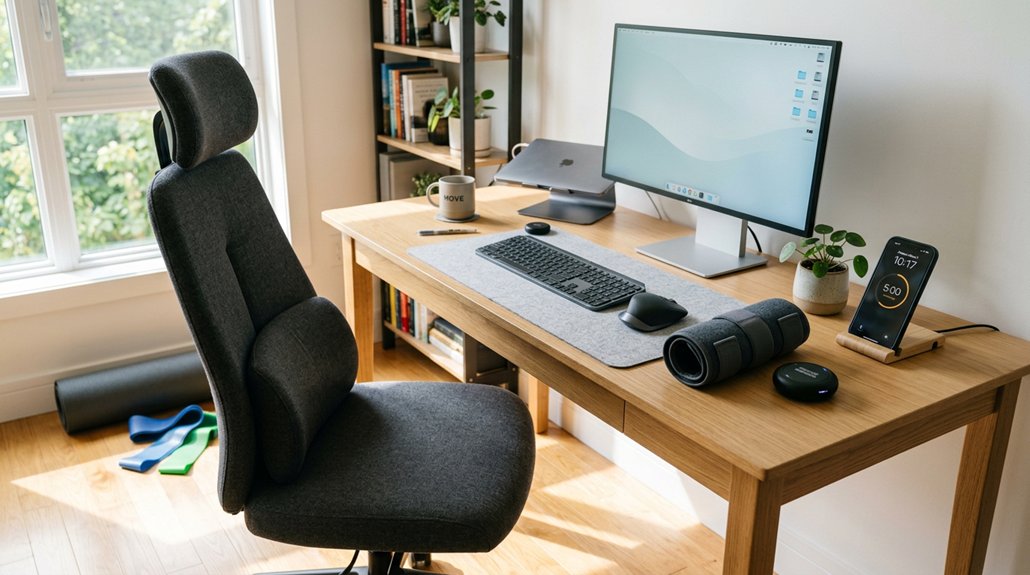
Using reminders and ergonomic tools consistently can greatly improve your posture over time. Set alarms or smartphone notifications every 30 minutes to prompt you to take posture exercises that keep your hips aligned, chin back, and shoulders squeezed.
Use ergonomic tools like lumbar support cushions and footrests to maintain your spine in a neutral position and reduce back strain. Position your monitor at eye level to keep your head in a neutral, relaxed position, promoting proper spinal alignment. Employ apps or wearable devices that give real-time feedback, reinforcing good habits.
Visual cues, such as sticky notes, remind you to engage in posture exercises frequently. Remember, keeping your hips, chin back, and shoulders squeezed helps correct years of bad habits and supports proper posture—that’s why consulting a physical therapist can help you stay consistent.
Frequently Asked Questions
Can I Correct Years of Bad Posture?
Yes, you can correct years of bad posture. It takes consistent effort with stretching, strengthening exercises, and ergonomic changes. Be patient, as improvements happen gradually over weeks or months, and seek professional help if no progress occurs.
Can Posture Affect the Vagus Nerve?
Yes, your posture can affect the vagus nerve by influencing neck tension and nerve compression. Improving alignment through exercises like chin tucks reduces strain, supports healthy nerve signals, and may enhance your overall parasympathetic nervous system balance.
Can Posture Exercises Help With Back Pain?
Yes, posture exercises can help with back pain by strengthening your core, neck, and back muscles, stretching tight areas, and promoting proper alignment. Regular practice reduces strain, improves spine support, and alleviates discomfort from poor posture.
How to Fix Bad Posture in 7 Days?
You can fix bad posture in 7 days by consistently doing chin tucks, shoulder blade squeezes, and stretches, while maintaining proper sitting habits, adjusting your monitor, and taking frequent breaks to reinforce good alignment habits daily.



