
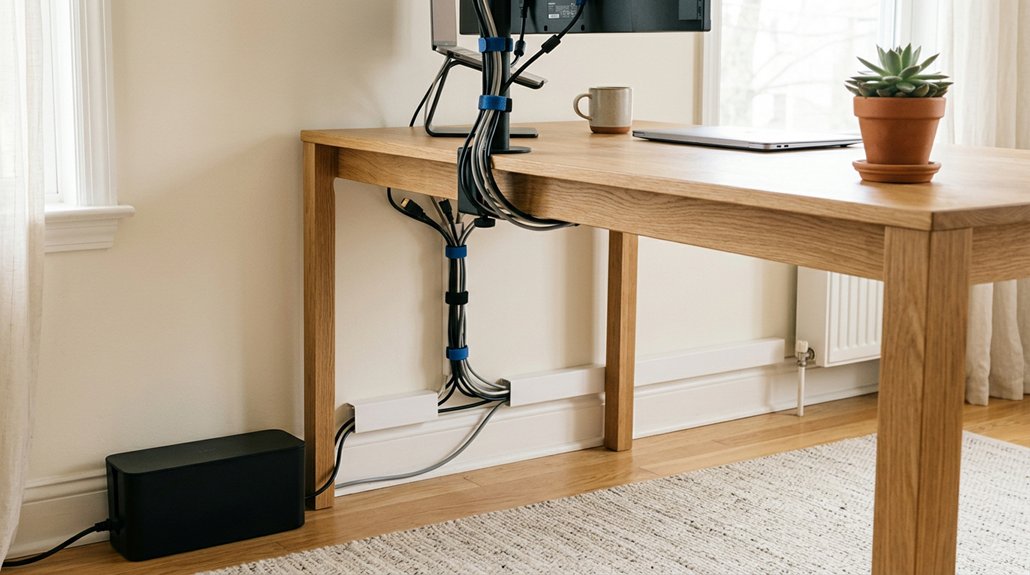
To organize cables behind your desk, start by unplugging devices to evaluate cable types and lengths, then plan routes along the desk or under it to keep wires hidden and avoid crossing. Use cable ties, clips, or sleeves to bundle and secure the wires, making them easier to manage. Regularly inspect and update your setup to prevent clutter and maintain a tidy workspace. Keep going to discover more tips for a neat and efficient setup.
Evaluate Your Cables and Plan the Best Routing for Your Workspace
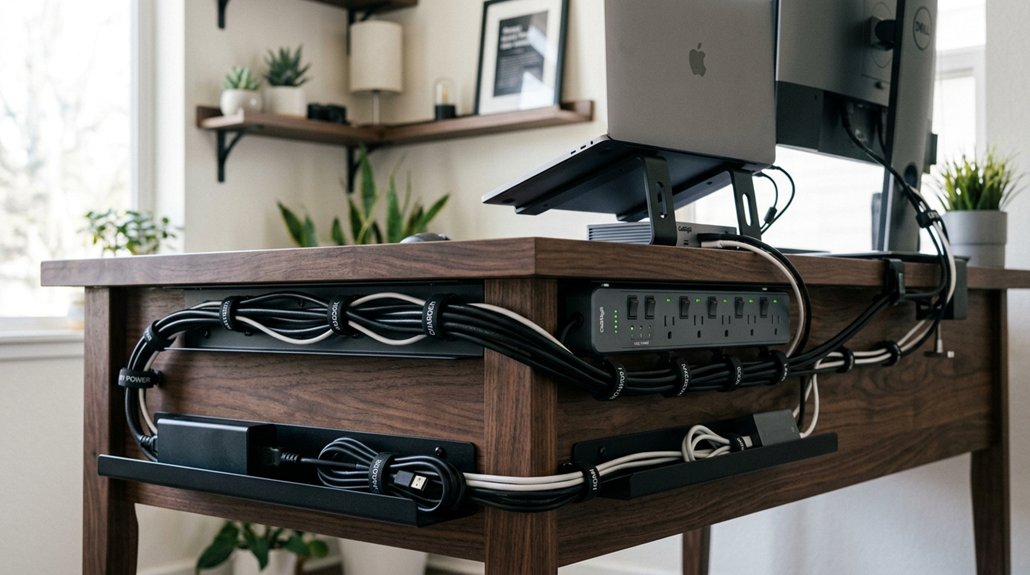
Before you start organizing, it’s essential to evaluate your cables and plan the best routing for your workspace. Begin by unplugging all devices to better assess the types and lengths of cables you need to manage.
Use this opportunity to map out ideal cable routes that keep wires hidden and minimize crossing, preferably running under the desk or along desk legs. Position your power strips and charging hubs strategically to reduce clutter and leave enough slack for movement, especially if you have a standing desk.
For quick identification, assign cable labels or use color-coded ties, and bundle less-used cables with Velcro straps or cable ties. Proper cable management not only keeps your workspace tidy but also makes future maintenance much easier.
Considering flexible cable management solutions, choosing the right organizers can significantly simplify the process and ensure a cleaner look.
Choose the Right Cable Management Tools to Secure and Hide Wires
Selecting the appropriate cable management tools is essential for securing and hiding your wires effectively. Velcro ties and reusable magnetic cable ties are great for bundling cables, allowing easy adjustments without damage. Cable clips and organizers can be easily adhered to various surfaces, providing a tidy and professional look. Use cable trays or under-desk cable management trays with screws to keep cords organized and out of sight, reducing cord clutter. Adhesive clips and cord holders along desk backs or legs help define cable routes and prevent tangling. Consider cable sleeves or organizer strips to group multiple cables into a neat bundle, creating a clean look. Label cables at both ends with color-coded Velcro ties or printed tags to facilitate quick identification and troubleshooting. Mount Power products can enhance your setup, providing reliable, space-efficient solutions to secure and hide wires seamlessly.
Regularly Check and Update Your Setup to Stay Clutter-Free
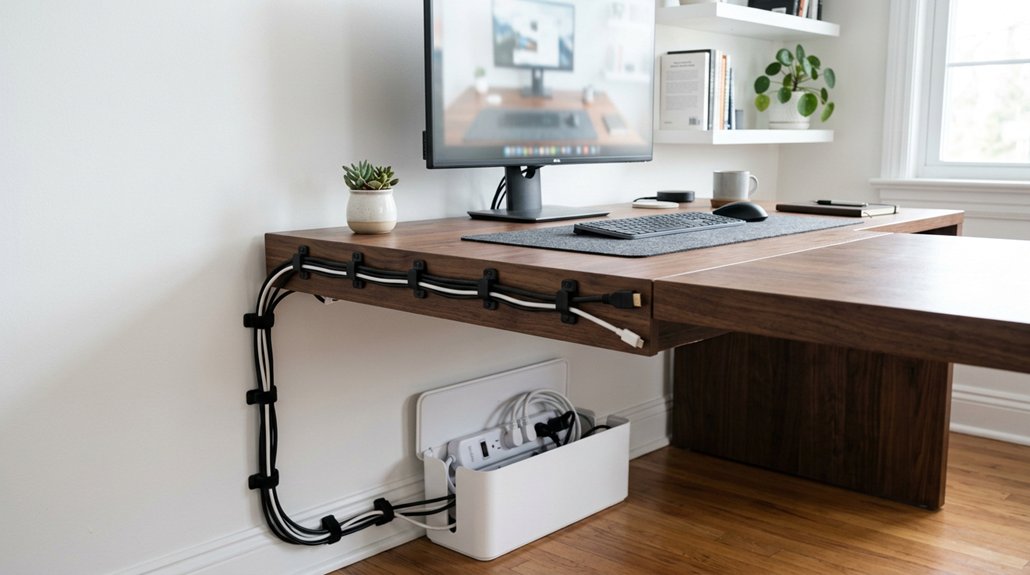
Regularly checking and updating your cable setup is essential to maintaining a tidy and safe workspace. By routinely inspecting cables, you can spot wear or damage before it causes issues, ensuring safety and preventing equipment failures. Take time to untangle cables and update cable labels—this simplifies identification and cuts troubleshooting time. Adjusting cable slack and repositioning clips accommodate desk changes or upgrades, keeping your setup neat. Scheduling routine cable management checks helps sustain a professional look, reduce dust, and maintain a clean and efficient workspace. Use this simple table to guide your updates:
| Task | Benefit |
|---|---|
| Regularly inspect cables | Detect damage early |
| Untangle and label cables | Easier troubleshooting |
| Adjust cable slack | Better desk organization |
| Review cable management | Maintain a safe and tidy setup |
Frequently Asked Questions
How to Tidy Cables Behind a Desk?
You tidy cables behind your desk by unplugging devices, bundling excess lengths, using cable clips or trays, mounting power strips, and labeling cords. This keeps everything organized, accessible, and prevents tangling or tripping hazards.
How to Organize Cables for a Standing Desk?
You should use under-desk cable channels, mount power strips underneath to move with your desk, and employ Velcro ties or clips along legs to bundle cables neatly, ensuring flexibility and safety as you adjust your standing desk height.
How Do You Organize Charging Cables on a Desk?
You can organize charging cables on your desk by using cable clips or organizers to keep them accessible, bundling excess length with Velcro ties, labeling each end for quick identification, and mounting power strips underneath for a neat setup.
How Do Interior Designers Hide Cords?
Interior designers hide cords by installing under-desk cable trays, using wall-mounted channels, and placing power strips in concealed boxes. They also attach cable clips or Velcro straps along desks and walls to keep cords neatly out of sight.



