

To relieve wrist pain at your desk, adjust your workspace so your keyboard and mouse are level and close to avoid overreaching. Take regular breaks to stretch and do wrist exercises like circles and finger pulls. Use supportive tools like wrist braces or cushioned rests when needed. Maintain good posture with elbows at 90° and a neutral wrist position. Continuing to explore tips can help you protect your wrists and prevent future discomfort.
Set Up Your Desk for Comfortable Wrist Support
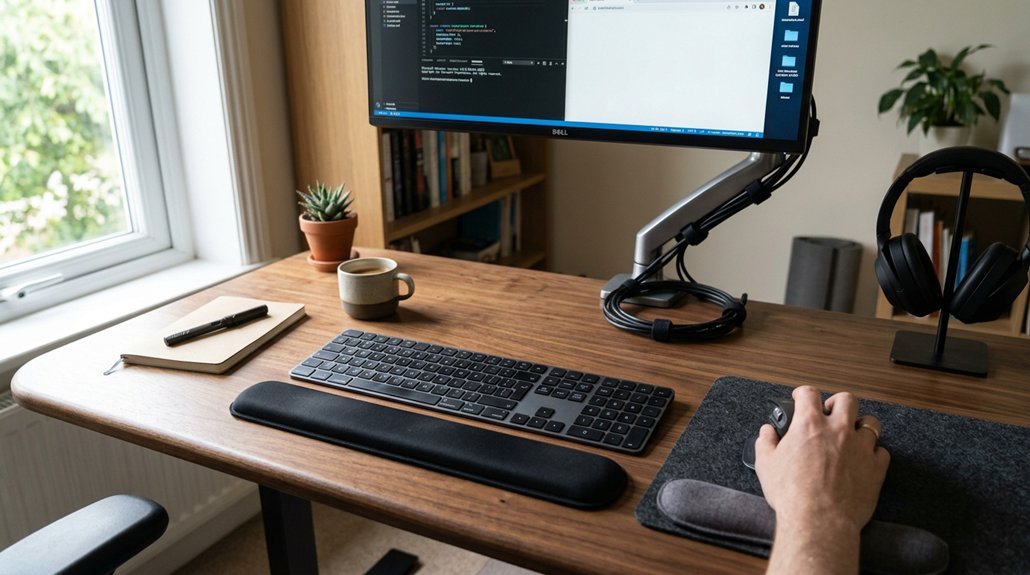
To prevent wrist pain, setting up your workspace correctly is essential. An ergonomic setup helps maintain a neutral wrist position, which reduces strain for desk workers.
Position your keyboard directly in front of you, at a height that keeps your elbows at a 90-degree angle and your forearms parallel to the floor. Keep the mouse close to your keyboard and level with it to avoid overreaching, which can cause wrist discomfort. Use cushioned wrist rests or ergonomic pads at the desk’s edge to support your wrists without bending them up or down.
Adjust your monitor height so the top is slightly below eye level. This promotes good posture and prevents you from leaning forward, aiding in maintaining proper wrist alignment during long hours at your desk.
Simple Wrist Stretches to Relieve Tension During Breaks
Taking regular breaks to stretch your wrists can greatly alleviate tension and prevent discomfort. Incorporate simple wrist exercises and stretching exercises into your routine to promote wrist pain relief.
Regular wrist stretches can ease tension and prevent discomfort during your day.
Start with the Prayer Stretch by placing your hands in a prayer position below your chin and lowering them to your belly button. Hold for 30 seconds and repeat 3 to 5 times to stretch wrist and forearm muscles.
Next, perform the Wrist Extensor Stretch by extending your arms and punching downward with fists, holding for 10 seconds. Repeat once.
Then, gently pull back your fingers with the opposite hand to stretch the underside of your forearm, holding for 10 seconds and doing three repetitions per hand.
Utilizing ergonomic wrist supports like gel or memory foam rest aids can also help reduce strain during prolonged computer use.
These easy wrist stretches can help reduce tension during your workday.
Wrist Exercises to Strengthen and Prevent Pain at Your Desk
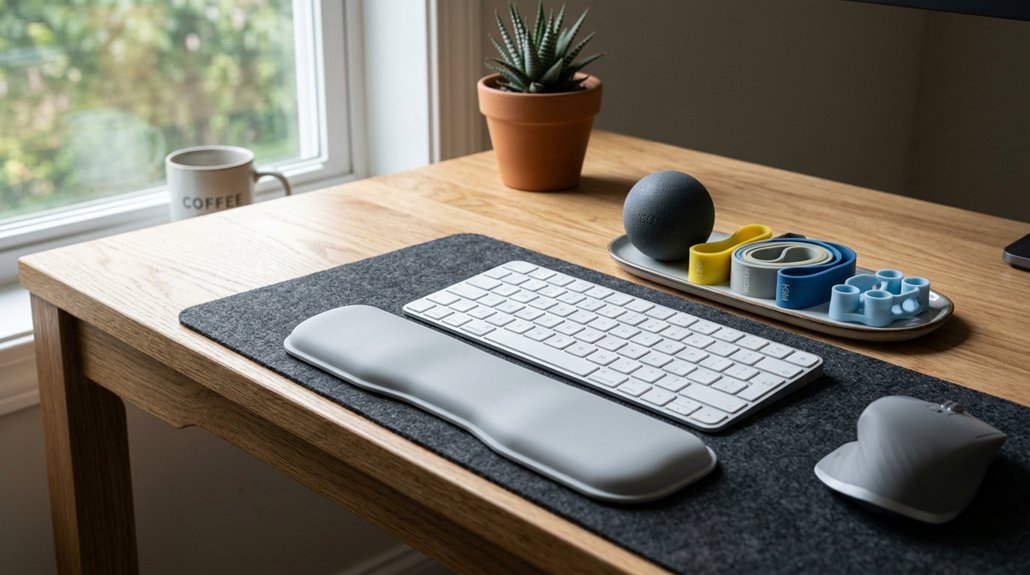
Incorporating wrist exercises into your daily routine can greatly strengthen your wrists and reduce the risk of pain over time. These exercises improve flexibility, build strength, and help prevent pain caused by repetitive movements. Try the Prayer Stretch by placing hands in a prayer position below your chin and lowering to your belly button for 30 seconds, repeating 3-5 times. Wrist Circles, done on a table edge, involve circling wrists clockwise and counterclockwise 10 times. Use the Wrist Flexor Stretch by extending arms and pulling fingers back gently for 10 seconds on each hand, repeating thrice. Practice Side-to-Side stretches on hands and knees. Lastly, perform seated clenched fists, holding each for 10 seconds, then opening. Proper ergonomic support, such as a memory foam wrist rest, can further reduce wrist strain during prolonged typing sessions.
When and Why to Use Wrist Braces for Support
Wrist braces are most beneficial when used during activities that put repetitive strain on your wrists or when you’re experiencing symptoms like pain, swelling, or stiffness. They help maintain a neutral position, preventing overextension and reducing stress on tendons and nerves during long hours of typing or mouse use.
Wearing wrist braces at night can control involuntary wrist movements, easing discomfort and avoiding further irritation. Properly fitted braces are essential—an ill-fitting brace can diminish support and cause discomfort.
Using wrist braces also minimizes repetitive strain injury (RSI), especially in early carpal tunnel syndrome cases, by stabilizing the wrist and reducing nerve pressure. Overall, wrist braces are an effective part of an ergonomic approach, helping you avoid injury and promote wrist health during desk work.
Signs You Need to See a Doctor for Wrist Pain
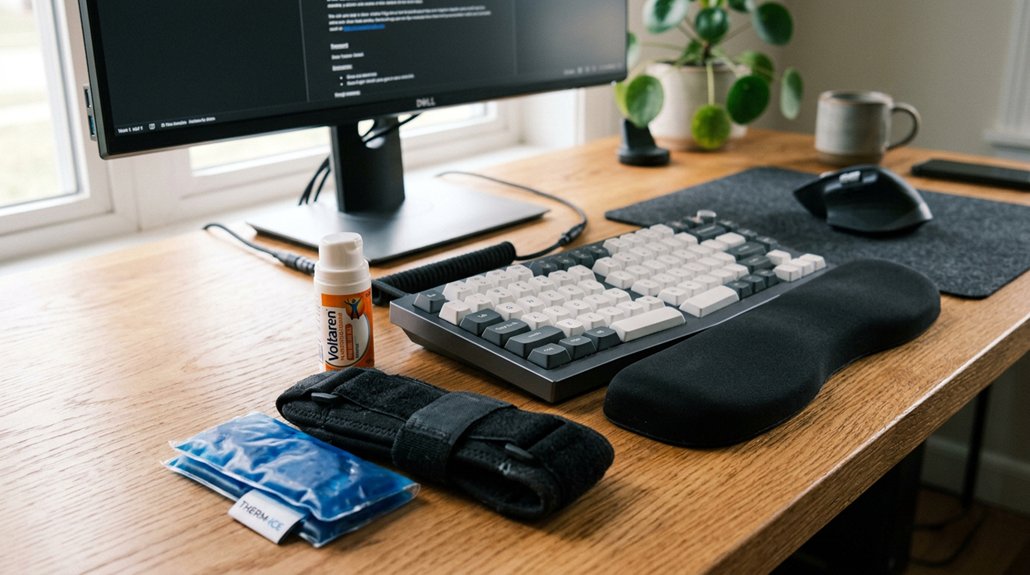
If your wrist pain worsens or you experience tingling or numbness that doesn’t improve, it’s time to see a doctor.
Warning signs like swelling, redness, or difficulty gripping objects also need medical attention.
Don’t ignore symptoms such as pain that interrupts your sleep or causes a loss of grip strength.
Pay attention to wrist support features that can help reduce strain and prevent further injury.
Worsening Pain or Tingling
Ever wonder what signs indicate you should see a doctor for wrist pain? Worsening pain or tingling that lasts beyond two weeks may signal nerve compression, requiring medical attention. If you notice increased pain or tingling at night, it’s a key sign of potential carpal tunnel syndrome.
Additionally, redness, swelling, or visible inflammation around your wrist suggests a serious issue needing urgent assessment. Difficulty gripping objects, making a fist, or hearing clicking sounds during wrist movement also warrant professional evaluation.
Ignoring these symptoms can lead to permanent nerve damage, so early diagnosis is crucial. Being aware of vertical ergonomic mouse features that promote natural hand posture can help prevent further strain. If your wrist pain worsens or tingling persists despite self-care, don’t delay seeking help to prevent long-term damage and guarantee appropriate treatment.
Signs of Inflammation
Noticing signs of inflammation around your wrist is an important indicator that you should consult a healthcare professional. If you see redness, swelling, or other visible inflammation, it’s a clear sign your wrist may be injured or infected.
Here are key signs to watch for:
- Redness and warmth around the wrist, indicating ongoing inflammation.
- Swelling that worsens or persists beyond a few days.
- Increasing pain along with inflammation, especially if it worsens at night.
- Using ergonomic tools like armrest pads can help reduce strain and prevent further aggravation of wrist issues.
If these signs appear, don’t delay seeking medical advice. Inflammation can lead to further complications if left untreated, so early diagnosis and treatment are vital to prevent long-term damage.
Loss of Grip Strength
Are you struggling to grip objects or experiencing weakness in your hand? Loss of grip strength can be a sign of nerve compression or tendon damage, often linked to conditions like carpal tunnel syndrome.
If you find it hard to make a fist or hold items securely, it’s time to see a doctor. Persistent weakness lasting more than a week, especially with numbness or tingling, also warrants professional assessment.
Swelling, redness, or clicking sounds in your wrist, along with grip loss, suggest a need for urgent orthopedic consultation. Addressing these issues early can prevent permanent nerve damage and restore function.
Implementing ergonomic tools such as specialized grip aids can provide additional support and relief during recovery.
Orthopedic surgeons can diagnose the cause and recommend targeted treatment, helping you regain strength and relieve wrist pain.
Lifestyle Habits to Prevent Desk-Related Wrist Injuries
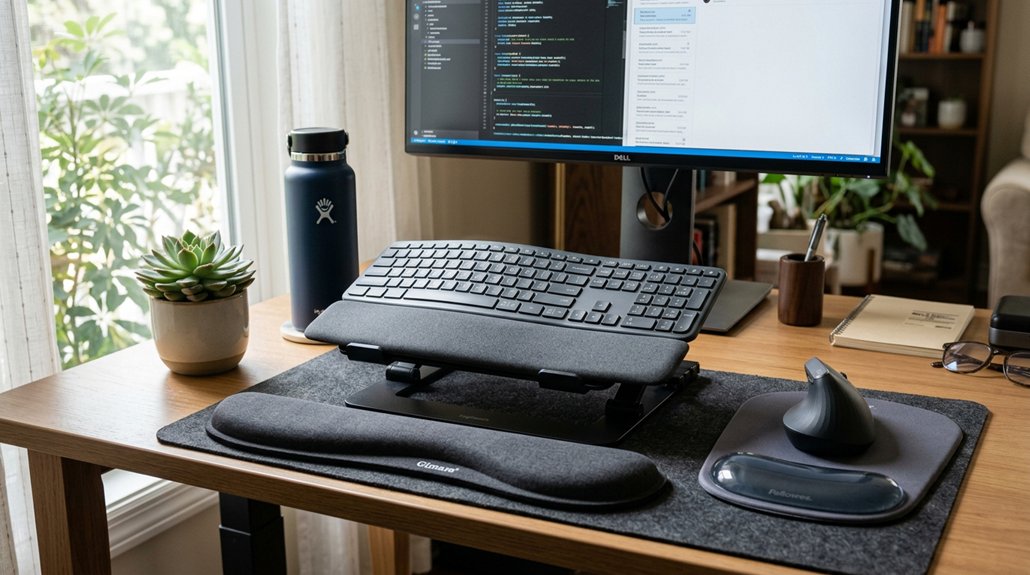
Adopting healthy lifestyle habits can greatly reduce the risk of desk-related wrist injuries. Start by making ergonomic adjustments to your workstation — guarantee your wrists stay in a neutral position and your keyboard and mouse are properly aligned.
Take frequent breaks every 30 to 60 minutes to stretch your wrists, change hand positions, and improve circulation. Incorporate strengthening and stretching exercises into your daily routine, such as wrist rotations and finger stretches, to build flexibility and resilience.
Additionally, vary your tasks and avoid repetitive movements to prevent overuse injuries. Using wrist braces during long stretches of computer use can also help maintain proper alignment. By consistently practicing these habits, you’ll minimize strain and protect your wrists from injury. Proper wrist support can make a significant difference in preventing discomfort during long hours of typing.
Ergonomic Tools to Reduce Wrist Strain
Have you considered how ergonomic tools can greatly reduce wrist strain during your workday? Using an ergonomic keyboard with a split design helps keep your wrists in a neutral position, lowering pressure on the median nerve and reducing the risk of carpal tunnel syndrome.
Cushioned wrist rests placed at your keyboard and mouse support your wrists, preventing unnecessary bending and maintaining proper alignment. An adjustable ergonomic chair allows you to set your elbows at a 90-degree angle and keeps your forearms parallel to the floor, promoting better wrist positioning.
Additionally, keyboard trays and mouse pads with wrist support help you maintain a flat, relaxed wrist posture during long typing or mouse activities. These tools work together to alleviate strain and promote healthier wrist habits at your desk.
Maintain Good Posture to Protect Your Wrists and Overall Health
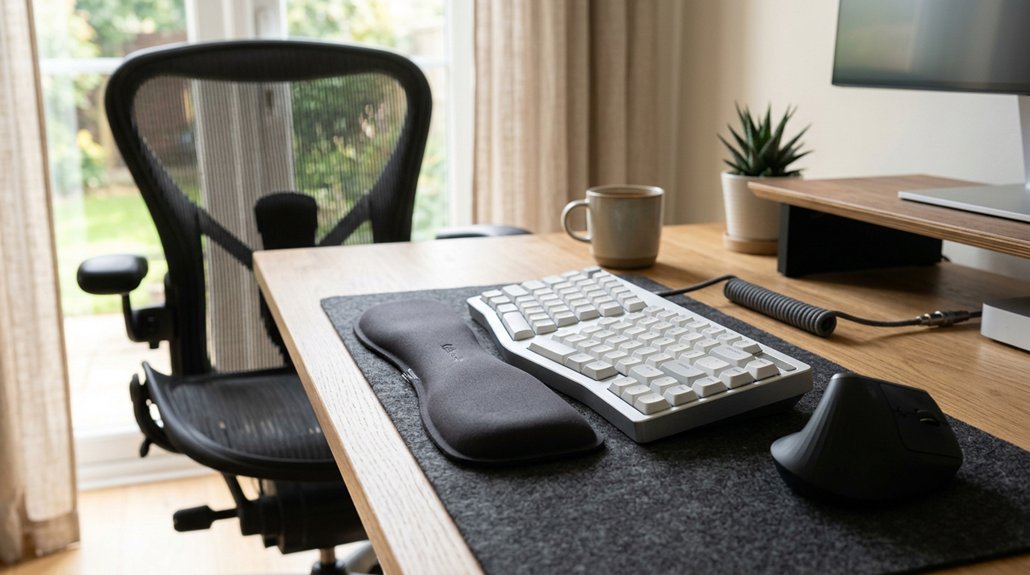
Maintaining good posture is key to protecting your wrists and supporting your overall health during long work hours. When you sit straight with an ergonomic chair that offers lumbar support, you reduce strain on your shoulders and wrists. Proper positioning helps prevent wrist pain caused by poor ergonomics. Here are some tips: 1. Keep your elbows at a 90-degree angle, close to your body, with forearms parallel to the floor for neutral wrist alignment. 2. Position your keyboard directly in front of you at elbow height, keeping the mouse close to avoid reaching and wrist bending. 3. Sit with feet flat on the floor, avoid crossing legs or slouching, and maintain a slight downward gaze at your monitor for better posture and reduced tension. Incorporating adjustable armrests can also help support your wrists and prevent strain during prolonged use. Following these tips helps prevent wrist pain and promotes overall well-being.
Frequently Asked Questions
How to Help Wrist Pain From Desk Job?
You can help wrist pain from your desk job by maintaining a neutral wrist position, adjusting your workspace ergonomically, taking regular breaks for stretching, and using supportive devices like wrist rests to reduce strain and prevent further discomfort.
What Is Computer Wrist Syndrome?
Computer Wrist Syndrome is a repetitive strain injury caused by prolonged typing and mouse use, leading to wrist inflammation and nerve compression. You experience pain, tingling, and weakness, often worsened by poor posture and static positions at your desk.
How to Fix an Overworked Wrist?
To fix an overworked wrist, you should rest it regularly, perform gentle stretches, and use wrist braces for support. Adjust your workspace ergonomically, maintain neutral positioning, and take frequent breaks to prevent further strain and promote recovery.
How to Avoid Carpal Tunnel at Desk?
To avoid carpal tunnel at your desk, keep your wrists neutral and straight, adjust your chair and desk for proper ergonomics, take regular breaks, and wear wrist braces if needed, ensuring gradual relief and prevention of nerve compression.



