
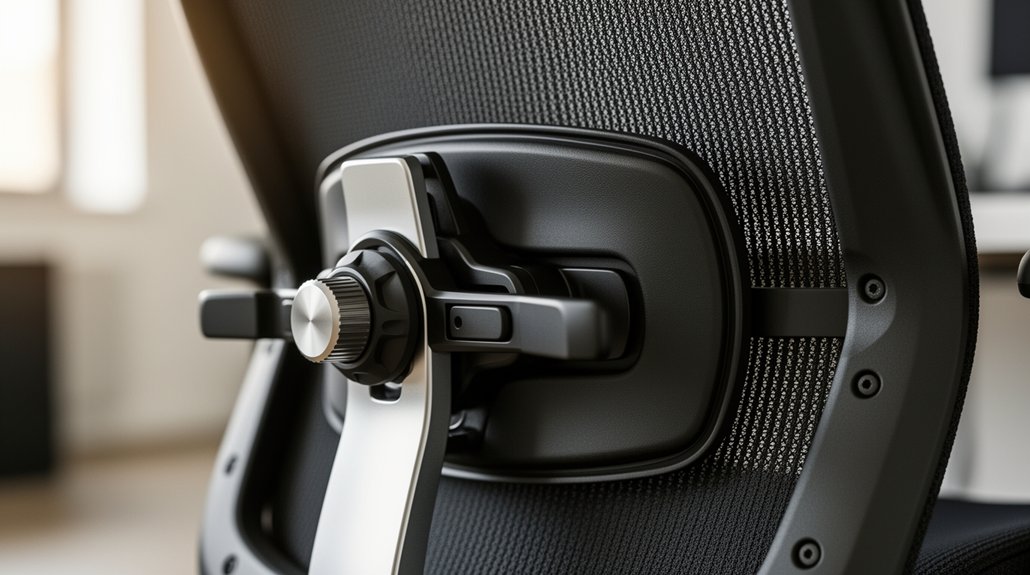
Adjust the lumbar support’s height so it aligns with the middle of your lower back, then set the depth to fill the gap without pressing your ribs or hips. Choose a firmness that holds your natural lumbar curve without feeling rigid, and tilt the pad forward just enough to hug the spine. Check that a hand slides behind the cushion with slight resistance, and make sure your elbows stay at 90° and your monitor is eye‑level. Keep these tweaks in mind and you’ll discover even more ways to stay aligned.
Locate the Lumbar Support on Your Chair
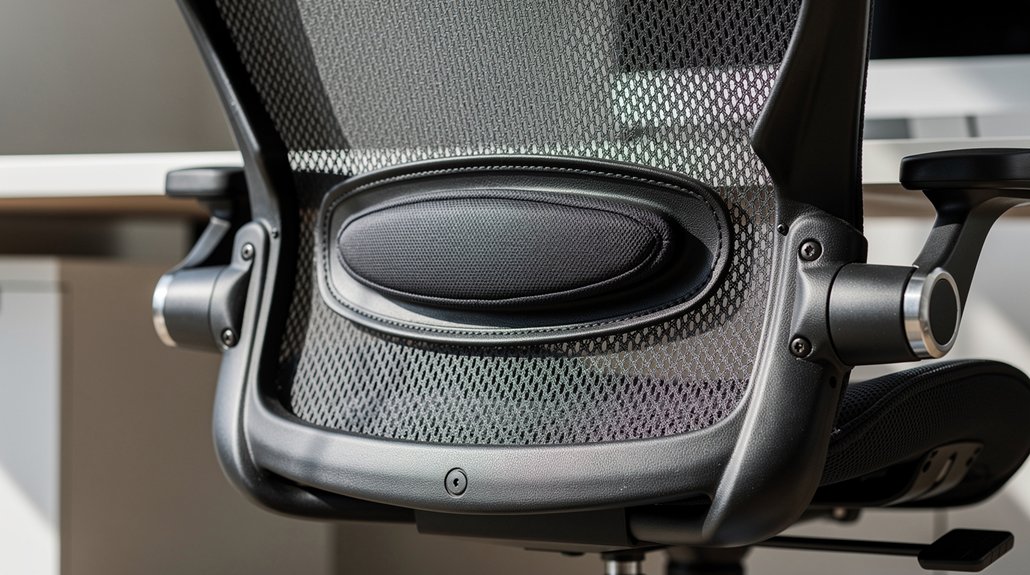
First, find the lumbar support on your chair—usually a knob, sliding handle, dial, or a movable backrest segment. You’ll feel that lower‑back cushion, then slide it until it matches the natural curve of your spine. Start with the depth at its lowest setting; increase gradually until the cushion just touches your lower back, giving firm yet comfortable padding. Test the fit by sliding a hand behind the back cushion; you should meet slight resistance, not a wide gap. Balance height, depth, and tension so the support fills the space without pressing into your ribs or forcing you into a hunched seating posture. Proper chair adjustment keeps spinal alignment steady as you work.
Set the Height Right for a Happy Spine
How high should your lumbar support sit to keep your spine happy? Adjust the lumbar support height so the cushion aligns with the midpoint of your lumbar region. This placement preserves lumbar lordosis and promotes proper spinal alignment, cutting down lower back pain. Sit upright, feet flat, and slide a hand behind your lower back; if it fits snugly, the backrest position is right. An ergonomic chair design lets you fine‑tune the height without forcing the upper back to over‑extend.
When the support is too high, it pushes the ribs forward; too low, it lets the hips slump. By setting the correct height, you maintain correct chair posture and keep your spine comfortable during long sitting sessions.
Adjust Depth and Firmness for Personal Comfort
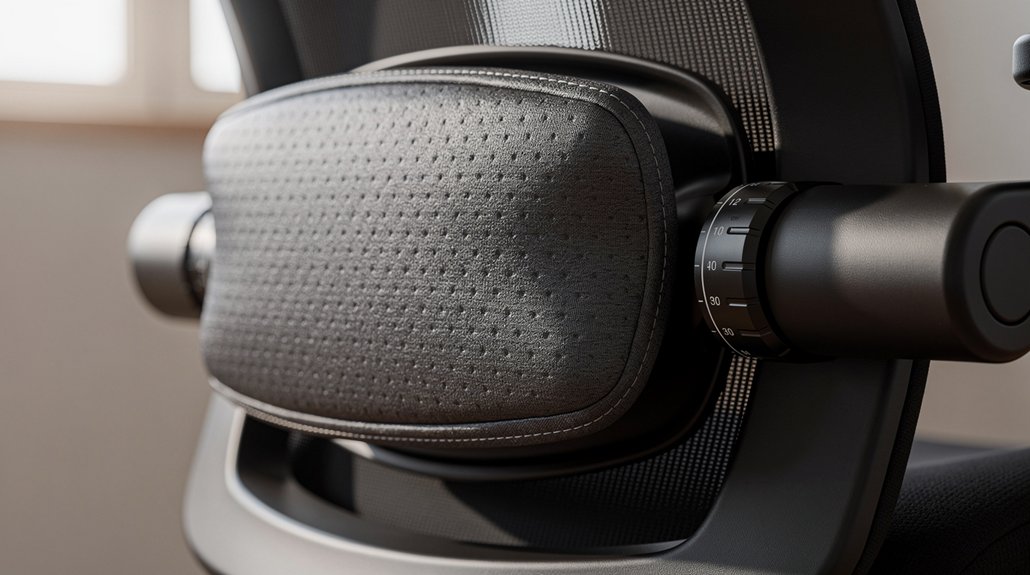
You’ll start by setting the depth so the cushion fills the lower‑back gap without pressing into your ribs or hips, then fine‑tune it until a hand can slide behind comfortably.
Next, choose a firmness that holds your natural lumbar curve without feeling rigid or pinched.
Finally, check the alignment by sitting back against a wall and confirming the most prominent cushion aligns with the L1–L2 region for a neutral spine.
Adjust Depth for Alignment
Wondering how lumbar depth affects your posture? Adjust the depth of your lumbar support to fill the gap behind the sacral region, letting the cushion cradle your lower back without crushing the abdomen. Start with the flattest setting on your ergonomic chair, then inch the depth adjustment forward until the backrest just contacts your spine. If you can slide a hand behind the lower back easily, you need more depth; if ribs press forward or the cushion feels rigid, you’ve gone too far. Sit fully back, feet flat, and maintain a neutral spine—notice reduced slouching, smoother spinal curvature, and less neck or shoulder tension.
| Setting | Feel |
|---|---|
| Too shallow | Hand slides easily, little support |
| Ideal | Backrest contacts lower back, upright posture |
| Too deep | Ribs push forward, excessive pressure |
Select Firmness for Support
When you dial in lumbar firmness, aim for a cushion that feels solid yet yielding—enough to fill the gap behind your lower back without digging into your ribs. Start with a moderate firmness and test the back cushion while seated. If the cushion feels too soft, increase firmness until you sense steady support that cradles the natural lordosis without creating pressure points. Too firm pushes against the rib cage and forces you to hunch; too soft leaves the lower back unsupported, compromising vertebral alignment.
Pair this with depth adjustment: slide a hand behind the lumbar region; if you can’t, the depth is sufficient. The right balance of firmness and depth keeps your seating posture upright, maintains natural lordosis, and promotes long‑term comfort.
Fine‑Tune the Angle of Your Lumbar Support
How exactly should you set the angle of your lumbar support? Start by adjusting lumbar support height so the back cushion hugs your natural lumbar curve without pressing into your lower ribs. Tilt the pad forward just enough to fill the gap behind your lower back, then perform the gap test: slide your hand into the space; it should meet slight resistance, confirming proper spine alignment. If you feel a hard press, reduce depth or firmness gradually until pressure distributes evenly. Remember that chair ergonomics can shift when you move, so re‑check the angle after any posture adjustment. This fine‑tuning keeps your lower back supported, promotes a neutral spine, and prevents slumping or hip discomfort.
Quick Checks to See If You’re Sitting Neutral

Ever noticed how a few simple checks can confirm whether you’re truly sitting in a neutral posture? You can verify your neutral spine in seconds by running these quick posture checks. They focus on lumbar support, chair alignment, and visual ergonomics, so you’ll know if anything’s off before discomfort builds.
Quick checks confirm a neutral spine, ensuring lumbar support, chair alignment, and visual ergonomics.
- Hip‑to‑back contact – Sit all the way back; hips should press the backrest firmly.
- Elbow angle – Adjust chair height until elbows form a 90‑degree angle and forearms rest parallel to the spine.
- Backrest depth – Align the lower‑back curve with the lumbar support; feel a firm, comfortable contact without rib pressure.
- Eye‑level monitor – Position the screen so your eyes are level with the top of the display, preventing forward‑head tilt.
Fix Common Lumbar Support Adjustment Errors
Make sure your chair height lets your hips sit back and your feet rest flat, then adjust the lumbar cushion so it aligns with your natural lower‑back curve.
If the cushion sits too high or low, it won’t support the curve correctly and you’ll start to slouch.
A quick “gap test” with your hand behind your lower back will reveal whether the placement is just right.
Correct Chair Height
Wondering why your lumbar cushion feels ineffective? You probably need to adjust the chair height. When the chair is set correctly, the lumbar support height aligns the back cushion position with your natural L3–L4 level, promoting a neutral spine and proper lower back engagement.
A proper chair height also ensures foot placement is flat on the floor or a footrest, keeping posture alignment stable. If the chair is too low, the lumbar curve loses support; too high, and core stability drops. Recheck height after any workload change to maintain optimal lumbar support.
- Align elbows at 90° for a neutral spine.
- Position the back cushion at L3–L4.
- Keep feet flat on the floor or footrest.
- Adjust height whenever you change tasks.
Lumbar Cushion Placement
You’ve set your chair height, now make sure the lumbar cushion sits where your natural curve begins—right around the L3–L4 area. For proper lumbar support, align the cushion with the lordotic curve so it cradles the lower back without pushing ribs forward. Adjust the cushion depth until a gentle, even pressure contacts the lumbar spine; too shallow leaves a gap, too deep compresses soft tissue.
Adopt a sit‑back setup: hips fully reclined, feet flat, so the pad targets the inward lumbar arch, not the mid‑back. Perform a gap test by sliding a hand behind the lower back; if you feel space, increase depth or reposition. This fine‑tuning restores spinal alignment and reduces lumbar spine pressure.
Integrate Ergonomic Habits for All‑Day Support
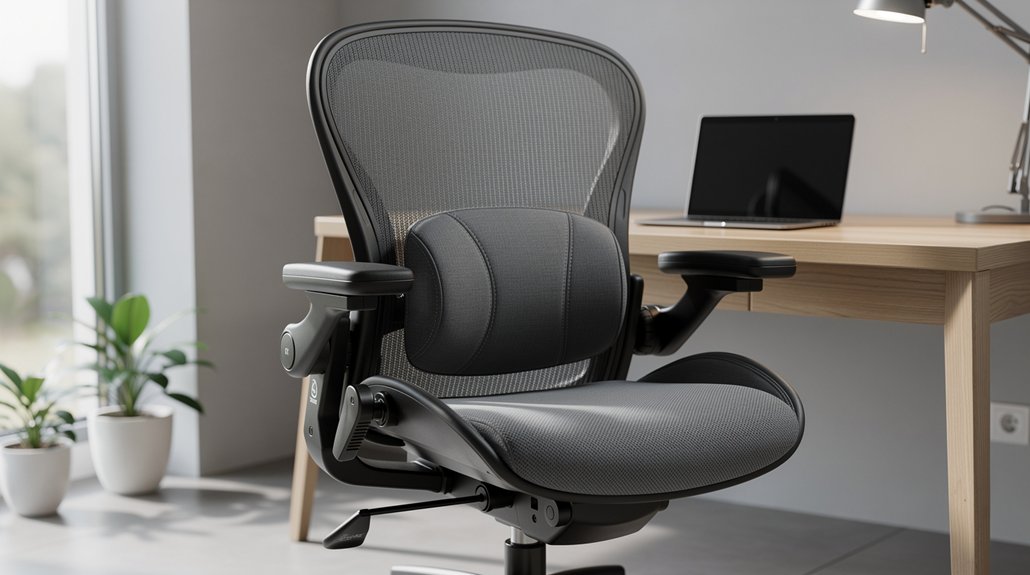
How can you keep your spine neutral all day? By pairing lumbar support with ergonomic habits that enforce a neutral spine and proper alignment. Adjust the chair’s lumbar depth to match your lower back curve, keep your feet flat, and set the monitor height at eye level for upright sitting. Consistent sit‑stand posture changes and short movement breaks every 20–30 minutes keep muscles active and prevent slouching.
Pair lumbar support with ergonomic habits: adjust depth, flat feet, eye‑level monitor, and move every 20‑30 minutes.
- Set adjustable lumbar depth to fill the small of your lumbar region.
- Position the monitor so the top is at eye level, avoiding forward head tilt.
- Take a 30‑second stretch or walk every 20 minutes to maintain dynamic loading.
- Strengthen core and upper back with bridges, bird‑dogs, and wall angels for lasting support.
When to Re‑Adjust or Replace Your Lumbar Support
Even with solid ergonomic habits, the lumbar cushion can lose its shape or alignment over time, so you need to know when to tweak or swap it out. If the lumbar support no longer follows the natural curve of your lower spine, you’ll notice slouching, increased back strain, or an improper fit that lets the cushion slip. When the pad feels flat, lacks depth, or the foam is compressed, re‑adjust it by shifting the position or tightening any straps. If those tweaks don’t restore firm, supportive contact, it’s time to replace the cushion or upgrade to an adjustable lumbar system. Regularly check that the support aligns with L3–L5 and stays snug in your ergonomic chair to protect back posture.
Frequently Asked Questions
Does Lumbar Support Fix Posture?
Yes, lumbar support can improve your posture if you adjust height, depth, and firmness to match your natural curve, keep your hips back, feet flat, and maintain screen eye‑level alignment.
Can Posture Affect the Vagus Nerve?
Yes, your posture can affect the vagus nerve; slouching compresses thoracic structures, limiting vagal tone, while upright alignment eases pressure, enhancing parasympathetic activity and overall autonomic balance.
Can I Wear a Posture Corrector if I Have Scoliosis?
You can wear a posture corrector with scoliosis, but choose one that’s adjustable, avoids pressure on the curve, and consult a specialist first to make sure it supports your spine without limiting breathing.
Can You Fix 30 Years of Bad Posture?
You can improve years of poor posture, but’t won’t instantly erase thirty years of habits. Consistent ergonomic adjustments, targeted exercises, and regular movement breaks will gradually reshape your spine and strengthen supporting muscles.
In Summary
By dialing in the right height, depth, firmness, and angle, you’ll keep your spine neutral and avoid slouching. Regularly check that your lumbar support aligns with your lower back’s natural curve, and adjust as you move throughout the day. Pair these tweaks with ergonomic habits—like standing up and stretching—to maintain comfort. If the support loses its shape or no longer fits, replace it before posture problems return.



