
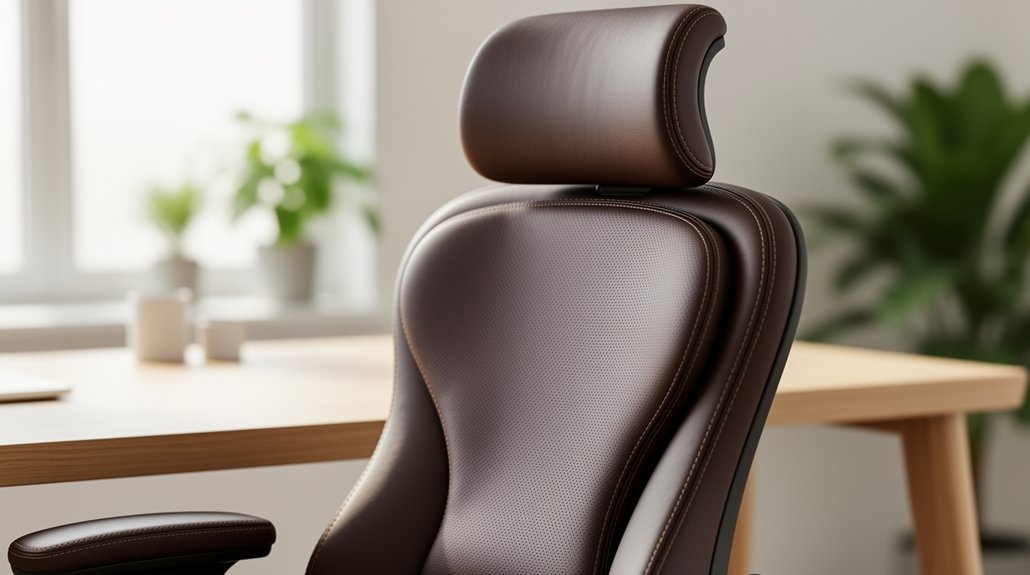
You need adjustable lumbar support in a home office chair because it lines up your lower back with the spine’s natural S‑curve, spreading pressure evenly and stopping fatigue and pain during long work sessions. Fixed pads leave gaps that force muscles to work harder, while a tunable pad mirrors your anatomy, keeping posture neutral and reducing disc strain. When you fine‑tune height and depth, you stay comfortable and productive, and the rest of the guide will show you exactly how.
Why You Really Need Adjustable Lumbar Support
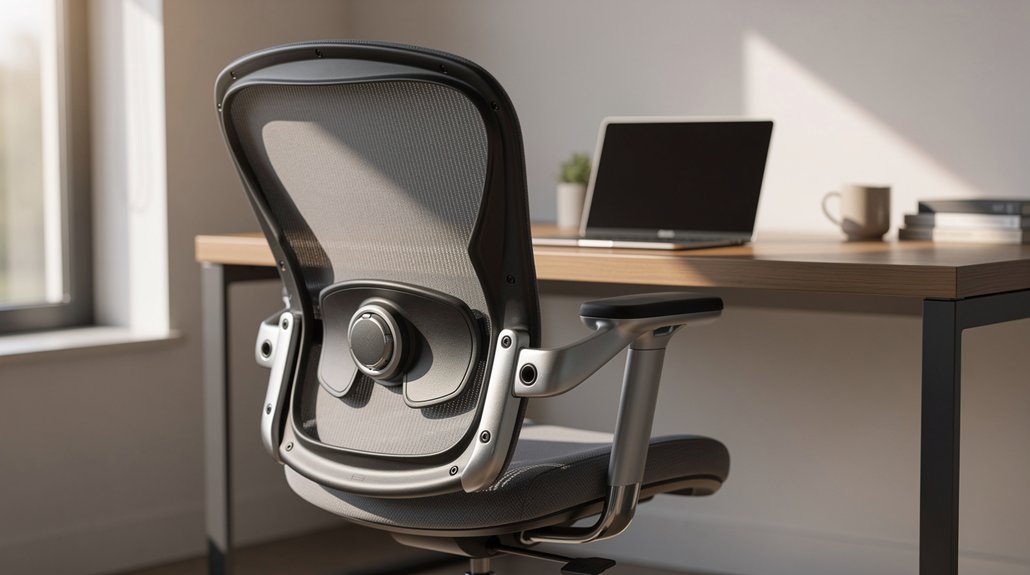
Adjustable lumbar support isn’t a luxury—it’s essential for keeping your spine in its natural S‑curve during those long hours at the desk.
When you choose an ergonomic chair with height and depth adjustability, you tailor lower back support to your lumbar spine, preserving the spine neutral curve and preventing slouching.
Fixed supports often leave gaps, causing uneven pressure and back fatigue, especially during 8‑hour workdays.
By fine‑tuning the lumbar zone, you distribute load evenly, reducing disc strain and maintaining spinal alignment.
This customization adapts to your posture changes, keeping you comfortable and productive.
In short, adjustable lumbar support is the key to lasting comfort and proper posture during long sitting sessions.
How Adjustable Lumbar Support Preserves Your Spine’s Natural Curve
Ever wonder why your lower back feels tighter after hours at the desk? Adjustable lumbar support lets you fine‑tune lumbar height and depth so the cushion sits right at the small of your back, matching the natural spine curve. When the pad aligns with your lordotic curve, spine alignment stays neutral, easing lower back pain during sedentary work.
Chair ergonomics that include a dynamic lumbar system adapt as you shift or recline, preserving back posture without constant readjustment. You’ll feel less muscle recruitment and avoid slouching because the support mirrors your anatomy.
Properly positioned, adjustable lumbar support reduces strain, keeps the S‑curve intact, and lets you stay comfortable through long work sessions.
Essential Ergonomic Features for Adjustable Lumbar Support
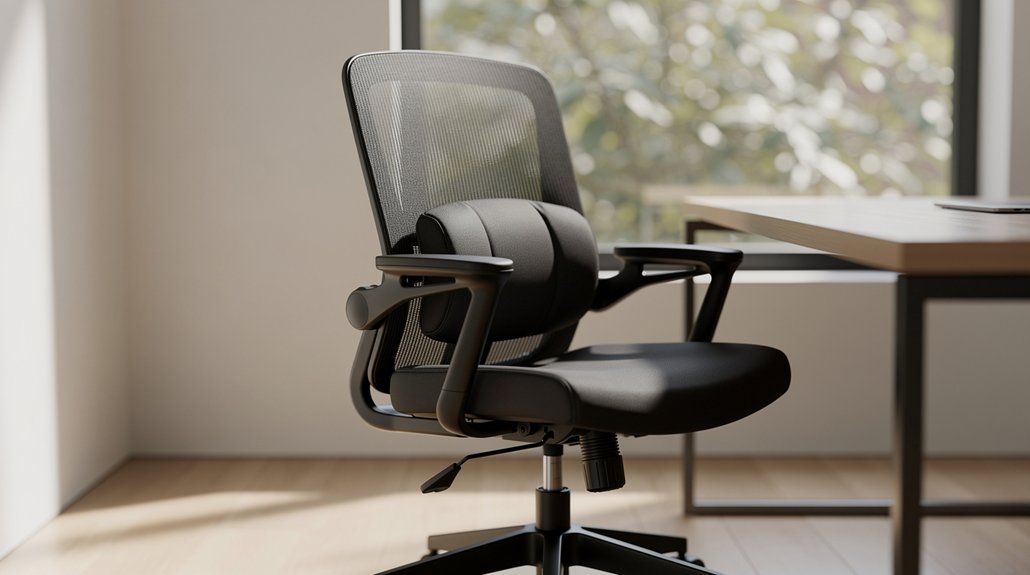
What makes a lumbar system truly ergonomic? You require precise lumbar support adjustability that mirrors your spine curvature while you work. A good chair blends height‑adjustable backrest and depth‑adjustable lumbar so you can fine‑tune the pressure point. Look for a dynamic lumbar system that moves with you, and multi‑zone lumbar support that distributes load across the lower back for back relief during long sitting.
- Height‑adjustable backrest – aligns lumbar pad with your natural curve.
- Depth‑adjustable lumbar – offers 1.5 cm‑5 cm range for proper support.
- Dynamic lumbar system – adapts to posture shifts, maintaining contact.
- Seat height and depth adjustment – ensures overall ergonomic chair features and stable posture.
Quick Tips to Fine‑Tune Your Adjustable Lumbar Support
How can you get the most out of your chair’s lumbar system in just a few minutes? Start by setting your seat height so your feet rest flat; this creates a stable base for a neutral spine. Next, use the 2‑way lumbar adjustment: raise the lumbar height until the pad contacts the lower back just above the hips. Then fine‑tune the lumbar depth, sliding it in until the curve mirrors your natural S‑shape without pushing your abdomen forward. Adjust the backrest tilt to a relaxed, upright angle, then sit for 15–20 minutes, alternating recline to confirm consistent lower‑back alignment. These quick steps let you personalize lumbar support on any home office chair, keeping your posture comfortable and supportive throughout the workday.
Real‑World Benefits of Adjustable Lumbar Support

After fine‑tuning the height and depth of your lumbar pad, you’ll notice how a properly aligned lower spine eases strain during long work sessions. Adjustable lumbar support lets you match the natural spine curve, delivering lower back comfort and posture improvement throughout long hours sitting. You’ll feel back pain relief and notice chair customization enhances ergonomic seating, keeping spinal alignment consistent.
Fine‑tuned lumbar support aligns your spine, easing strain and enhancing comfort during long work sessions.
- Targeted lumbar adjustment reduces fatigue by supporting the exact spot where your lumbar region bends.
- Dynamic support maintains the natural S‑curve, preventing slouching.
- Personalized chair customization adapts to different body types, boosting overall comfort.
- Consistent ergonomic seating improves posture and minimizes mid‑back discomfort during extended workdays.
Frequently Asked Questions
Is Lumbar Support Important in an Office Chair?
Yes, you need lumbar support in an office chair; it keeps your spine’s natural curve, reduces lower‑back strain, and lets you stay comfortable through long work sessions without fatigue.
Are Chairs Without Lumbar Support Good?
No, chairs without lumbar support aren’t good for long‑term use. You’ll likely experience slouching, increased lower‑back strain, and discomfort, especially during extended work sessions. Consider adding proper support or a cushion.
Which Chair Is Best for Scoliosis?
You should choose a chair with adjustable, multi‑point lumbar support—like a 4D dynamic system—paired with height‑adjustable armrests, seat depth, and a 100‑110° recline to keep your spine aligned.
What Chair Is Good for Fibromyalgia?
You should choose a chair with adjustable 4D lumbar support, breathable mesh, and multi‑zone cushioning; it lets you fine‑tune height and depth, easing fibromyalgia pain while you work.
In Summary
By now you’ve seen how adjustable lumbar support isn’t a luxury—it’s essential for keeping your spine’s natural curve, reducing fatigue, and boosting productivity. Fine‑tuning it to your body’s needs protects your back during long work sessions and eliminates discomfort. Invest in a chair with this feature, follow the quick‑adjust tips, and you’ll feel the difference every day. Your posture, health, and work performance will thank you.




Leave a Reply