
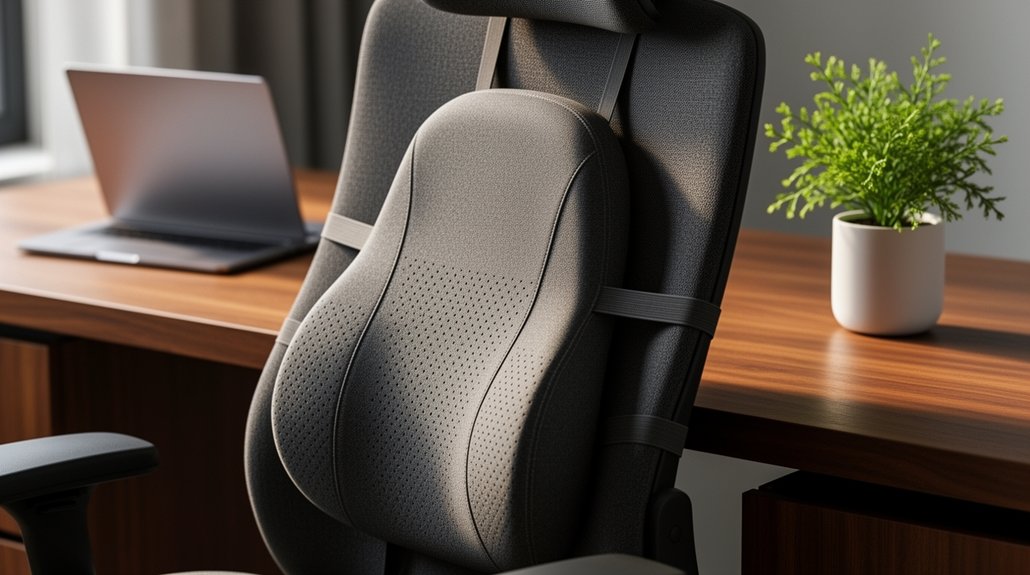
First, sit upright and note any slouch, then measure the gap between your back and chair to find the natural lumbar curve. Choose a pillow that fills that gap without pushing you forward, aiming for the support to sit about 3‑4 inches above the seat. Pick a firmness and material that match your body’s needs, and make sure the shape mirrors your lower back. Check that adjustable straps or Velcro securely attach and stay stable during long sessions. This guide will walk you through size, comfort, and durability considerations.
How to Assess Your Sitting Posture Before Choosing a Lumbar Support Pillow
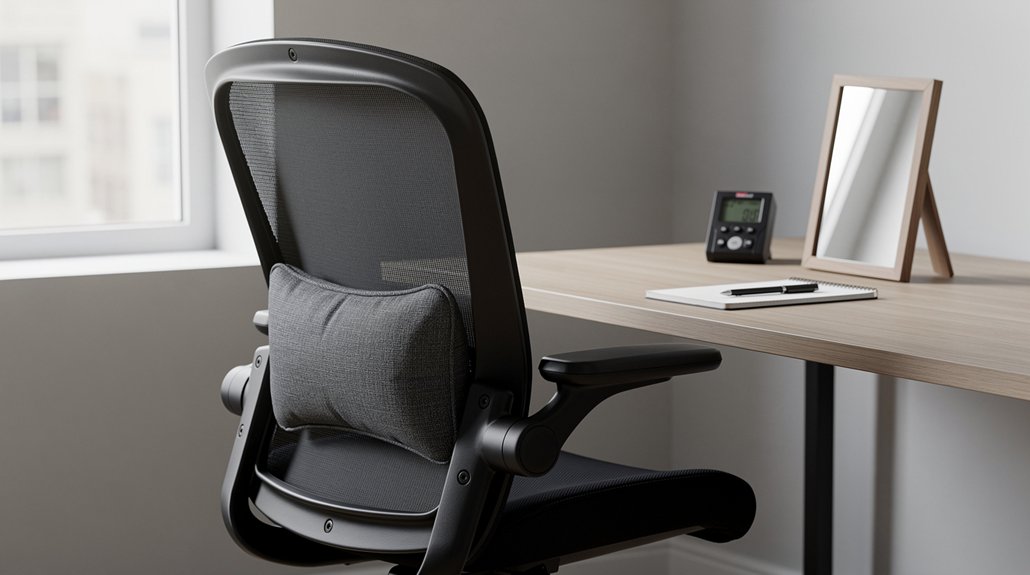
Ever wondered how your current posture stacks up before picking a lumbar pillow? Begin with a sitting posture assessment: sit upright, notice any slouch, and locate your natural lumbar curve. Measure the gap between back and chair; a well‑placed lumbar support should fill this space without pushing you forward. Check torso height and seat depth, because taller users need higher lumbar support placement while shorter users require lower positioning for proper backrest alignment.
Test an adjustable lumbar support by sliding it up or down until it sits 3–4 inches above the seat surface, maintaining spinal alignment. Apply the Slouch-and-Recover method: slouch, then recover, and see if the support returns your spine to its natural curve within 30–60 seconds. This quick check ensures the pillow matches your anatomy before you commit.
Essential Features for Long‑Hour Lumbar Support
You’ll want adjustable straps that keep the pillow snug while you move, a durable breathable cover that stays fresh and can be washed, and a compact design that fits easily into your bag or under a desk.
These features let you maintain consistent lumbar support during long sessions without hassle.
Picking a pillow with all three ensures comfort, hygiene, and portability.
Adjustable Straps
How can you keep a lumbar cushion steady during marathon‑length sitting? Adjustable straps give you the control you need for secure positioning and movement prevention. They lock the lumbar cushion to the chair, creating a stability factor that stays consistent through long sessions. Good strap security means you won’t constantly readjust, and chair compatibility lets you transfer the cushion between seats without hassle. When you choose a model with well‑designed straps, you balance transferability with the confidence that the cushion won’t shift, keeping your lower back supported from start to finish.
- Adjustable straps provide secure positioning on most chairs
- Prevents movement and reduces readjustment during long sessions
- Enhances stability factor for consistent lumbar support
- Offers transferability between seats while maintaining strap security
- Ensures chair compatibility for versatile use in any workspace
Durable Breathable Cover
Why settle for a sweaty, uncomfortable back when a breathable cover can keep you cool and supported? A well‑designed lumbar support cover uses breathable fabric or breathable mesh to boost air flow, delivering moisture control and heat buildup prevention during marathon sitting sessions.
Choose a removable cover that’s machine‑washable, so you can keep it fresh without hassle.
Pairing the cover with cooling foam or a gel‑infused core sustains a cool feel and reduces sagging, enhancing long‑term durability.
The mesh lets sweat evaporate while the fabric shields the core from wear, extending the cushion’s life.
Prioritizing these features ensures you stay comfortable, supported, and ready for any long‑hour task.
Compact Portable Design
Ever need a lumbar cushion that fits in a carry‑on yet still cradles your spine? A compact portable design lets you bring reliable lumbar support wherever you sit for extended periods.
The travel cushion’s 10 × 11 × 2‑inch footprint and 1‑pound weight make it easy to slip into a bag, while the foam core maintains spinal alignment without a bulky feel.
A breathable cover improves comfort and hygiene, and the cushion’s ability to spring back after folding ensures consistent support.
Though it lacks straps, you can still achieve an adjustable fit by positioning it correctly, but heavier users may need to readjust frequently.
- 10 × 11 × 2‑inch compact size
- 1‑pound lightweight for easy portability
- Foam core that preserves spinal alignment
- Removable breathable cover for cooling and cleaning
- Simple positioning for an adjustable fit without straps
Pick the Right Firmness and Material for Your Body
What feels right for you depends on both firmness and material, and finding that balance starts with understanding your body’s needs. When you compare firm vs soft options, test the slouch‑and‑recover method: a firm lumbar support should right your spine to its natural curve within 30–60 seconds, delivering solid back support and pressure relief. A softer cushion adapts to movement, easing muscular soreness during seating long hours. Adjust the height and depth so the support aligns with your lumbar curve, avoiding forward thrust or new pressure points. Start neutral, then fine‑tune over several hours. Choose an ergonomic chair with adjustable height and depth, matching your body type and work style for proper posture and lasting comfort.
Finding the Perfect Size and Shape for Your Chair
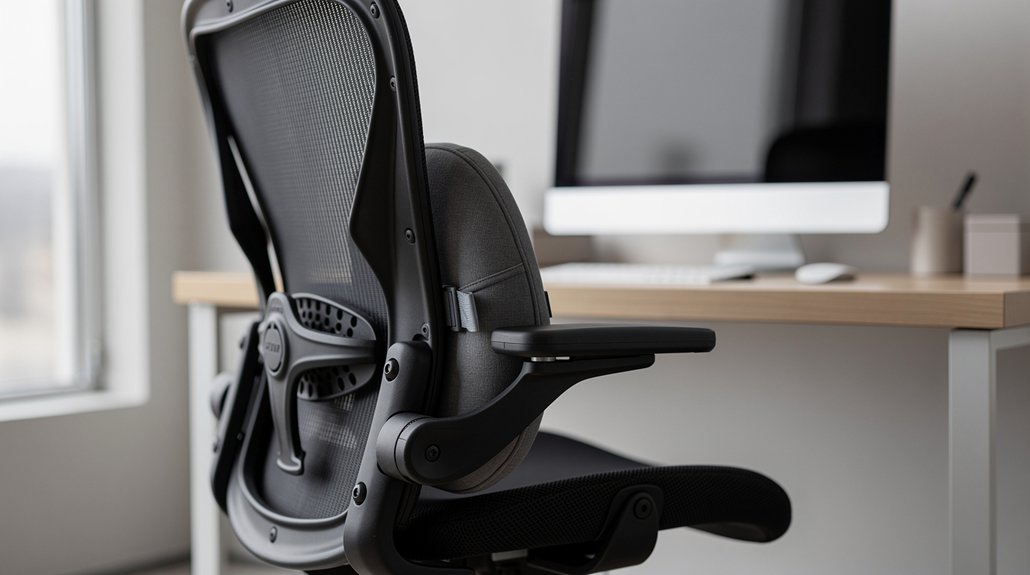
Where does your chair’s backrest leave space for a lumbar aid? You’ll want lumbar support sizing that matches chair compatibility and respects the lumbar curve alignment. Measure the backrest height and chair dimensions, then confirm the support sits 3‑4 inches above the seat for a fit above seat that encourages deep lumbar contact. Run the slouch‑and‑recover test to verify the natural spinal curvature stays supported for hours. Choose a shape that mirrors your lower back without pushing it forward.
- Check backrest height vs. support length (e.g., 21‑inch for tall users)
- Ensure chair dimensions accommodate width and depth (10‑14 inches)
- Verify fit above seat for proper lumbar curve alignment
- Look for deep lumbar contact without excessive pressure
- Perform the slouch‑and‑recover test to confirm natural spinal curvature.
Evaluating Straps, Velcro, and Other Attachment Methods
You’ll notice that secure attachment options—whether straps, Velcro, or built‑in clips—make a big difference in staying put.
Straps usually give a tighter, adjustable fit, while Velcro offers quick changes but can loosen over time.
Pick the method that lets you fine‑tune the support without hassle.
Secure Attachment Options
How can you keep a lumbar cushion from slipping during long hours of sitting? Focus on adjustable straps as your primary securing mechanism. An external lumbar cushion with a well‑designed strap system boosts chair compatibility and universality. Choose dual straps for balanced pressure or a single strap if your chair back is narrow. Mind the strap length; overly long straps can loosen on curvy seats, while a snug fit maintains secure attachment. A thoughtful strap design also simplifies removal for washing, keeping hygiene high without sacrificing stability.
- Dual straps for even distribution
- Single strap for compact chairs
- Adjustable strap length for varied seat shapes
- Universal strap design for multiple chair styles
- Secure attachment to prevent slipping during extended use
Velcro vs. Straps
Ever wonder which attachment keeps a lumbar cushion steady longer: a Velcro strap or a traditional belt? When you prioritize lumbar support attachment, secure straps usually win. Adjustable straps hug the backrest, boosting chair compatibility and movement stability. They keep cushion security high, especially for long‑term use stability, because strap durability resists wear. Velcro absence can be a drawback; without a strong hook‑and‑loop system, the pillow may shift, compromising 姿 alignment.
Two‑strap designs, like the Tempur‑Pedic travel model, lock the cushion in place better than a single belt. While some pillows rely on a single strap, adding a second strap improves overall stability, preventing the cushion from slipping during dynamic seating.
Ease of Adjustability
Why does adjustability matter when you’re switching between office chairs, car seats, or airplane seats? You need a lumbar support that moves with you, not one that slides off or forces you to readjust constantly. Adjustable straps give secure positioning, while detachable covers let you clean the pillow without hassle. A built‑in strap offers universal fit and chair compatibility, and an easy readjustment mechanism keeps strap stability high. Look for models that combine attachment practicality with a washable cover so you can keep the support fresh and functional.
- Adjustable straps provide secure positioning across varied seat sizes.
- Detachable covers add washing convenience and extend product life.
- Built-in strap ensures universal fit and chair compatibility.
- Easy readjustment maintains strap stability during movement.
- Attachment practicality includes washable cover and quick‑release features.
Budget vs. Premium Lumbar Support Pillows
Considering the trade‑off between cost and features, you’ll find that the Everlasting Comfort budget pillow delivers solid support and breathable comfort for under $35, while premium models often add advanced materials, ergonomic contours, and enhanced durability at a higher price point. The budget option uses medium‑density memory foam, a mesh cover, and adjustable straps for a universal fit on chairs up to 32 inches, giving you reliable comfort without breaking the bank. Premium pillows typically incorporate higher‑grade foam, specialized lumbar curves, and multiple straps for a tighter, more customized fit, but they command a larger price tag.
| Feature | Budget Pillow | Premium Pillow |
|---|---|---|
| Price | <$35 | $80‑$150 |
| Foam Type | Medium memory | High‑density memory |
| Cover | Breathable mesh | Premium fabric |
| Straps | 1‑2 adjustable | 2‑3 reinforced |
| Fit | Universal up to 32″ | Tailored ergonomic |
| Durability | Lifetime warranty | Extended warranty |
| Comfort | Good heat management | Superior contouring |
| Adjustability | Basic straps | Advanced multi‑point |
| Target Chairs | Office, travel, car | Ergonomic, recliners |
| Overall Value | High for price | High for performance |
Troubleshooting Common Issues and Adjusting Your Pillow for Comfort
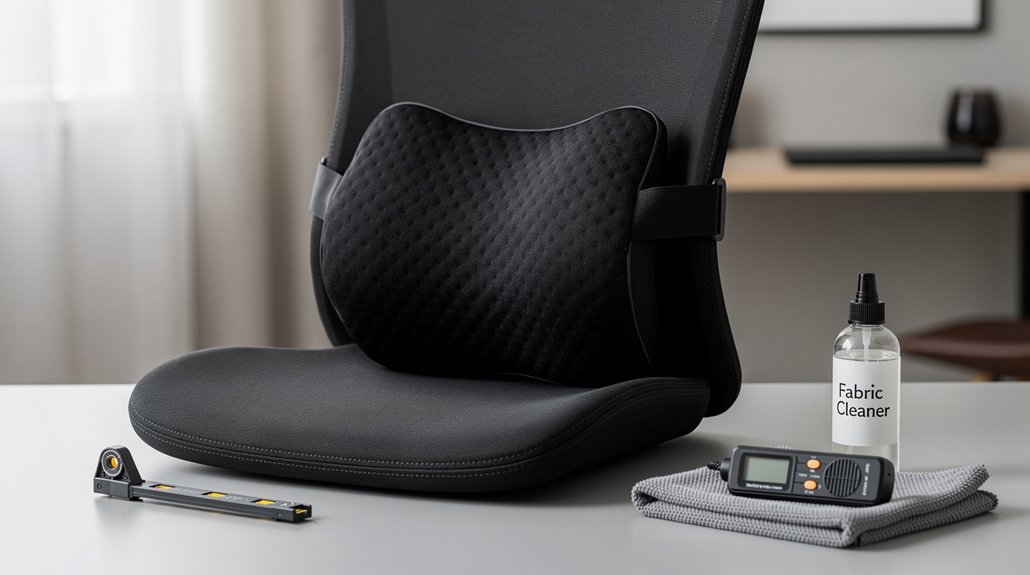
Ever your lumbar pillow keeps sliding or feels too high, start by tightening any adjustable straps and then test the fit with the “slouch‑and‑recover” method—slump into the chair, straighten up, and make sure your spine returns to a neutral curve within 30–60 seconds. When the pillow still feels off, check depth and height alignment; the deepest part should hug your natural lumbar curve without pushing you forward.
Tighten straps, then use the slouch‑and‑recover test to ensure your lumbar pillow maintains a neutral spine curve.
Perform fit testing regularly, especially after micro‑adjustments, and notice any pressure points. If discomfort persists, try a seat depth adjustment or modify back contact to maintain a consistent neutral spine curve throughout the day.
- Tighten adjustable straps for secure lumbar support alignment.
- Use the slouch‑and‑recover method to verify neutral spine curve.
- Align depth and height so the pillow follows your lumbar curve.
- Perform fit testing after each micro‑adjustment.
- Adjust seat depth or back contact to eliminate pressure points.
Frequently Asked Questions
What Is the Best Support for Lower Back Pain While Sitting?
You’ll find the best lower‑back support is a firm, contoured cushion with adjustable straps—like the Samsonite Lumbar Support Pillow—so it stays in place, maintains alignment, and eases pain.
How Do I Choose the Right Lumbar Support?
Pick a support that matches your work style: if you sit still, choose a firmer pillow; if you move often, go softer. Test the slouch‑and‑recover fit, adjust straps, then fine‑tune height and depth.
Where Should Lumbar Support Be When Sitting?
It should sit at your lower‑back curve, about three to four inches above the seat, pressing gently against the inner lumbar region without reaching your mid‑back or tailbone, and you’ll feel balanced support.
Should You Use Lumbar Support While Sitting?
Yes, you should use lumbar support while sitting; it keeps your lower spine’s natural curve, reduces disc pressure, and helps prevent back fatigue during long periods of seated work.
In Summary
By now you know how to evaluate your posture, pick the right firmness, size, and material, and secure the pillow with straps or Velcro. You’ve weighed budget against premium options and learned how to tweak the support for maximum comfort. Apply these tips, and you’ll turn those long sitting sessions into a pain‑free experience, keeping your back healthy and your focus sharp.



