
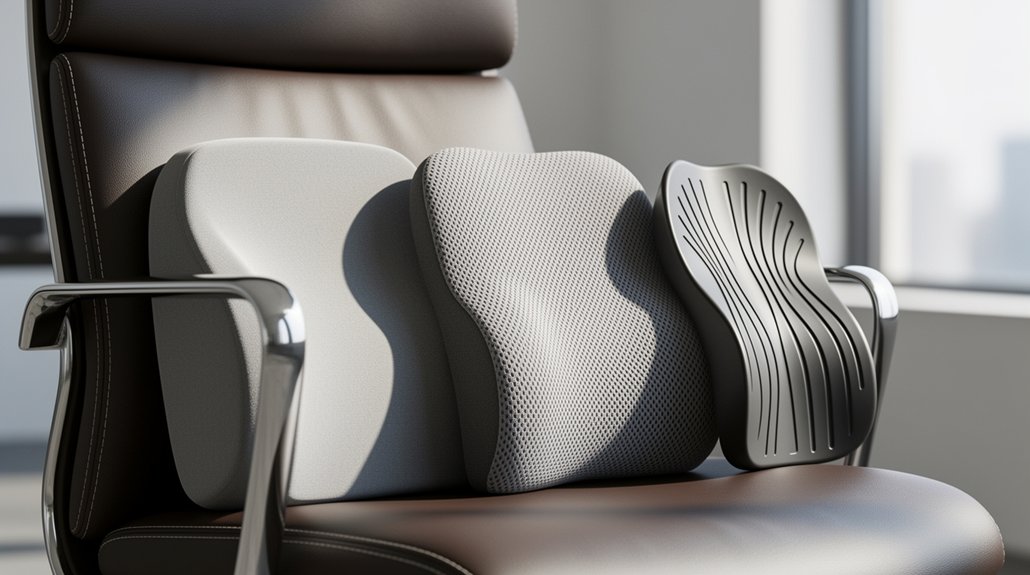
Match lumbar firmness to your weight, work style, and chair adjustability. Heavier users need a firmer pad to keep the spine from flattening, while lighter users benefit from softer, contouring support. Choose a depth that fills the natural curve without pushing the ribs, and set the height so the pad rests on the lower back. Test it with a quick slouch‑and‑recover check: sit slouched, straighten, and see if the curve snaps back within a minute. Follow these steps and you’ll discover how to fine‑tune your chair for optimal spinal health.
Why Lumbar Support Firmness Matters for Spinal Health
Why does lumbar support firmness matter? You feel the difference when a firm lumbar support presses gently against your lower back, preserving the natural lumbar curve and keeping spinal alignment intact during prolonged sitting. An ergonomic chair with a rigid yet comfortable pad trains your posture, preventing the spine from flattening or drifting forward. The firm resistance offers clear feedback, nudging you back into a neutral position and reducing stress on discs and ligaments. When the support is too deep or high, it can push the spine forward, so align the deepest part with your natural curve. Consistent, unyielding reinforcement helps combat postural instability and slouching‑related pain, making firm lumbar support essential for spinal health.
Personal Comfort & Weight Profile – How to Identify It
Ever wondered how your weight and comfort preferences dictate the right lumbar firmness? Your weight profile is the first clue: heavier users often need firmer lumbar support to avoid flattening, while lighter users benefit from softer, contouring support. Memory foam density plays a key role—high‑density foam delivers consistent resistance for heavier bodies, whereas low‑density foam yields a gentler feel. Adjustable lumbar systems let you fine‑tune firmness as you test seating comfort, especially if you shift postures frequently. Pay attention to how your spine feels after a short sit; pressure points signal the need for a different density or support level.
- Identify your weight range (e.g., up to 330 lb for heavier users)
- Choose memory foam density that matches your weight profile
- Opt for adjustable lumbar or dual‑zone models if you’re a heavier user
- Favor contouring support when you’re lighter or prefer softer feel
- Test seating comfort by sitting still and moving to gauge ideal firmness
Firm vs. Soft Lumbar Support – Core Differences & Best Uses
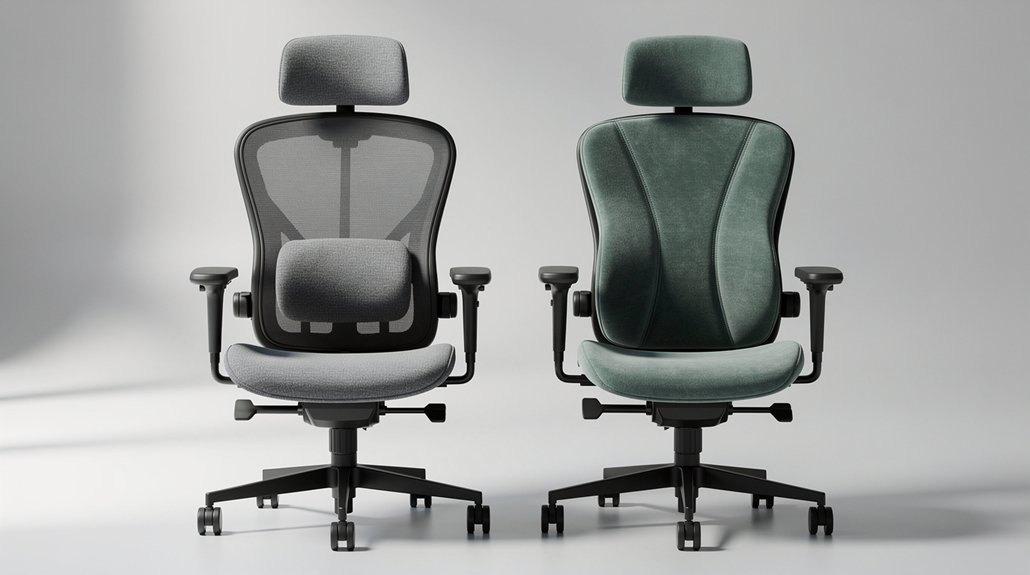
You’ll notice that firm support gives you stability and clear posture cues, while soft support leans toward comfort and gentle contouring. If you need strong correction for static or slouch‑prone work, the firm option usually wins; if your day involves frequent posture shifts, the softer cushion adapts better. Try the slouch‑and‑recover test to see which feels more natural for your movement style.
Stability vs. Comfort
What’s the real trade‑off between stability and comfort when choosing lumbar support? You’ll feel firm support’s unyielding stability lock your lumbar curve into a healthy posture, ideal for static work or chronic slouching. Soft support, on the other hand, cushions your back, adapts to dynamic seating, and eases pressure during frequent posture changes. The key is matching the cue to your daily rhythm: choose rigidity when you need clear feedback, softness when you crave flexibility.
- Firm support reinforces the lumbar curve, preventing collapse.
- Soft support molds to your back, reducing pressure points.
- Stability helps maintain consistent posture during long desk sessions.
- Comfort allows fluid movement and quicker recovery after slouching.
- Dynamic seating benefits from a balance: firm for guidance, soft for ease.
Posture Correction Needs
How do you decide whether firm or soft lumbar support best meets your posture‑correction needs?
If you spend most of the day at a desk doing static upright work, a firm lumbar support can keep your lumbar alignment intact, preventing flattening of the natural spine curve and offering reliable slouching relief. This firmness delivers clear feedback that helps maintain a neutral posture, which is essential for back pain prevention.
Conversely, if you shift frequently or have muscular soreness, a soft lumbar support adapts to subtle movements, still supporting the natural spine curve but with gentler contouring.
Test each option with the slouch-and-recover method—wait 30–60 seconds for the spine to return to its curve and evaluate comfort over a week. Choose the one that aligns with your specific posture correction needs.
Dynamic Work Style Adaptation
After evaluating whether your posture‑correction needs call for firm or soft lumbar support, consider how your work style shifts throughout the day. Dynamic work demands lumbar support firmness that moves with you, so you’ll want adjustable support that preserves neutral spine alignment while you transition from seated to reclined positions. Soft zones ease posture drift prevention during frequent motion, whereas a firmer or dual‑zone lumbar system locks in alignment when you stay upright for long stretches. Choose ergonomic adaptability that matches your activity pattern, and upgrade only if slouching persists.
- Soft lumbar cushions for frequent posture changes
- Firm back for sustained upright tasks
- Dual‑zone lumbar for combined upper‑lower back relief
- Adjustable support to fine‑tune pressure levels
- Ergonomic adaptability that prevents posture drift
Slouch‑and‑Recover Test: Quick Fit Check
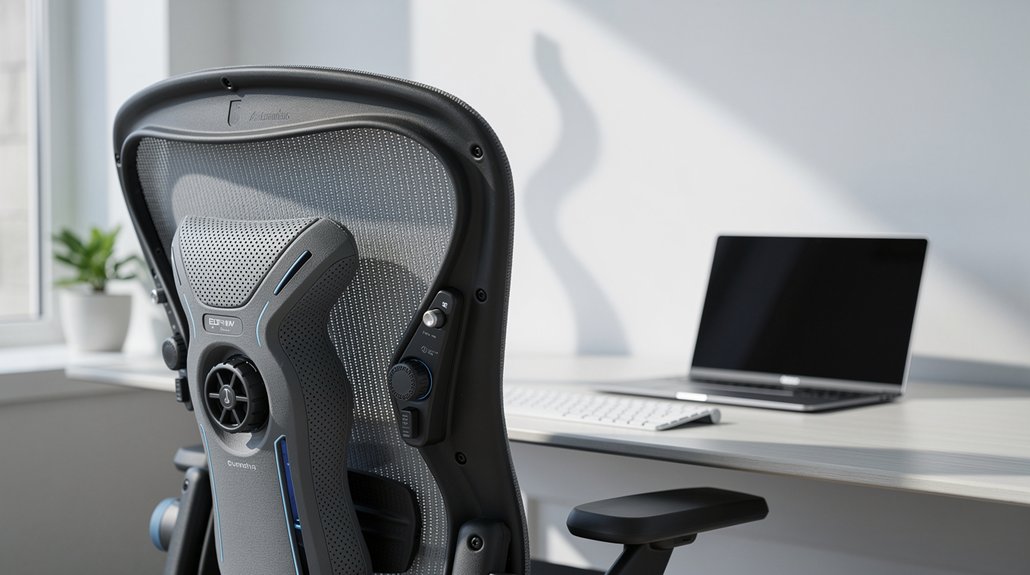
You start by slouching, then sit up straight and watch how quickly your spine snaps back to its natural curve—if it takes more than a minute, the support isn’t right.
Use that recovery time as a clear indicator to tweak the height or firmness until the curve returns smoothly.
Small adjustments, like moving the pad a few centimeters up or down, can instantly boost comfort and keep your back aligned.
Slouch Test Steps
Ever wonder if your lumbar support truly fits? You’ll quickly discover whether the slouch test reveals proper firmness, alignment, and natural curve support. Start seated, feet flat, shoulders relaxed. Slouch forward, let the support compress, then recover to upright. If your spine snaps back to neutral within 30‑60 seconds, the support is likely correct. Persistent discomfort means you need to tweak the adjustable height or depth.
- Sit upright, align the deepest part of the lumbar support with your natural lumbar curve.
- Slip into a slouch, letting the support give slightly.
- Return to an upright posture and notice how fast the spine re‑aligns.
- Adjust height if you feel rib push or forward hip pressure.
- Re‑test until the recovery feels smooth and back pain eases.
Recovery Time Indicator
So, how quickly does your spine snap back to neutral after a brief slouch? The Slouch-and-Recover test measures that recovery time: you slouch, then sit upright and note how fast the lumbar support helps your spine return to a neutral spine.
If it takes 30–60 seconds, your lumbar support firmness is likely on point. If you still feel strain, the fit is off—adjust the height, depth, or pressure. Remember, depth should fill the natural lumbar gap without pushing the spine forward; too much depth creates forward pressure on the seat pan.
Proper adjustment aligns the deepest part of the support with your curve, balancing depth vs. pressure. Mastering this quick check sets the foundation for lasting back health.
Comfort Adjustment Tips
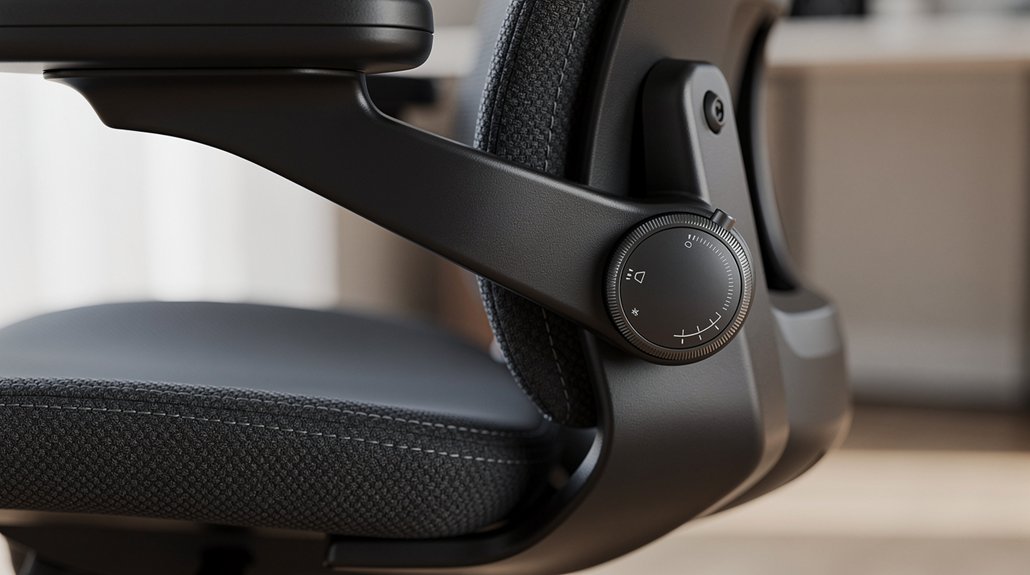
Once you’ve confirmed the recovery time falls within the 30–60‑second window, it’s time to fine‑tune the support for everyday comfort. Begin with the deepest part of the lumbar support aligned to your natural lumbar curve, then use the chair adjustment lever to raise or lower until the gap disappears without pushing your spine forward. Keep your feet flat and shoulders relaxed, then test the adjustable firmness by slouching and recovering; the spine should settle back into proper lumbar alignment within a few seconds. If any discomfort lingers, tweak the depth or firmness again, and repeat the quick fit check until back comfort feels consistent throughout the day.
- Align deepest support with natural lumbar curve
- Adjust height to eliminate gaps without forward pressure
- Keep feet flat and shoulders relaxed during tweaks
- Test adjustable firmness with slouch‑and‑recover cycles
- Verify proper lumbar alignment and spine support adjustment
Adjusting Lumbar Support Depth & Height for a Natural Curve
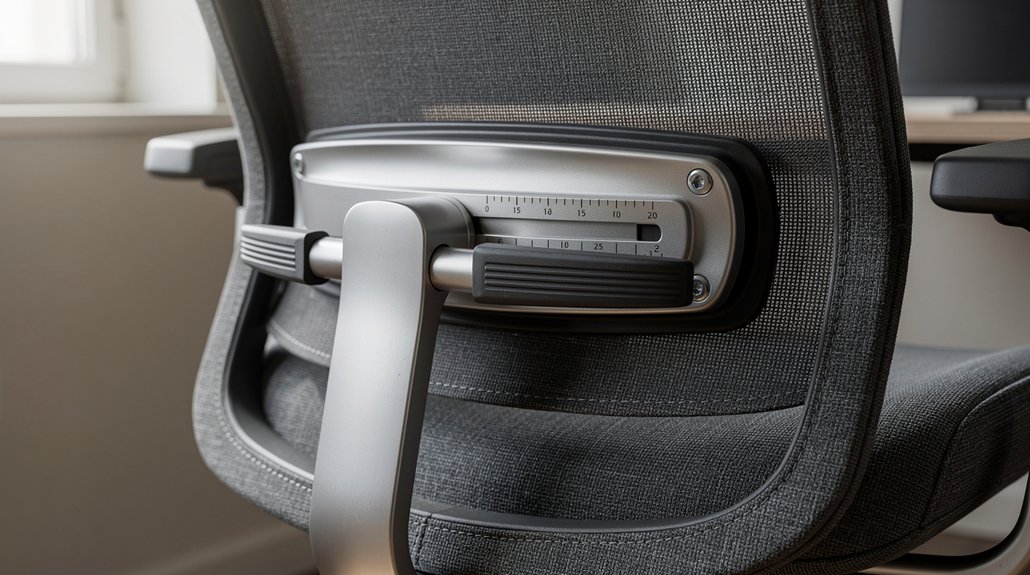
How do you find the right lumbar support depth and height for a natural curve?
First, locate the most prominent cushion that matches your lower‑back’s inward curve just above the hips.
Adjust the height until the support touches that curve without pushing your spine forward or lifting the rib cage.
Start with the shallowest depth, then increase gradually until the gap between your back and the chair fills with firm padding—not hard pressure.
Sit fully back, relax your shoulders, and test the feel; if a hand slides easily behind your lower back, add a little more depth.
Keep the lumbar support aligned with your belt line to preserve spinal alignment and reduce back pain.
Matching Firmness to Your Work Style (Static vs. Dynamic)
If you sit still for hours, you’ll want a firmer lumbar pad to keep your spine from drifting forward. When your tasks involve frequent leaning, reclining, or standing, a softer, adaptive support lets you move without pressure points. Test both options and use the Slouch‑and‑Recover method to see which firmness returns your natural curve quickly.
Static Work Requires Firm Support
Why does static work demand firmer lumbar support? When you sit for hours without moving, your spine can drift from neutral. A firm lumbar support acts like a rigid guide, preserving the natural lumbar curve and keeping your lower back aligned. It offers clear feedback that trains you to maintain posture alignment, especially in static seating where movement is minimal. Proper chair adjustment ensures the support sits at belt-line alignment, preventing the spine from flattening or pushing forward.
- Firm lumbar support holds the lumbar curve steady.
- Static seating amplifies the need for unyielding reinforcement.
- Lower back stays in contact without flattening the lordosis.
- Posture alignment improves with consistent belt-line placement.
- Chair adjustment fine‑tunes depth to avoid rib push or hunching.
Dynamic Tasks Need Soft Support
Because you’re constantly shifting between leaning forward, sitting upright, and reclining, a soft lumbar cushion that moves with you is essential.
Soft lumbar support offers adaptive contouring that follows your posture shifts, delivering pressure relief exactly when you need it.
During dynamic tasks—like frequent stand‑ups, collaborative brainstorming, or multitasking at a desk—the cushion yields gently, preventing over‑pressing of the spine and reducing stiffness.
This forgiving feel lets you transition smoothly between positions, keeping ergonomic seating comfortable for long hours.
How Work Style Influences Material Preference?
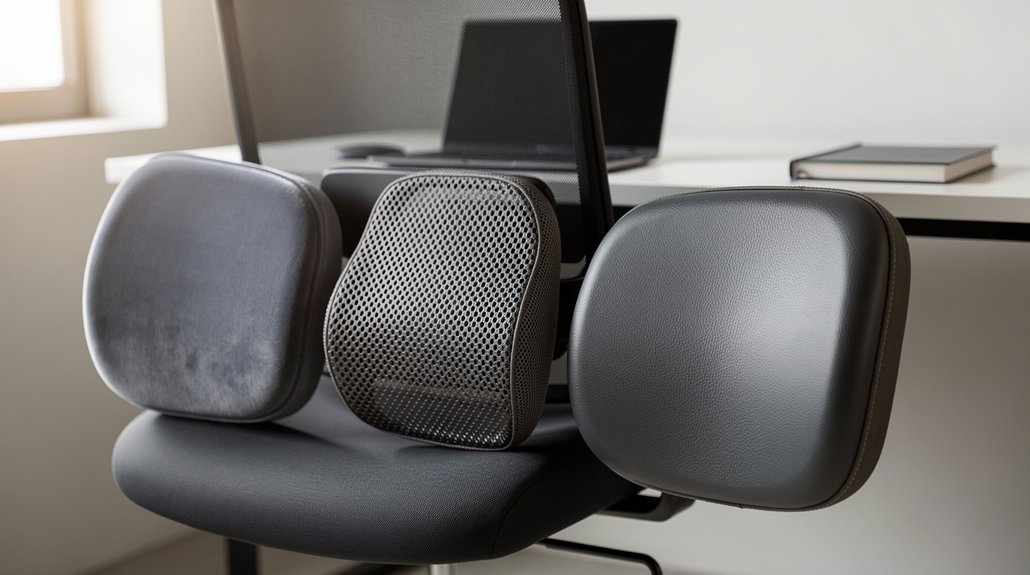
Ever wonder how your work style dictates the lumbar material you should pick? Your work style directly shapes the lumbar support firmness you need for ideal chair ergonomics. If you stay static at a desk, a firmer cushion locks your spine, preserving spinal alignment and reducing back pain. When you move, lean, or switch between sitting and standing, soft, adaptive contouring follows your shifts, giving subtle posture feedback that keeps you comfortable. Choose firmness that matches your preference for stability versus gentle support, and you’ll feel the difference in daily comfort and long‑term spinal health.
Your work style dictates lumbar firmness: firm for static stability, soft for dynamic movement and gentle support.
- Static desk work → firm support for stability
- Frequent posture changes → soft support for adaptability
- Chronic slouching → firm reinforcement for alignment
- Muscular soreness → soft contouring for relief
- Personal feedback preference → firm for clear cues, soft for gentle shaping
Choosing the Right Material – Foam, Memory Foam, or Air‑Cushion
Your work style already hinted at the firmness you need, now let’s match that firmness with the right material. Memory foam offers contour‑focused lumbar support that adapts to your spine, and higher‑density foam delivers firmer assistance while lower‑density options feel softer. Foam cushions can be paired with cooling gel or breathable covers to keep you comfortable during long sits, and hypoallergenic fabrics protect against dust mites.
Air‑cushion models let you fine‑tune firmness on the fly, but they may require a pump and can feel less supportive over time. Choose a material that balances durability with the contour‑focused geometry you prefer, ensuring consistent lumbar alignment and lasting comfort.
5 Typical Firmness Mistakes and Simple Fixes
How often do you notice your lumbar support feeling either too high, too low, or just plain uncomfortable? Those problems typically arise from common firmness mistakes that can intensify back pain and disrupt posture. By identifying each error and adjusting accordingly, you can quickly boost comfort and support.
Identify and adjust lumbar support errors to instantly improve comfort and posture.
- Support set too high – It presses against your rib cage, causing hunching. Align the deepest part with your natural lumbar curve at the belt line, not above it.
- Overly firm support – Creates rigid pressure and reduces effectiveness. Opt for gentle, supportive pressure that fills the curve without pushing.
- Support placed too low – Fails to engage the lower back, increasing hip pressure. Elevate it so the curvature sits just above the hips.
- Flat or too deep without depth adjustment – Leaves a gap. Start at the lowest setting and increase depth gradually until the back feels supported without forcing alignment.
- Ignoring posture dynamics and testing – A firm support may misfit when you shift positions. Use the slouch‑and‑recover method to ensure your spine returns to neutral within 30–60 seconds.
Is It Time to Upgrade Your Lumbar Support?
When does a lumbar cushion stop supporting your spine and start causing discomfort? If it lets your lower back slump, creates persistent forward hip pressure, or pushes against your ribs, it’s time for an upgrade.
A firm lumbar support can correct chronic back pain and help you maintain a neutral posture, especially if you have spinal instability.
Conversely, if you’re constantly shifting or feeling diffuse muscular soreness, a softer, contouring, adjustable lumbar may be better.
Look for dynamic, dual‑zone or moving‑support designs that adapt to your movements throughout the day.
In an ergonomic chair, the right firmness and adjustability keep you comfortable, reduce back pain, and support proper alignment.
Quick Checklist for Selecting the Perfect Lumbar Firmness for Your Chair
Ever wonder if your lumbar support’s firmness is truly right for you? Use this quick checklist to gauge the perfect lumbar support firmness and ensure a proper lumbar curve. Test the Slouch-and-Recover method: sit upright, let the support guide you, and see if your spine returns to neutral within 30–60 seconds. Decide whether you need firm vs soft based on your work style—static tasks favor firm, dynamic movement prefers soft. Check that the lower-back support isn’t too high or low, and adjust depth to fill the curve without pushing the spine forward. Finally, confirm that spinal alignment feels natural and comfortable.
Gauge lumbar firmness, test Slouch‑and‑Recover, adjust depth, height, and feel natural spinal alignment.
- Firm or soft? Match to static vs dynamic work.
- Slouch-and-Recover test confirms proper lumbar curve.
- Adjustable depth should fill the lower-back curve.
- Support height must avoid being too high or low.
- Spinal alignment should feel natural, not forced.
Frequently Asked Questions
Should Lumbar Support Be Firm or Soft?
You should start with firm support if you slouch or have spinal instability, but switch to soft if you feel muscular soreness or need more flexibility during frequent posture changes throughout the day.
How to Choose Lumbar Support for Chair?
You’ll pick the right lumbar support by testing firm and soft cushions, aligning them with your natural curve, and using the Slouch‑and‑Recover method for a week to see which feels stable yet comfortable.
Is a Soft or Firm Chair Better for Lumbar?
A soft chair’s usually better if you move a lot or have general soreness, but a firm chair helps if you slouch heavily or need strong, stable support for static work. Test both to see which restores your natural curve quickly.
What Chair Is Good for Fibromyalgia?
You’ll want a chair with a soft, adjustable lumbar cushion, breathable mesh back, and a dynamic dual‑zone support system so you can fine‑tune pressure and maintain comfortable spinal alignment.
In Summary
Pick a firmness that matches your weight and posture, then test it with the slouch‑and‑recover method. Adjust depth and height until your spine forms a natural curve, and choose a material that feels supportive yet comfortable. Avoid the common mistakes—too hard, too soft, wrong height, or neglecting adjustments. If your current support feels off, upgrade now. Follow the quick checklist, and you’ll enjoy healthier, happier sitting.



