
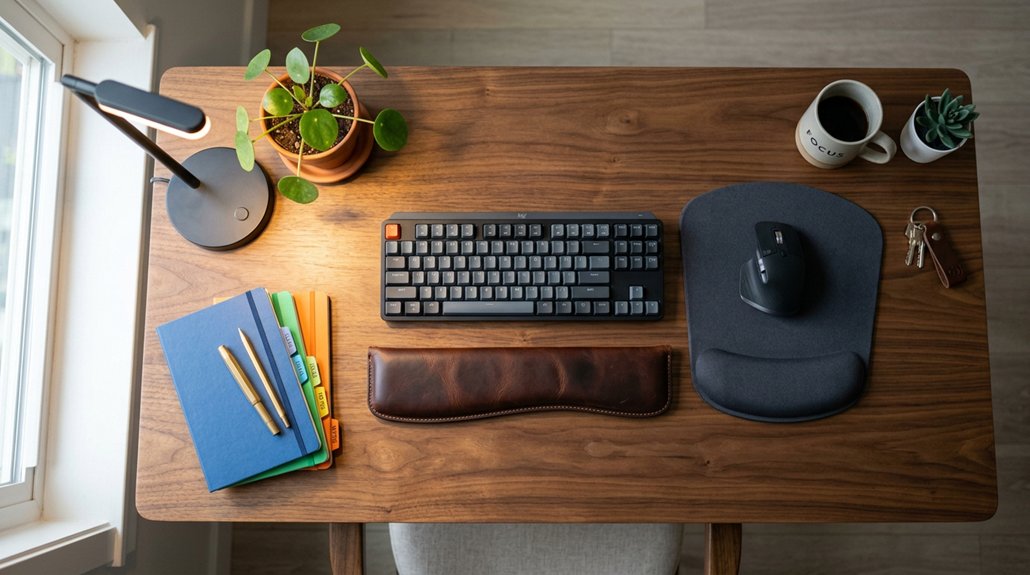
Using a standing desk can boost your circulation, improve posture, and reduce the health risks of prolonged sitting. To maximize benefits and avoid discomfort, alternate between sitting and standing every 30-60 minutes, and adjust your workspace for ergonomic comfort. Incorporate movement, stretch often, and wear supportive footwear. Monitoring your routine helps prevent fatigue and strain. Keep these tips in mind, and you’ll discover simple ways to create a healthier work environment that works for you.
What Is a Standing Desk and How Does It Work?
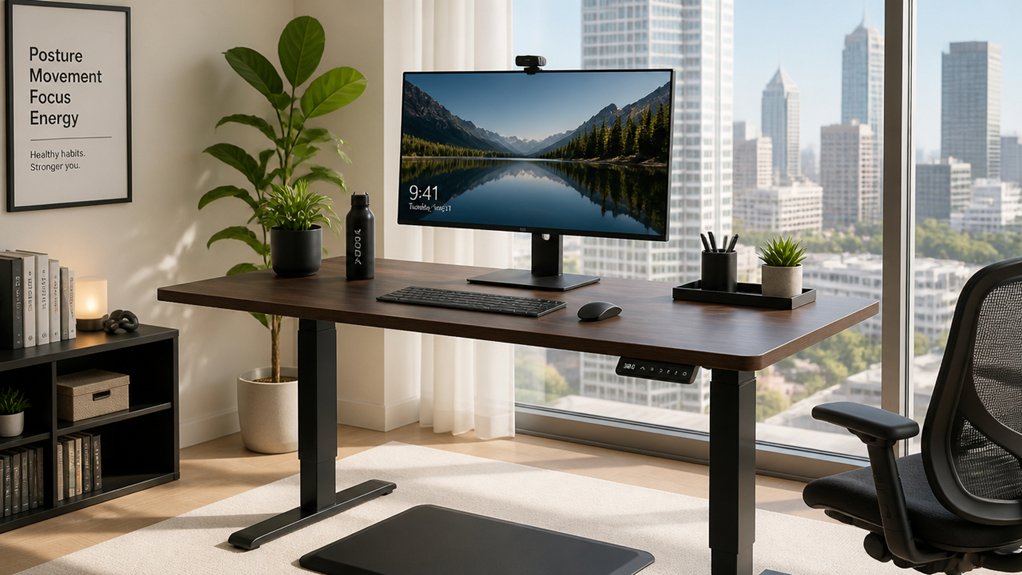
Have you ever wondered what a standing desk is and how it functions? A standing desk is a workstation designed to help you switch between sitting and standing positions easily. Most feature adjustable height, allowing you to change the desk’s level with ease—whether mechanically or electronically. This flexibility delivers ergonomic benefits by positioning your keyboard near elbow height and your monitor at eye level, reducing neck and back strain. Standing desks encourage you to alternate positions throughout the day, which helps combat prolonged sitting.
How Standing Desks Benefit Your Heart, Posture, and Focus
Standing desks offer significant health benefits by enhancing your heart health, posture, and mental focus. By using a standing desk, you promote better circulation and improve blood flow, which can lower systolic blood pressure and support your cardiovascular health.
Standing encourages a natural spinal “S” curve, reducing neck, back pain, and musculoskeletal discomfort. Alternating between sitting and standing boosts focus and cognitive function, making your work more productive. It also increases energy levels, helping you stay attentive throughout the day.
Additionally, the adjustable height features and ergonomic design help maintain proper alignment and prevent strain, promoting desk health benefits over long periods. Improved posture and circulation work together to reduce fatigue and extremity discomfort, leading to better overall health. Incorporating a standing desk into your routine can contribute to healthier habits that support your heart, backbone, and mental clarity.
Potential Risks of Standing Desks and How to Prevent Discomfort
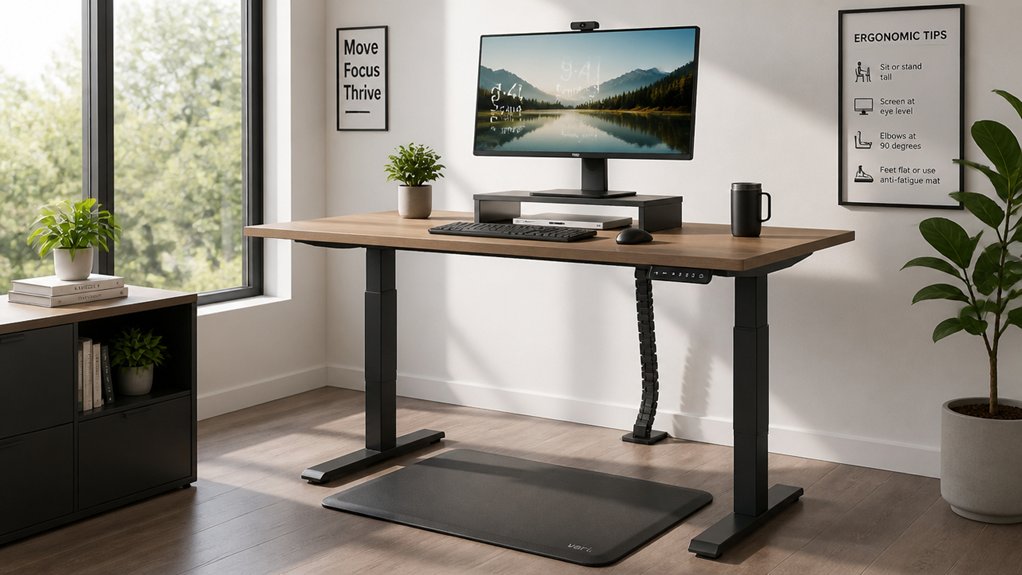
While standing desks offer many benefits, shifting abruptly to prolonged standing can lead to discomfort and pain in your back, legs, and feet. To avoid this, start with short intervals of 10-15 minutes and gradually increase your standing time.
Alternating between sitting and standing helps prevent fatigue and reduces the risk of worsening back pain or muscle strain. Wearing supportive footwear and using anti-fatigue mats can greatly lessen discomfort and lower limb fatigue.
An ergonomic setup, with your monitor at eye level and keyboard near elbow height, helps prevent neck strain and postural problems. Additionally, incorporating anti-fatigue standing desk mats can promote better circulation and reduce fatigue during long periods of standing. Remember to take regular breaks, shift your weight between legs, and stretch often to improve circulation and prevent discomfort during your workday.
How to Set Up an Ergonomic Standing Desk
To set up your ergonomic standing desk, start by adjusting the height so your keyboard is at elbow level with your elbows bent at about 90 degrees. Make sure your monitor is positioned at eye level to prevent neck strain. Using supportive footwear or anti-fatigue mats can also help you stay comfortable during longer standing periods, especially mats with cushion zones designed to improve comfort and support.
Correct Desk Height
Properly setting your desk height is essential for an ergonomic standing workspace. For a correct ergonomic desk setup, position your keyboard at or just below elbow level, with elbows bent close to 90 degrees, to minimize arm and shoulder strain.
The monitor top should be at eye level and about an arm’s length away, reducing neck bending and encouraging good posture. Adjust the standing desk height so your wrists stay straight and relaxed while typing, avoiding upward or downward bending.
When using a laptop, incorporate an external keyboard and monitor to maintain proper alignment. Additionally, use anti-fatigue mats and supportive footwear to lessen lower body discomfort. Ensuring your desk has the right height range can significantly enhance comfort and prevent musculoskeletal issues. These adjustments help create a comfortable, health-promoting standing desk environment while preventing common musculoskeletal issues.
Proper Monitor Placement
Placing your monitor at the correct height is essential for maintaining good posture and reducing strain. To achieve proper ergonomics, position the monitor so the top is at or slightly below eye level, encouraging a neutral posture and minimizing neck and back discomfort.
Keep the monitor distance about 20-30 inches, or an arm’s length, to reduce eye strain and promote comfortable viewing. Use an adjustable monitor stand or arm to customize height and screen angle, especially when switching between sitting and standing positions.
For laptop users, an external monitor or a raised screen with a separate keyboard helps maintain proper ergonomic alignment. This setup prevents neck fatigue by ensuring monitor height and screen angle support ideal neck and back health during prolonged work. Additionally, height-adjustable monitor risers provide customizable support for optimal eye level positioning and ergonomic comfort.
Finding the Right Balance: When and How Long to Stand Each Day
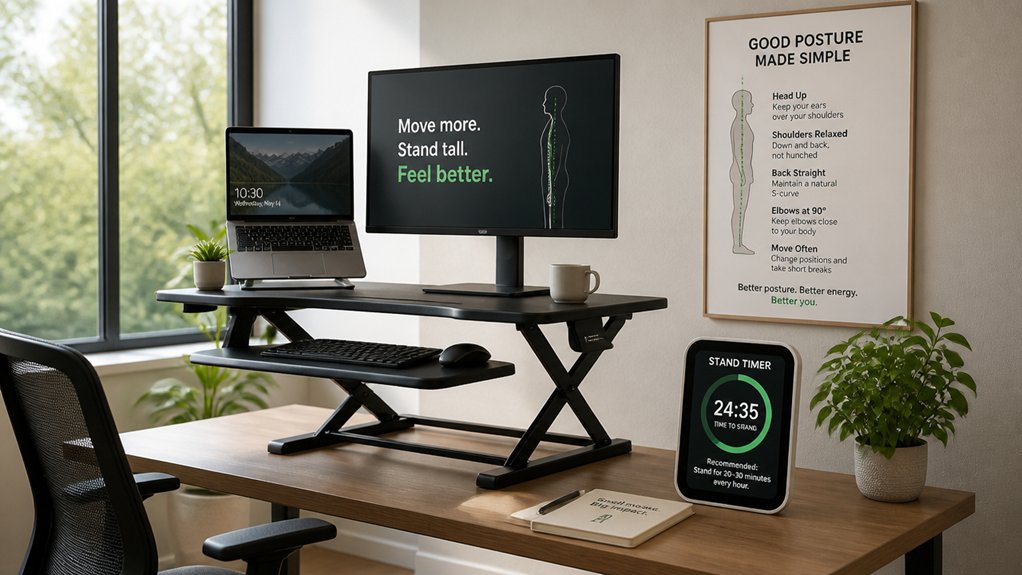
To find the right balance, start by standing in short intervals of 10-15 minutes each hour and gradually increase from there. Aim to switch between sitting and standing every 30 to 60 minutes to stay comfortable and focused. Remember to incorporate non-slip mats and terrain-inspired foot movement during standing periods to prevent strain and fatigue.
Gradual Adjustment Strategies
Finding the right balance between sitting and standing requires a gradual approach to prevent discomfort or injury. Start with short standing intervals of 10 to 15 minutes per hour, then gradually increase your standing time. To ease into this, imagine: 1. Setting a timer to remind you to switch between sitting and standing periodically. 2. Maintaining a balanced ratio—initially about 2 hours sitting to 1 hour standing—to avoid back pain or foot discomfort. 3. Incorporating movement throughout your standing periods, like stretching or light walking, to prevent fatigue and promote circulation. 4. Listening to your body’s signals and adjusting standing duration if you experience discomfort or pre-existing issues. Additionally, using ergonomic tools like a footrest rocker can help keep legs active and improve circulation during standing or sitting. This steady adjustment helps prevent fatigue, reduces strain, and creates a healthier, more comfortable workday.
Optimal Standing Duration
How long should you stand each day to maximize benefits without risking discomfort? The best standing desk setup promotes a balanced routine, usually starting with short standing intervals of 10-15 minutes per hour.
Over time, aim to optimize standing duration to about 1 hour of standing for every 2 hours of sitting. Alternating sitting and standing throughout your day prevents fatigue and discomfort.
Using an anti-fatigue mat and supportive footwear can boost comfort and reduce strain during standing at your desk. Incorporate regular movement like stretching or walking to improve circulation and prevent pain.
Monitor your body’s signals closely, adjusting your standing durations as needed based on comfort and health conditions. This approach helps you achieve the health benefits of standing while avoiding the risks of prolonged standing.
Incorporating Movement and Posture Changes for Long-Term Health
Incorporating regular movement and posture changes into your workday is essential for maintaining long-term health. Alternating between sitting and standing helps reduce back strain and promotes better spinal alignment.
To do this effectively:
- Shift your posture frequently—sit, stand, and stretch.
- Use a standing desk with ergonomic setup, keeping your monitor at eye level and keyboard at elbow height.
- Move around during standing periods by walking or shifting weight to improve circulation and prevent fatigue.
- Wear supportive footwear or stand on anti-fatigue mats to lessen leg and foot discomfort.
Monitoring and Adjusting Your Standing Desk Routine Over Time
To maintain the benefits of a standing desk, it’s important to regularly monitor and adjust your routine based on how your body responds. Start with short intervals of 10-15 minutes standing per hour and gradually increase to a 50/50 sitting and standing split to prevent back pain, foot pain, or discomfort.
Monitor for any signals like muscle fatigue or joint pain, especially in your feet, knees, or lower back. When needed, adjust your ergonomic setup—make sure your keyboard is at elbow level, and your monitor is at eye level. Incorporate movement breaks, such as stretching or light walking, to reduce fatigue.
Listen to your body and alternate between sitting and standing based on comfort and task demands for sustained health benefits.
Frequently Asked Questions
What Are the Health Risks of a Desk Job?
A desk job puts you at risk of obesity, diabetes, heart disease, and certain cancers due to prolonged sitting and poor posture. It can cause blood clots, back pain, neck strain, and mental health issues like stress and fatigue.
Do Standing Desks Actually Have Health Benefits?
Standing desks do offer health benefits, like reducing back pain, improving posture, and lowering blood sugar spikes. However, they burn only a few extra calories. Alternating between sitting and standing maximizes benefits and minimizes risks.
What Is the 20/8-2 Rule?
The 20/8-2 rule guides you to stand for 20 minutes, sit for 8, then move for 2 minutes every half-hour. This helps balance activity, boosts circulation, and reduces discomfort during long desk periods.
How to Be Healthy While Working a Desk Job?
To stay healthy at a desk job, alternate between sitting and standing, use ergonomic equipment, wear supportive shoes, take regular movement breaks, listen to your body’s signals, stay hydrated, and maintain good posture to prevent discomfort and boost circulation.



