
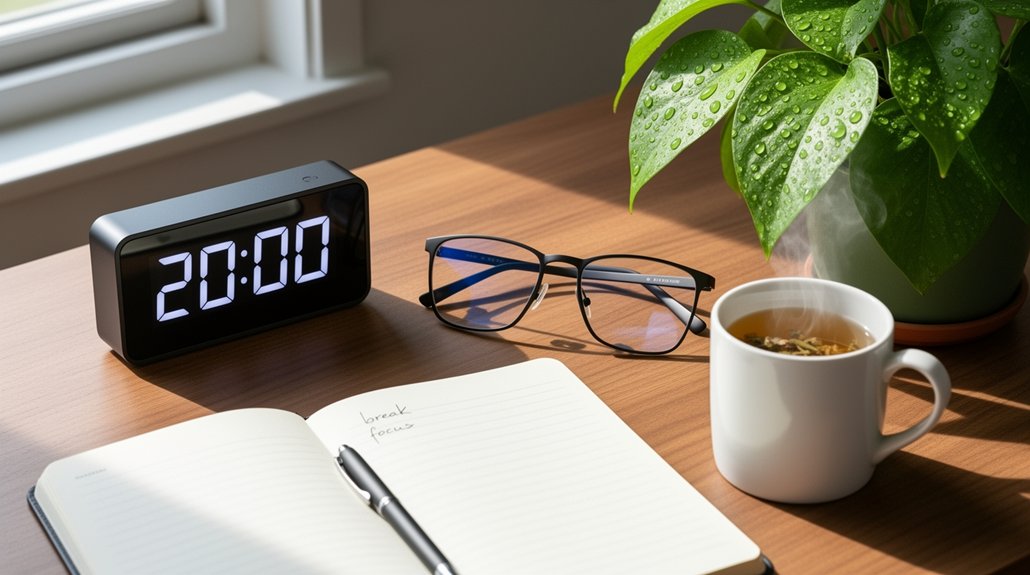
Every 20 minutes, look at something 20 feet away for at least 20 seconds to relax your eye muscles and cut fatigue. Keep your monitor 20–26 inches away, tilted just below eye level, and use a matte filter to curb glare. Match screen brightness to ambient light, adjust text size, and maintain soft, even illumination. If eye discomfort persists, consider an eye exam. Keep going to discover more tips for lasting eye comfort.
Follow the 20‑20‑20 Rule to Reset Your Eyes Every 20 Minutes

Ever wonder why your eyes feel gritty after a marathon of screen time? You’re probably experiencing eye strain from prolonged digital devices use. The 20‑20‑20 rule offers a simple break technique: every 20 minutes, look at something 20 feet away for at least 20 seconds. This quick pause relaxes the eye’s focusing muscles, cutting eye fatigue and delivering effective eyestrain relief. During computer use, set a timer or use an app to remind you to break every 20 minutes.
The routine refreshes your vision, eases headaches, and supports overall eye health without forcing you to stop your work. Consistently applying this rule lets you stay productive while protecting your eyes.
Position Your Monitor to Reduce Eye‑Strain
After you’ve been taking 20‑second breaks every 20 minutes, the next step is to set up your workstation so the screen itself isn’t adding strain.
Position your monitor 20 to 26 inches away and tilt it so the center sits just below eye level; this viewing angle eases eye strain and improves eye comfort.
Face the screen away from windows and overhead lights for glare reduction, and add a matte filter if needed.
Match screen brightness to ambient lighting to avoid high‑contrast glare that can cause fatigue.
Adjust text size and contrast for effortless reading, and keep the monitor height aligned with your eyes to maintain a relaxed posture.
These simple monitor position tweaks create an ergonomic workstation setup that protects your eyes.
Adjust Lighting to Reduce Eye‑Strain and Know When to Seek Professional Help

How can you make your workspace easier on your eyes? Adjust lighting so it matches screen brightness and eliminates glare. Use behind‑the‑screen lighting and shade windows to keep contrast low, and add a matte filter if reflections persist. Position digital screens slightly below eye level and keep a viewing distance of 20–26 inches; this reduces eye strain from awkward angles. When you read printed material, ensure soft, adequate illumination to avoid squinting. If eye discomfort continues despite these tweaks, seek professional help. Schedule an eye exam to rule out prescription issues or underlying conditions. Consistent eye care, proper lighting, and correct viewing distance together protect eye comfort and prevent chronic strain.
Frequently Asked Questions
How to Reduce Eye Strain Quickly?
Blink often, adjust your screen to arm’s length, lower it slightly, match room lighting, minimize glare with blinds or a matte filter, and keep artificial tears handy for instant relief.
What Is the #1 Worst Food for Vision Loss?
You’ll find that processed junk foods—especially those loaded with refined sugars, trans fats, and unhealthy oils—are the #1 worst food for vision loss, because they fuel inflammation, blood‑sugar spikes, and retinal damage.
What Is the Rule for Preventing Eye Strain?
You should follow the 20‑20‑20 rule: every 20 minutes, look at something at least 20 feet away for 20 seconds, and blink often to keep your eyes moist and relaxed.
How Does High Cortisol Affect Your Eyes?
High cortisol raises intraocular pressure, disrupts tear film, narrows retinal blood flow, and triggers headaches and blurred vision, so you may experience dry eyes, irritation, and increased visual fatigue during stress or screen use.
In Summary
By following the 20‑20‑20 rule, positioning your screen correctly, and tweaking your lighting, you’ll keep eye strain at bay. These simple steps protect your vision and boost productivity throughout the day. If discomfort persists despite these adjustments, it’s time to consult an eye‑care professional. Take action now—your eyes will thank you.



