
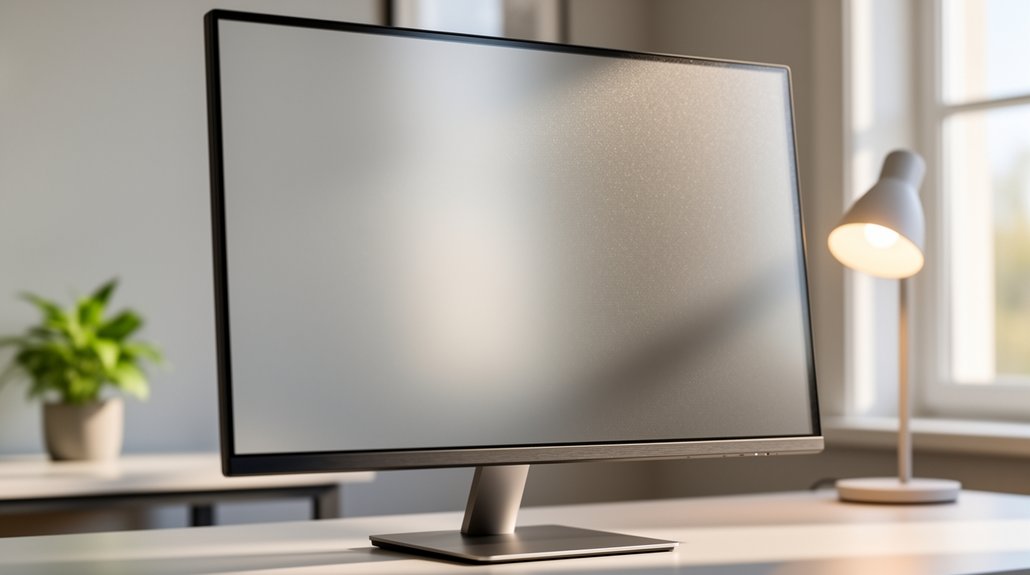
Apply a matte‑finished, PET‑based anti‑glare screen protector to your monitor; it diffuses reflections, keeps brightness high, and adds scratch‑resistance. Pair it with soft, angled lighting, tilt the screen away from windows, and use a blue‑light‑cut filter if needed. Follow the 20‑20‑20 rule—every 20 minutes, look at something 20 feet away for 20 seconds—to relax eye muscles. Adjust brightness and contrast to match ambient light, and consider polarized glasses for extra glare control. Continue to discover more strategies for lasting visual comfort.
What Is an Anti‑Glare Screen Protector and Why It Matters?
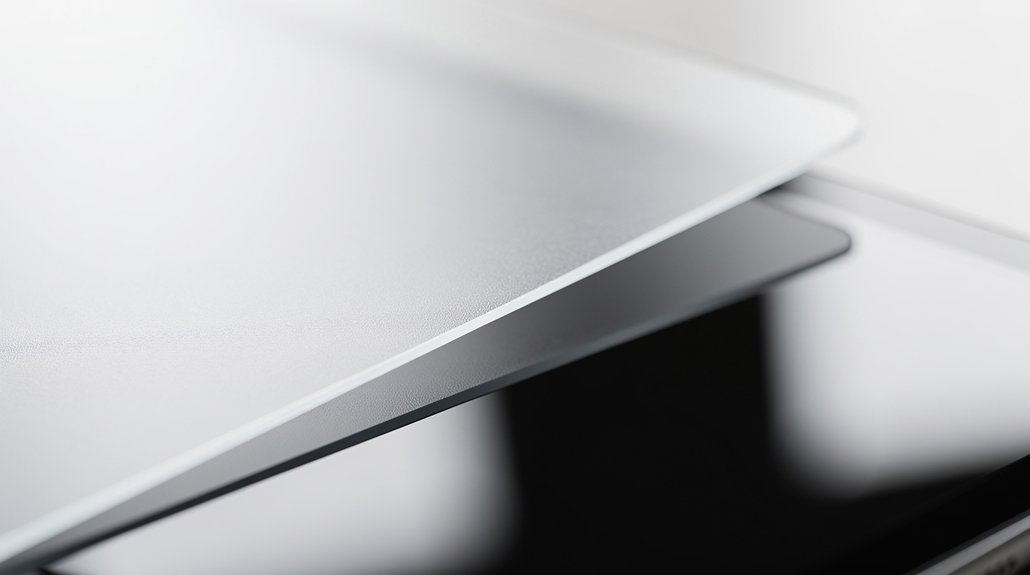
What exactly is an anti‑glare screen protector, and why does it matter? You attach a matte‑finished, PET‑based screen protector to your monitor, and it diffuses harsh reflections from overhead lights and nearby surfaces. The anti‑glare coating reduces glare without dimming the display, so you keep core clarity while cutting down on annoying reflections. By lowering those reflections, the protector eases eye strain during long work sessions. A safe silicone adhesive keeps it in place, and many models add scratch resistance and smudge‑proof benefits for durability and easy cleaning. Choose a protector that matches your screen size—like a 21.5‑inch widescreen (approximately 18.7″ × 10.5″)—to ensure a perfect fit and optimal comfort.
How Glare Affects Vision and Causes Eye Strain?
When glare hits your screen, it washes out contrast, making details harder to distinguish. The extra brightness forces your eyes to work harder, quickly leading to fatigue. Reflections also blur your focus, causing your eyes to strain and blink irregularly.
Light Reduces Contrast
When bright overhead lights or window reflections hit your screen, they wash out the image and lower the perceived contrast, making details harder to see. The glare reduces the difference between dark and light areas, so your eyes scramble to extract information. An anti‑glare screen protector diffuses those reflections, restoring contrast and easing the visual load. You can also tilt the monitor, use matte protectors, or add a filter that spreads light evenly across the surface. Positioning your workspace away from direct light sources maintains contrast without sacrificing brightness. By minimizing glare with these simple steps, you protect your eyes from the extra effort needed to discern details, keeping visual comfort steady during long sessions.
Glare Increases Eye Fatigue
Why does glare make your eyes feel exhausted? When bright light or digital screens scatter excess photons inside your eye, contrast drops and your visual system works harder to resolve details. Those scattered rays create screen reflections that force your pupils to constantly adjust, which quickly leads to eye strain and fatigue. Anti‑glare coatings on monitors or glasses block much of that unwanted light, sharpening perceived images and easing the workload on your ocular muscles. Polarized lenses further reduce horizontal glare outdoors, improving depth perception and reducing squinting. In poorly lit or high‑glare environments, the constant effort to focus can trigger headaches, dry eyes, and a
Reflections Blur Focus
Ever notice how a bright lamp or window reflects off your screen and suddenly everything looks hazy? Those reflections create glare that lowers contrast and adds a blur, forcing your eyes to work harder to find focus. The stray light scatters across the retina, increasing visual effort and leading to fatigue, headaches, and squinting. You can fight this by adjusting your environment and using anti‑glare tools.
- Position the monitor so light sources stay out of the screen’s line of sight.
- Use a matte screen or anti‑glare coating to diffuse reflections.
- Add polarized lenses or a filter to block horizontal glare.
- Dim overhead lights and avoid windows directly behind you.
These steps restore contrast, sharpen the image, and keep your eyes comfortable.
20‑20‑20 Rule: Simple Breaks to Reduce Digital Eye Fatigue
Set a timed reminder to pause every 20 minutes, then glance at something at least 20 feet away for a solid 20 seconds. This quick distance focus relaxes the eye muscles and breaks the strain of continuous near work. Keep the pattern consistent, and you’ll notice longer, more comfortable screen sessions with sharper concentration.
Set Timed Reminders
When you work at a screen for long stretches, it’s easy to forget to give your eyes a break, but setting timed reminders for the 20‑20‑20 rule can keep that habit in check. Automated alerts stop you from staring at screen glare and blue light for too long, forcing you to look 20 feet away for 20 seconds. This simple habit eases eye‑muscle strain and reduces dry‑eye, headache, and blurry‑vision symptoms.
- Choose a phone or computer app that lets you set 20‑minute intervals.
- Label the alarm “20‑20‑20 break” so you know why it rings.
- Keep the reminder volume low but audible to avoid distraction.
- Pair the alert with a quick stretch to boost overall comfort.
Focus Distant Object
Why not give your eyes a quick reset by looking at something far away? The 20-20-20 rule invites you to pause every 20 minutes, focus on a distant object at least 20 feet away, and hold that gaze for 20 seconds. This simple break relaxes your ciliary muscles, easing the strain caused by prolonged near‑focus on screens.
Pair it with anti‑glare measures—adjust lighting, use a matte screen, or apply an anti‑glare filter—to cut screen glare and keep your vision comfortable. You won’t need special equipment; just a habit that fits naturally into your workflow.
Consistently applying this routine helps prevent blurred vision, headaches, and overall digital eye fatigue.
Maintain Consistent Duration
Ever wonder how a simple timing habit can keep your eyes from burning out? By sticking to a steady rhythm, you let anti‑glare measures work while your eyes recover. The 20‑20‑20 rule is your best ally: every 20 minutes, look at something 20 feet away for 20 seconds. Consistency prevents eye strain, eases screen glare, and stops dryness before it starts.
How to maintain the habit
- Set a timer on your phone or computer.
- When it rings, pause work and glance out a window or across the room.
- Count to 20 slowly, letting your focus relax.
- Return to the screen, remembering the anti‑glare filter is still protecting you.
Follow this pattern all day, and you’ll notice fewer headaches, less blurred vision, and sustained comfort.
Setting Up Timers for the 20‑20‑20 Rule
Ever notice how quickly your eyes tire after a marathon of scrolling? The 20-20-20 rule can be your lifesaver, but you need a reliable timer to make it stick. Set a digital timer on your computer, phone, or smartwatch for every 20 minutes of screen time. When it buzzes, pause, look at something 20 feet away, and hold that gaze for 20 seconds. A quick pop‑up reminder on the screen reinforces the habit and keeps you from missing breaks.
Consistent breaks relieve eye‑muscle fatigue and cut down on screen glare, letting you stay comfortable and focused for hours. Adjust the alarm volume so it alerts you without disrupting your workflow, and you’ll notice less strain in no time.
Adjusting Lighting and Workspace to Minimize Glare
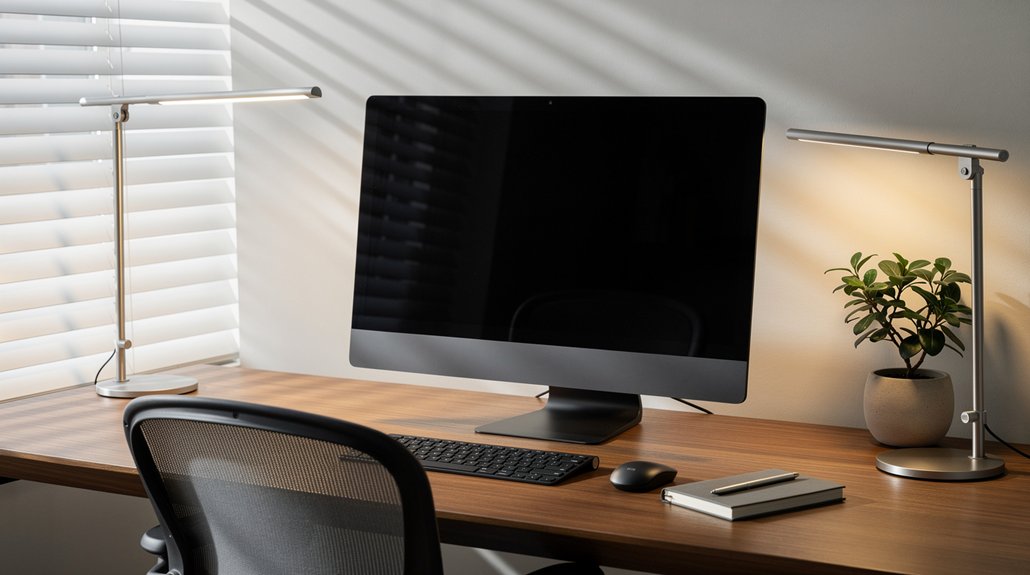
You’ll notice that placing soft light sources behind your work material cuts down on screen reflections.
Adjusting your monitor’s angle and height so it’s ergonomically positioned further reduces glare from windows or overhead lights.
Together, these tweaks create a calmer visual environment and ease eye strain.
Soft Lighting Placement
How can you keep glare at bay while you work? Soft lighting placement lets you control brightness without sacrificing visibility. Position light sources behind or to the side of your task so illumination hits the work surface, not your eyes. Choose desk lamps with lower‑intensity bulbs and add matte or anti‑glare screen filters to diffuse reflections. Keep monitors away from windows and avoid overhead lights that shine directly on the screen. Close blinds to tame natural light and prevent harsh contrast. For outdoor work, wear a wide‑brimmed hat and seek shade.
Tips for effective soft lighting
- Place lamps at a 45‑degree angle to the screen.
- Use bulbs rated 2700‑3000 K for warm, gentle light.
- Apply a screen filter to reduce glare.
- Adjust blinds to balance ambient illumination.
Ergonomic Screen Positioning
Soft lighting sets the stage, but the true game‑changer is where you place the screen. Position your monitor about an arm’s length away and keep it roughly 45 inches below eye level; this screen position lessens neck strain and supports glare reduction. Use desk lamps that emit soft, non‑flickering light and angle them to avoid reflections from windows or overhead fixtures. Close blinds or curtains to control natural light, and keep the screen away from direct light sources for a glow‑free workspace. Add a matte anti‑glare screen protector or filter to diffuse any remaining reflections and improve contrast. If needed, attach a screen hood or shade to block side and overhead lighting, completing an ergonomic setup that protects your eyes during long sessions.
Reducing Screen Glare and Blocking Blue Light on Monitors
Ever notice how a bright office window turns your monitor into a mirror? You can tame that glare and cut blue light without sacrificing clarity. First, attach an anti‑glare matte protector to your monitor; it diffuses harsh light and reduces reflections. Next, choose a blue‑light‑cut screen material that filters high‑energy visible light, easing eye strain during long sessions. Adjust your monitor’s brightness and contrast to match ambient lighting, and tilt the screen slightly away from windows. Finally, consider polarized lenses for glasses—they block intense horizontal glare while letting vertical light through, improving readability on reflective surfaces.
Tame glare, cut blue light, and boost clarity with anti‑glare film, blue‑light filters, and polarized lenses.
- Apply anti‑glare film
- Use blue‑light‑filtering glass
- Optimize brightness/contrast
- Add polarized eyewear for outdoor work
Installing an Anti‑Glare Screen Protector Step‑by‑Step
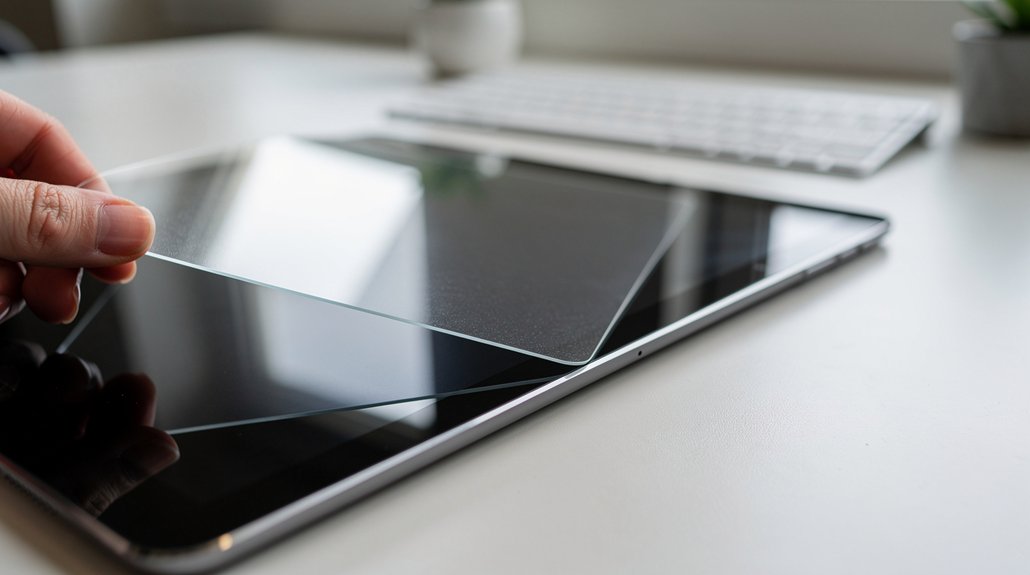
Ever wondered why your monitor still feels harsh despite dim lighting? Start with a thorough screen cleaning; use a lint‑free cloth and a mild alcohol‑free solution to remove dust and fingerprints.
Next, unpack the installation kit and lay the anti‑glare screen protector on a flat surface, adhesive side up. Peel the backing carefully, then align the protector with your monitor’s edges, using the kit’s alignment guides to avoid misplacement.
Press the protector gently from the center outward, smoothing out bubbles with the provided squeegee.
If any bubbles remain, lift the edge slightly and re‑smooth.
Once fully adhered, you’ll notice immediate glare reduction and a softer viewing surface, easing eye strain during long sessions.
Choosing the Right Anti‑Glare Screen Protector for Your Monitor
After you’ve installed the protector, the next step is picking the right one for your monitor. When you compare options, focus on anti‑glare performance, glare reduction, and monitor compatibility. Here’s a quick checklist to help you decide:
- Material – Choose PET‑based screen protector with silicone adhesion for a removable, safe layer that doesn’t harden the display.
- Finish – A matte finish diffuses reflections, cutting down overhead‑light glare while keeping brightness high.
- Size – Verify the dimensions (21.5‑inch, 18.7″ × 10.5″, 16:9) match your monitor’s specifications.
- Package – A 3‑pack with a full installation kit ensures you have spares and tools for future replacements.
Polarized vs. Non‑Polarized Sunglasses for Outdoor Glare Protection
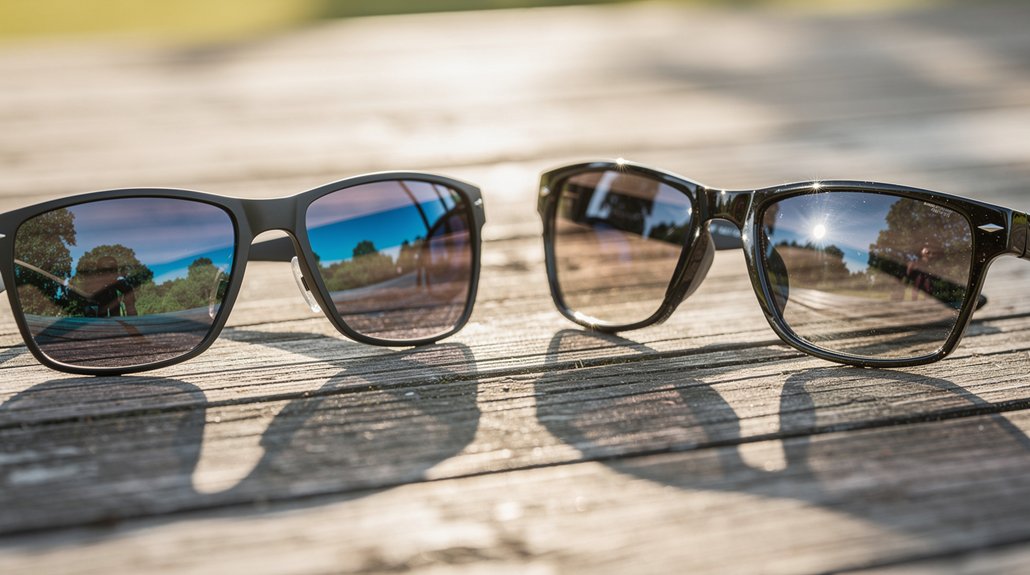
How do you choose between polarized and non‑polarized sunglasses for outdoor glare protection? If you spend a lot of time driving, fishing, or skiing, polarized sunglasses cut intense reflected light from water, roads, or snow by allowing vertically oriented light through while filtering horizontal glare. This improves visual contrast and reduces eye strain, especially when glare threatens screen readability on a dashboard. Non‑polarized lenses still block UV but don’t diminish reflected light, so they’re better if you frequently glance at digital screens where polarization can dim the display. Gray lenses keep brightness low without color distortion, and a snug fit prevents stray light from entering the sides. Weigh the need for glare reduction against occasional screen readability issues to pick the right pair.
Prescription Glasses With Anti‑Reflective Coatings for Screen Work
Prescription glasses with anti‑reflective (AR) coatings cut down lens reflections, letting more light pass straight to your eyes and sharpening what you see on screens. When you wear prescription glasses with anti‑reflective coatings for screen work, you’ll notice less glare from office lighting and reduced eye fatigue. The coating also boosts contrast, so text looks crisper during long sessions.
- Choose AR lenses that match your prescription for optimal clarity.
- Look for coatings that reduce glare from LEDs and fluorescents.
- Ask for scratch‑resistant or smudge‑proof options to keep lenses clean.
- Verify that the coating is compatible with your digital device’s brightness levels.
These steps let you focus on screen work without the distracting glare that often triggers strain.
When to See an Eye Care Professional for Persistent Glare Issues?
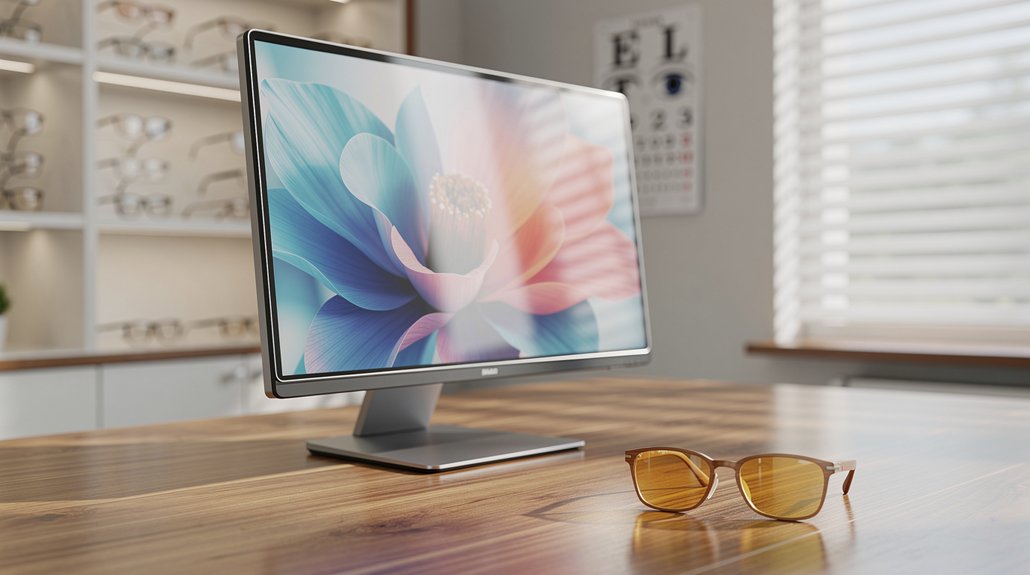
Ever notice that glare keeps bothering you even after you’ve dimmed the lights and adjusted your screen? If that persistent glare continues, it’s time to schedule a visit with an eye care professional. You should get checked out when basic tweaks—like moving blinds or using a matte filter—don’t ease your eye strain. An optometrist can detect underlying problems such as uncorrected vision, dry‑eye syndrome, or digital eye strain that may be amplifying the glare. They’ll recommend tailored solutions, from anti‑glare coatings to prescription glasses that match your work habits. Regular exams also catch early signs of glare‑related issues, ensuring you receive the right treatments and environmental adjustments before discomfort worsens.
Quick Checklist: Daily Habits for Long‑Term Eye Comfort
Wondering how to keep your eyes comfortable day after day? A quick daily checklist can curb eye strain and boost long‑term comfort while you work with anti‑glare protection. Follow these habits consistently:
- Adjust screen brightness to match ambient light; avoid overly bright or dim settings.
- Apply anti‑glare protectors or matte filters on monitors to cut reflections.
- Practice the 20‑20‑20 rule: every 20 minutes, look 20 feet away for 20 seconds.
- Use blue‑light filtering glasses or enable software filters during evening screen time.
Blink often, keep your workspace lit with soft, indirect lighting, and set text size for easy reading. These simple steps protect your vision and keep discomfort at bay.
Frequently Asked Questions
Does Anti-Glare Coating Reduce Eye Strain?
Yes, it does—anti‑glare coating cuts reflections, letting more light pass through, so you’ll strain less while reading or using screens. It eases focus, reduces fatigue, and improves overall visual comfort.
What Is the 20 Minute Eye Rule?
You follow the 20‑20‑20 rule: every 20 minutes of screen time, look at something at least 20 feet away for 20 seconds, letting your eye muscles relax and reducing strain.
What Are the Downsides of Anti-Glare Screen Protectors?
You’ll notice slightly muted colors and reduced sharpness, occasional fingerprint smudges, and the need for more frequent cleaning; some cheap films can even cause a faint haze that dims overall screen clarity.
How Does High Cortisol Affect Your Eyes?
High cortisol can raise your eye pressure, thin retinal layers, disrupt tear production, and worsen dry‑eye symptoms, increasing glaucoma risk and potentially aggravating conditions like central serous chorioretinopathy.
In Summary
By using anti‑glare screen protectors, tweaking lighting, and following the 20‑20‑20 rule, you’ll keep eye strain at bay. Pair those habits with polarized sunglasses outdoors and glasses with anti‑reflective coating for screens. Set timers, take regular breaks, and stay aware of persistent discomfort—consult an eye‑care professional if needed. Consistent, simple steps will protect your vision and keep you comfortable throughout the day.

Leave a Reply