
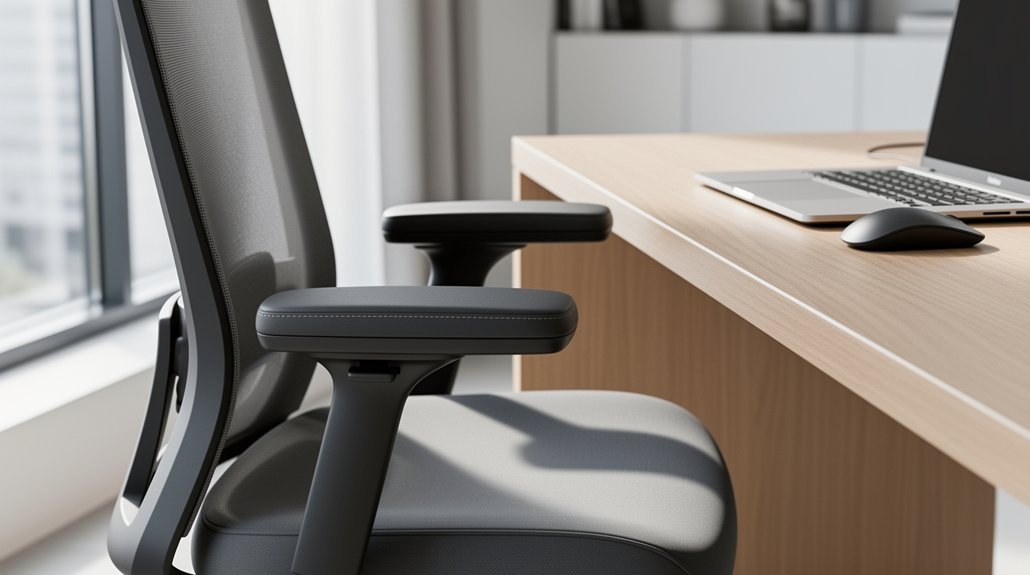
You need your armrests at a height that lets your elbows bend to about 90 degrees so your forearms stay parallel to the desk. This keeps shoulders relaxed, reduces strain on the neck and upper back, and prevents you from hunching or reaching too far. When the armrests are too low or high, you’ll over‑extend or compress your joints, leading to fatigue and pain. Adjusting height, width, and depth to match your body and desk ensures a neutral posture, and fine‑tuning the padding helps maintain comfort throughout the day. Keep on this and you’ll discover how to integrate these tweaks with other ergonomic habits for a healthier home office.
How to Set Your Armrest Height for a 90‑Degree Elbow Angle
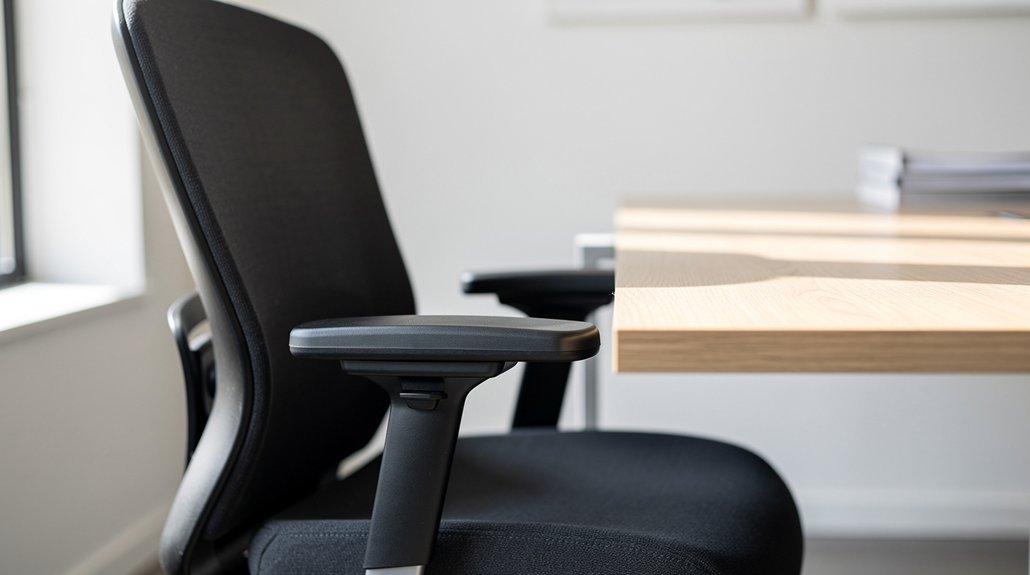
Ever wondered how a simple armrest tweak can transform your workstation? You’ll start by sitting back with feet flat, then adjust the chair height so your elbows rest lightly on the armrests. Aim for an elbow angle of about 90 degrees; this keeps forearm alignment vertical and promotes a neutral posture. If the armrests press against the desk, lower them or raise the desk to maintain proper desk clearance. A correct armrests height eliminates shoulder tension and prevents neck strain by keeping shoulders relaxed. Begin with a range of 7–10 inches above the seat cushion, then fine‑tune based on your body, desk, and chair combination. This ergonomic setup supports comfort and productivity throughout the day.
How to Measure and Adjust Armrest Height for Your Desk
Now that your elbows are comfortably resting on the armrests, it’s time to measure and fine‑tune their height for your specific desk setup. First, sit tall with feet flat and knees at about 90 degrees; this baseline ensures your armrest height aligns with a proper seating posture. Use a ruler or tape measure to check the distance from the seat cushion to the top of the armrest, aiming for 7–10 inches (18–25 cm). Adjust the armrest until your forearm support creates a 90–100 degree elbow angle, keeping shoulders relaxed and neutral. If the armrests press against the desk, lower them or raise the desk height. Fine‑tune until you feel no musculoskeletal strain, achieving an ergonomic setup that maintains neutral shoulders throughout your work.
Adjusting Armrest Width and Depth to Keep Shoulders Neutral
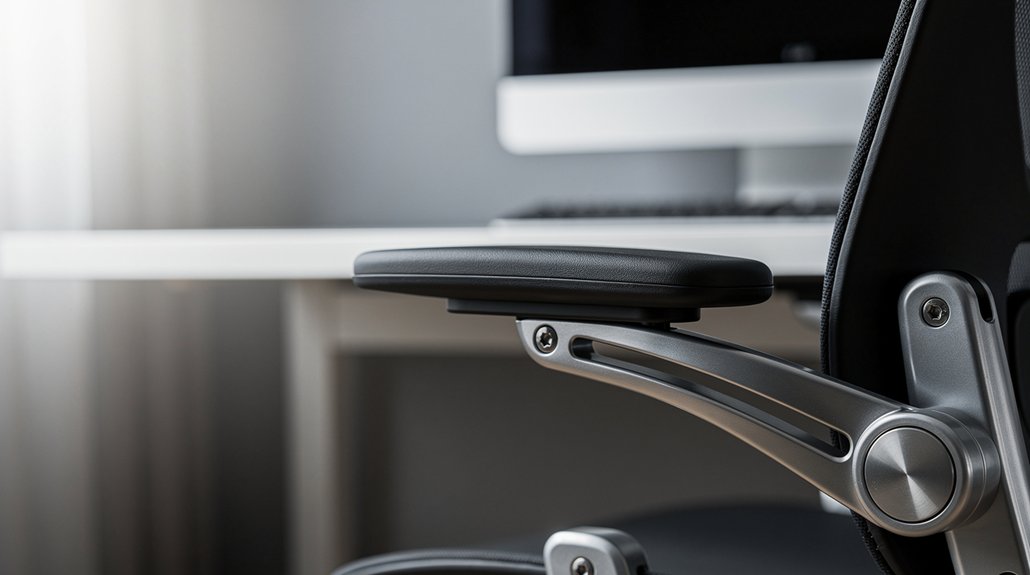
You’ll want the armrests just wide enough that your elbows sit under your shoulders, keeping the shoulders neutral.
Adjust the depth so your forearms rest at desk height, which eases the load on your shoulders and lets you type at a comfortable 90‑100° angle.
When the width and depth are fine‑tuned, you can sit closer to the desk, reducing reach and lowering neck and back strain.
Shoulder‑Aligned Width
How can you keep your shoulders neutral while you work? Adjust the armrests so their width matches the distance between your shoulders. When the armrests sit directly under your elbows, you maintain shoulder alignment and avoid abduction. A simple width adjustment lets your forearms rest comfortably without crowding the desk, preserving a neutral posture. If the armrests are too wide, elbows drift outward, shoulders elevate, and shoulder neutrality collapses. Narrow the width until your elbows stay close to your torso and your forearms rest lightly on the pads. Consistent width control, together with proper height, reduces upper‑back strain and supports overall desk ergonomics. This dynamic adjustment accommodates daily posture shifts and small body‑size variations.
Depth‑Optimized Positioning
Tuning the armrest depth and width lets your elbows stay directly under your shoulders, keeping your shoulders neutral while you type. When the armrest depth matches your forearm length, you get solid forearm support without forearm overreach, and the elbow angle settles around 90–100 degrees. A narrower forearm contact width reduces elbow splay, keeping the upper arm proximity close to the torso and easing shoulder tension. Adjust the depth so your forearms rest comfortably, preventing the arms from splaying outward or collapsing inward. This positioning maintains neutral shoulder posture, distributes weight evenly, and eliminates the windshield‑wiper motion that strains tendons. Consistently aligning depth and width ensures ergonomic consistency throughout the workday.
How to Test Your Armrest Height for Neutral Shoulders and Pain Prevention
Sit down with your feet flat and elbows bent at about 90 degrees, then perform the Elbow Alignment Test by lowering the armrests until they just touch the underside of your elbows without lifting your shoulders.
Next, do the Shoulder Relaxation Check by noticing whether your shoulders stay relaxed or if they creep up when you type or write.
If your shoulders lift, readjust the armrests or desk height until both tests show a neutral, comfortable posture.
Elbow Alignment Test
A proper elbow alignment test lets you verify that your armrests keep your elbows at a comfortable 90‑degree angle, promoting neutral shoulders and preventing pain. Sit with feet flat, knees at 90 degrees, and adjust the armrests until they gently touch the undersides of your elbows while your shoulders stay relaxed. Your forearms should rest on the armrests, upper arms close to the torso, and the elbow angle should stay within 90–100 degrees. If the armrests hit the desk, lower them or raise the table height to keep the posture neutral without leaning forward.
During ergonomic testing, vary arm positions while typing, reading, or on calls; the elbow angle must remain near 90 degrees throughout each task. This simple check ensures your desk setup supports a healthy, neutral posture.
Shoulder Relaxation Check
Ever wonder how to tell if your armrests are keeping your shoulders truly relaxed? Start by sitting with feet flat, back supported, and your arms at a natural resting position. Adjust the armrests height until the undersides of your elbows just touch them, aiming for an elbow angle of 90‑100 degrees. Feel for any tightness in the upper trapezius; if you notice elevated shoulders, lower the armrests or raise the desk. Perform a dynamic check by switching tasks—typing, reading, taking calls—and fine‑tune the height so shoulder relaxation persists across activities.
- Keep shoulders down, avoiding shrugging
- Maintain a neutral posture with a 90‑100° elbow angle
- Ensure the upper trapezius stays relaxed, not strained
- Adjust armrests height for consistent comfort during all tasks
- Use this posture adjustment as a core part of desk ergonomics
Choosing Armrest Height‑Friendly Materials and Padding
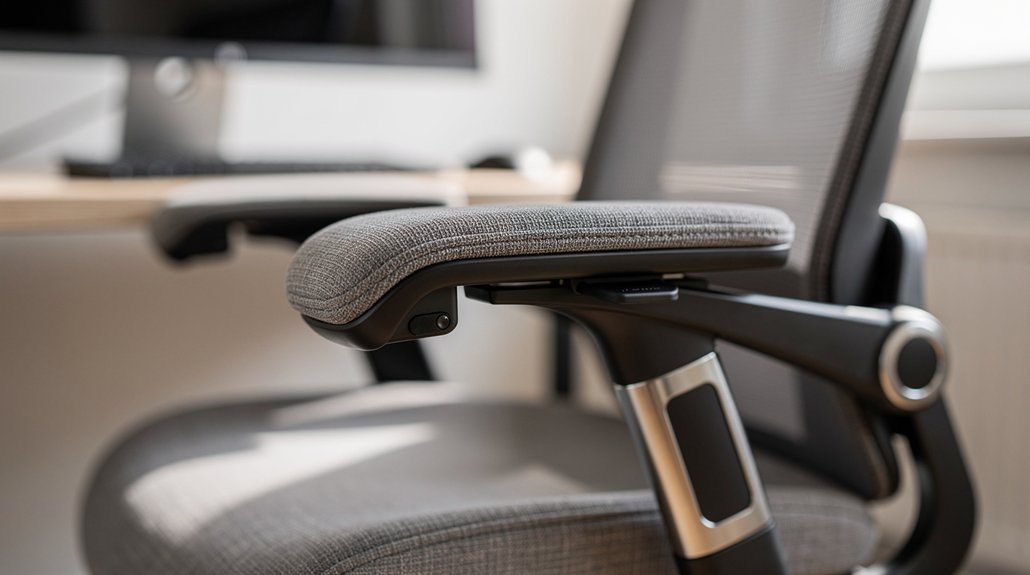
What material you choose for armrest padding can make or break your comfort during long work sessions. You need a foam or gel with medium padding density that holds its shape under the weight of your forearms while still yielding enough to keep elbow pressure low. A high‑density core paired with a softer cover creates a neutral forearm position and smooth distribution of arm weight, especially when you fine‑tune armrest height on adjustable armrests. Look for materials that resist compression over time; material durability ensures your comfort comparison stays consistent day after day. A contour‑matched pad that follows the natural curve of your forearm will support you without restricting movement, letting you stay productive without strain.
Dynamic Armrest Height Adjustments: Raise, Lower, or Remove Throughout the Day
Ever wonder how a simple adjustment can keep your shoulders relaxed and elbows at a healthy 90‑100° angle? You can fine‑tune armrest height throughout the day to match typing, calls, or reading. Raising, lowering, or removing the armrest lets you maintain a neutral elbow position and continuous forearm support, while dynamic-height arms automatically adapt to posture changes. This rhythm encourages shoulder relaxation, promotes circulation, and drives fatigue reduction—key goals of desk ergonomics.
- Raise the armrest for intensive typing to lock in a neutral elbow position.
- Lower it when you need to stretch shoulders and rest forearms.
- Remove it completely for short breaks or when the desk height limits movement.
- Switch between 4D/6D armrests for seamless, automatic adjustments.
- Alternate higher and lower settings to balance focus and relaxation.
Integrating Armrest Height Adjustments With Other Ergonomic Practices for a Healthy Home Office
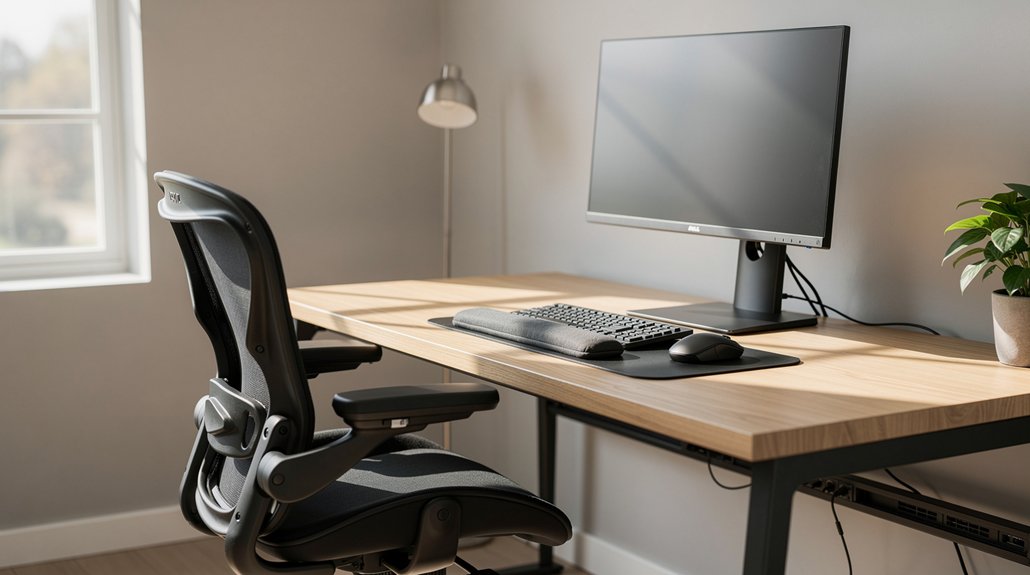
Dynamic armrest height isn’t just a stand‑alone tweak; it works best when you sync it with your desk, chair, and monitor setup. Set your desk height so forearms rest comfortably on the armrests, keeping an elbow bend of 90–100 degrees and shoulders relaxed.
Choose ergonomic chairs that let you fine‑tune armrests height, width, depth, and rotation, ensuring forearm support without elbow splay.
Align the monitor at eye level to maintain a neutral posture, then practice dynamic adjustment—raise or lower the armrests every hour to prevent shoulder fatigue.
Pair these moves with regular micro‑breaks and occasional desk height tweaks, and you’ll sustain balanced alignment, reduce neck strain, and keep your home office ergonomically healthy.
Frequently Asked Questions
What Height Should Armrests Be at Desk?
Set your armrests roughly 7‑10 inches (18‑25 cm) above the seat cushion so your elbows bend at a natural 90‑100 degrees, keeping shoulders relaxed and forearms comfortably supported while you work.
What Is the 90-90-90 Rule in Ergonomics?
You follow the 90‑90‑90 rule by keeping your hips, knees, and ankles at right angles while seated, which means your thighs stay horizontal, lower legs vertical, and feet flat on the floor.
Are Armrests Bad for Ergonomics?
You shouldn’t dismiss armrests entirely; they’re beneficial when you adjust them so your elbows stay at a 90‑degree angle, shoulders relaxed, and forearms close to your torso, preventing strain.
How Tall Should a Desk Be for a 5’7″ Person?
You should set your desk around 28‑30 inches high, giving you a comfortable 90‑100° elbow angle. Adjust it until your forearms rest parallel to the surface without raising shoulders or hunching your neck.
In Summary
By fine‑tuning your armrests to keep elbows at a 90‑degree angle, you protect your shoulders, reduce strain, and boost productivity. Measure, adjust, and test regularly, and don’t forget to pair these tweaks with proper chair height, monitor placement, and keyboard posture. With the right material, padding, and dynamic adjustments throughout the day, your home office will stay comfortable and ergonomic—no more lingering aches or fatigue.




Leave a Reply