
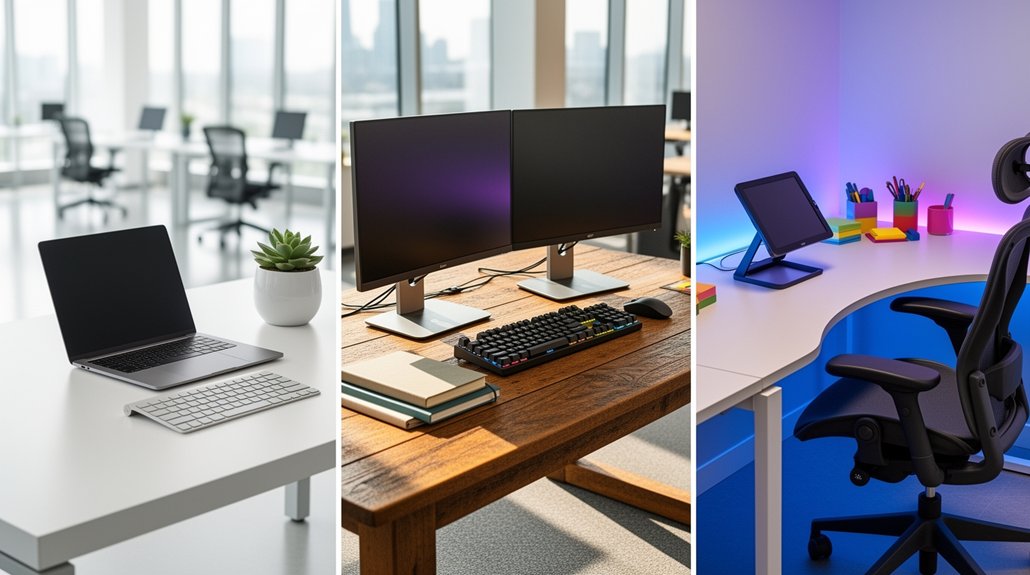
Pick a wired keyboard‑mouse combo for your flex‑desk to dodge battery swaps and cut wireless interference, then add a business‑grade webcam with AI auto‑light, auto‑framing, and a privacy shutter to keep video crisp and secure. Finally, hook everything to a one‑cable docking station that powers the laptop, connects monitors, and supplies USB ports for seamless hot‑desking. This trio gives you a tidy, reliable workspace, and the next steps will show you how to fine‑tune each component.
Choose a Wired Keyboard & Mouse for Your Flex‑Desk
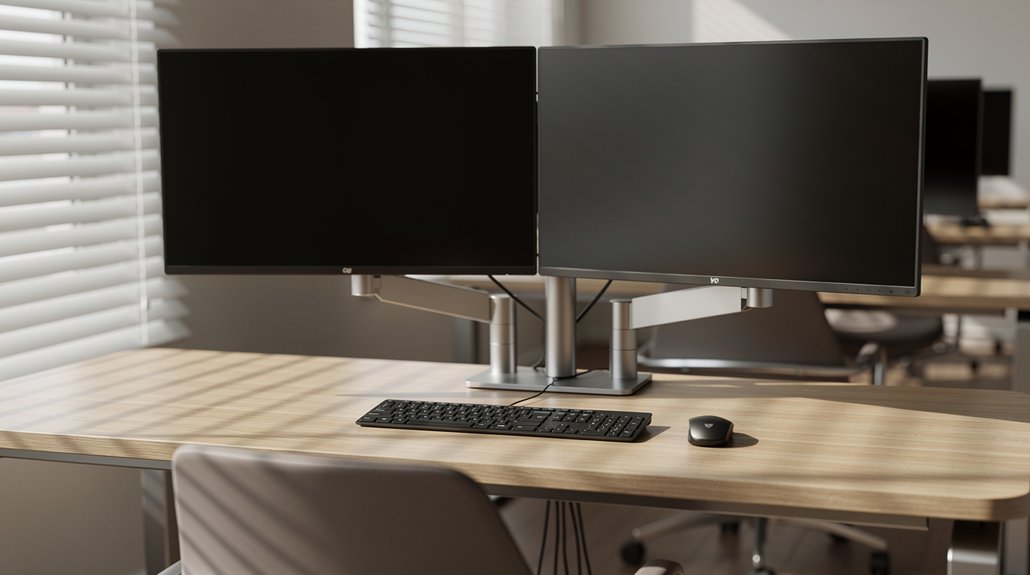
Ever wonder why a wired keyboard and mouse are a must‑have for a flex‑desk? You’ll find a wired keyboard and mouse keep your desk setup stable, eliminate battery swaps, and let you plug‑and‑play across Windows, ChromeOS, and macOS.
The Logitech Signature Slim Wired Combo showcases an ambidextrous mouse, USB‑C connection, multi‑OS switch, AI Launch Key, and collaboration control keys for quick meetings.
In a shared workspace, cable management stays tidy and IT faces fewer wireless interference issues.
The BYOD‑friendly design lets you move between devices without re‑pairing, cutting total cost of ownership.
With a wired pair, your flex‑desk stays reliable during frequent reconfigurations, supporting seamless collaboration and efficient workflow.
Install a Business‑Grade Webcam With Auto‑Light & Privacy Shutter
Why settle for grainy video calls when a business‑grade webcam can deliver crisp, well‑lit images with AI‑powered auto‑light correction and noise‑reducing microphones? You’ll mount it at eye level, use tilt and auto‑framing to stay centered, and flip the privacy shutter for shared workspace security. The AI‑driven camera keeps skin tones natural while auto light correction adapts to bright or dim rooms. Its noise‑reducing microphone blocks background chatter, and BYOD compatibility ensures Windows, macOS, and ChromeOS support for any device.
| Feature | Benefit |
|---|---|
| Webcam with privacy shutter | Protects visual privacy in open desks |
| Eye‑level mounting & tilt | Ergonomic view, flexible positioning |
| Auto‑framing & AI‑driven camera | Keeps you centered, crisp visuals |
| Auto light correction | Consistent lighting without manual tweaks |
| Noise‑reducing microphone | Clear voice, less background noise |
| BYOD compatibility | Works across Windows, macOS, ChromeOS |
Install this business‑grade webcam and turn every call into a professional, secure experience.
Add a Docking Station for One‑Cable Power & Connectivity
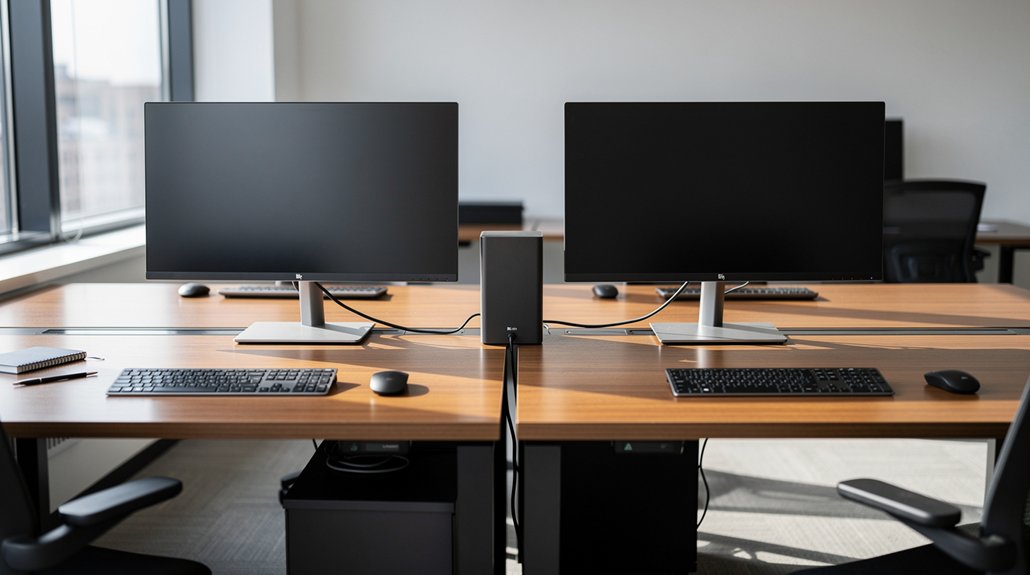
When you plug a docking station into your laptop, a single cable instantly powers the device and connects all your peripherals—monitors, keyboard, mouse, and webcam—eliminating desk clutter and simplifying hot‑desking. The docking station serves as a plug‑and‑play hub, delivering one‑cable power and connectivity for a shared workspace.
You’ll experience seamless peripheral access across workstations, whether you’re rotating desks or moving between rooms. Its built‑in USB ports, video outputs, and optional SD card reader expand device compatibility, supporting BYOD policies on Windows, ChromeOS, and macOS.
Frequently Asked Questions
What Are the 3 P’s for Having a Clean Desk?
You follow the three P’s: Practice daily clearing, Protect items with cable trays or clips, Pack a portable kit so you can reset quickly, keeping your desk tidy and ready for anyone.
What’s the Most Efficient Desk Organizer Layout?
You’ll maximize efficiency by placing a central tray for daily tools, flanked by vertical slots for notebooks, and a side pocket for cables—keeping everything within arm’s reach while preserving a clear work surface.
How to Organize a Desk in ADHD?
You organize your desk for ADHD by keeping only essential items visible, using color‑coded trays for supplies, setting a daily 5‑minute clearing ritual, and employing wireless, minimal‑cable peripherals to reduce visual clutter.
How to Organize a Home Office Space for Two People?
You should split the room into distinct zones, assign each person a dedicated desk with adjustable height, share dual monitors on a single arm, use cable trays, and keep personal kits in lockers for easy transition.
In Summary
By picking a wired keyboard and mouse, you eliminate lag and keep your desk tidy. Pair that with a business‑grade webcam that auto‑adjusts lighting and offers a privacy shutter, and you’ll look professional on every call. Finally, a docking station gives you one‑cable power and all‑in‑one connectivity, so you can focus on work instead of juggling plugs. These three upgrades turn any shared flex‑desk into a streamlined, efficient workspace.




Leave a Reply