
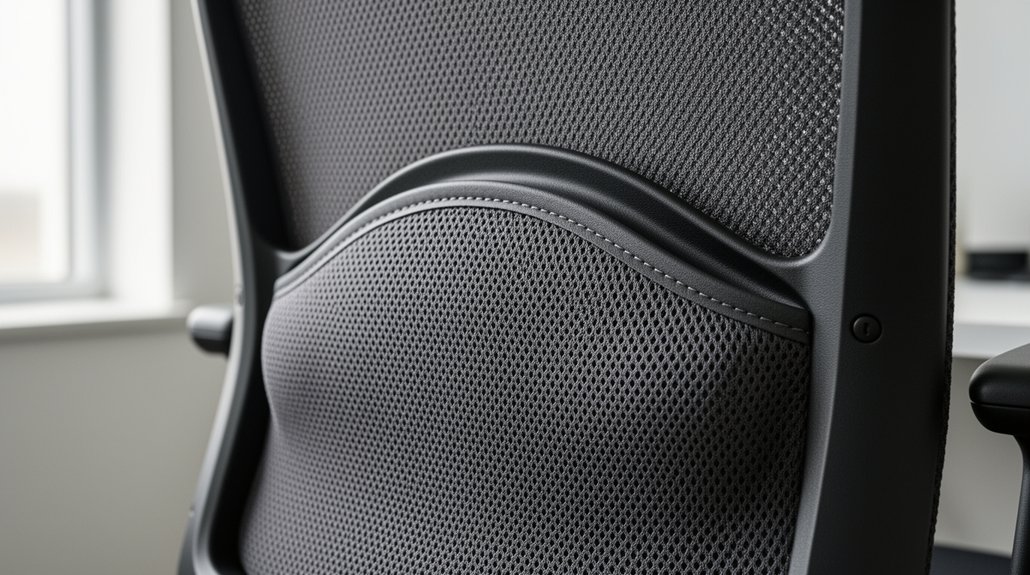
You need lumbar support that follows your natural lower‑back curve, so the pad sits just above your hips and fills the gap between your spine and the chair without pushing you forward. Adjustable height and depth let you fine‑tune the pressure, keeping your shoulders neutral and your spine in a gentle S‑curve while you move. Fixed pads can’t adapt, leading to slumping or over‑arching. If you keep exploring, you’ll discover how specific chair features and brand options can further optimize your comfort.
How to Identify Your Natural Lumbar Curve
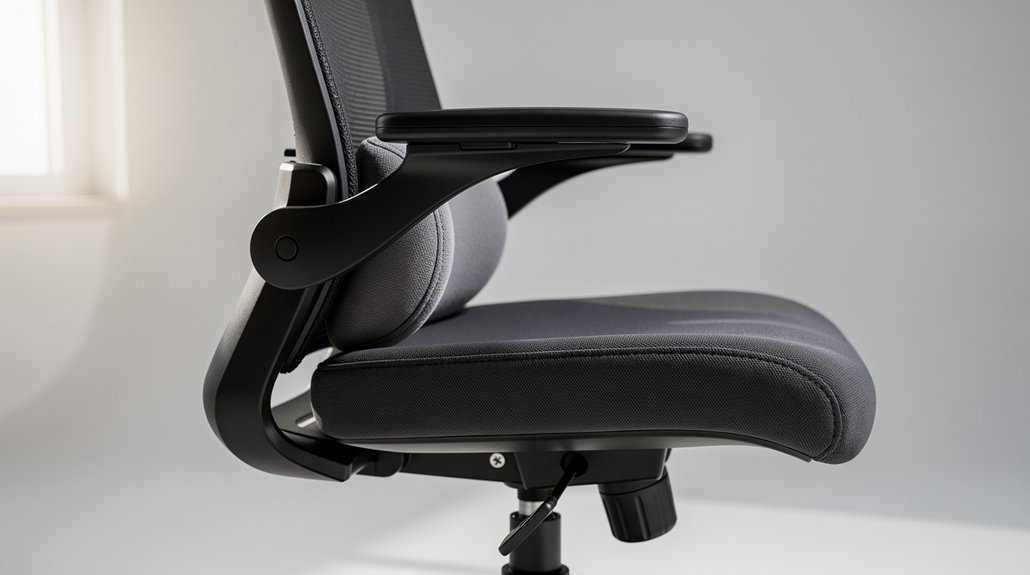
Ever wonder how to spot the curve that keeps your spine healthy? Start by sitting upright with your feet flat, then let your hands rest lightly on your lower back. Feel the gentle inward arch that forms between your hips and ribs—that’s your natural lumbar curve. Next, lean forward slightly and notice the gap that opens between your back and the chair; the size of that gap tells you where the curve meets the seat.
Adjust the chair’s lumbar pad so it fills the gap without pushing you forward, keeping a neutral spinal alignment. If the pad sits too low, you’ll slump; too high, and you’ll over‑arch. Aim for a snug fit right above your hips for optimal support.
Why Fixed Lumbar Pads Miss the Mark
You’ll notice that a fixed lumbar pad locks you into one position, so when you shift or lean, the support can’t keep up.
Because it’s not tailored to your spine height or weight, it forces a static posture that often leads to slouching.
Over time, the lack of personalization creates uneven pressure and discomfort, limiting the chair’s ergonomic benefits.
Fixed Pads Limit Mobility
Why settle for a lumbar pad that never moves with you? Fixed lumbar pads lock support in one spot, so when you lean forward, recline, or shift weight, the pad stays stubbornly still. That rigidity forces your spine into an unnatural curve, prompting slouching or excessive arching. Over time, the constant misalignment creates pressure hotspots and muscle fatigue, especially if your torso length or height differs from the chair’s preset.
| Issue | Effect | Result |
|---|---|---|
| Fixed height | No adaptation | Unnatural alignment |
| No depth change | Rigid support | Discomfort |
| Ignoring movement | Static zone | Muscle fatigue |
You’ll feel the strain quickly, and long‑term spinal health suffers. Choose dynamic support instead.
Lack of Personalization
Is a one‑size‑fits‑all lumbar pad really enough for your back? You’ll quickly notice that fixed pads ignore your unique anatomy, seat depth, and sitting height. When the pad sits too high or low, it creates a static contact point that forces you to slump or over‑arch, leading to muscle fatigue. Because it can’t move with you, dynamic sitting or tilt changes leave your spine unsupported, compromising neutral alignment.
- Anatomy mismatch – no adjustable lumbar zone means the pad can’t align with your curve.
- Posture drift – a fixed support promotes slumping as you shift.
- Comfort loss – lack of personalized support reduces effectiveness across tasks.
Choosing a chair with adjustable lumbar features restores proper alignment and adapts to your movements.
Benefits of Adjustable Lumbar Height & Depth

Ever wondered how a simple tweak can keep your spine happy all day? Adjusting lumbar height lets you target the lower back right above the hips, aligning the pad with your natural curve. Fine‑tuning lumbar depth controls how far the pad presses into your back, preventing under‑ or over‑retraction. Together they keep your spine neutral as you move and shift postures, especially if you sit at an average seat height of 56–60 inches. Dynamic or inflatable systems even adapt pressure in real time, so you stay comfortable during tilts and long sessions.
| Feature | Benefit |
|---|---|
| Height | Aligns pad with hips |
| Depth | Controls pressure depth |
| Neutral alignment | Reduces strain |
| Dynamic pressure | Adapts to movement |
| Personalization | Fits any body type |
Fixed vs. Adjustable Lumbar Systems in Office Chairs
After learning how height and depth tweaks keep your spine neutral, you’ll notice the next big decision: choosing between a fixed lumbar support and an adjustable system. A fixed lumbar offers a solid, non‑adjustable curve that stays put, giving you consistent support without fiddling. An adjustable lumbar, by contrast, lets you fine‑tune height, depth, and sometimes firmness, so you can match your lower back’s exact shape. Many chairs blend the two, anchoring a fixed lumbar zone while letting the seat tilt or slide for movement.
- Consistency vs. personalization
- Simplicity vs. complexity
- Cost efficiency vs. premium features
Dynamic 3D/4D Lumbar Support in Action

How does a chair keep up with every twist and lean you make? You’ll notice that a 3D lumbar system slides and pivots as you shift, delivering dynamic support that mirrors your movement. When you tilt back, the lumbar zone rises, deepening its curve to hug your lower spine. Rotate left or right, and the support tilts laterally, preserving alignment without forcing a rigid posture. Premium models track these changes in real time, adjusting height, depth, and firmness to match the natural lumbar arc. The result feels like a gentle, responsive cushion that moves with you, reducing pressure points and keeping your spine comfortably aligned throughout the workday. This adaptive action sets 3D/4D lumbar apart from static designs.
How to Match Lumbar Firmness to Your Body Type
Which lumbar firmness feels right for you depends on your natural curve and body proportions. If you have a pronounced lordosis, choose a firmer pad; if your curve is flatter or you’re comfort‑sensitive, a softer pad works better. Use your chair’s adjustable lumbar support to fine‑tune height and depth, then test the pressure while seated upright and when you recline. Start with the pad just above your hips and gradually increase contact until you feel steady, comfortable support without forcing an excessive arch.
Choose lumbar firmness matching your curve: firmer for pronounced lordosis, softer for flatter or comfort‑sensitive spines.
Steps to match firmness:
- Identify your curve type (pronounced, moderate, flat).
- Select corresponding lumbar firmness (firm, medium, soft).
- Adjust lumbar support height and depth to align with your spine’s natural position.
Ideal Lumbar Placement for Different Height Ranges

Where should your lumbar support sit based on your height? If you’re short, aim for a lower lumbar position that aligns just above the hips; models like the NUBI Series keep the pad from pushing your lower back too high.
For average heights of 56–60 inches, the default setting usually hits the natural curve, but a slight height adjustment can fine‑tune comfort and prevent slumping.
Tall users need the support higher up the spine, so choose chairs with extended backrests and deeper lumbar zones—think the Master Max.
Height‑adjustable backrests let you slide the lumbar support to the exact vertebral level you need, ensuring neutral spinal alignment across all statures. Adjust as necessary to keep your posture balanced and your spine happy.
How to Test Your Lumbar Placement for Comfort
Ever wondered if your lumbar pad is truly supporting the natural curve of your lower back? Sit upright, feet flat, and let your shoulders relax. Feel the lumbar support hugging the L3‑L4 region without pulling you forward or forcing a slouch. Adjust the height until the pad aligns with the small of your back, then check that your breathing stays easy.
- Height check – the pad should sit at the lower‑back crest, not the mid‑back.
- Firmness test – it feels snug, not rigid, and doesn’t create tension.
- Alignment verification – shoulders stay neutral, spine forms a gentle S‑curve, and no gap shows behind the pad.
If your chair has a depth or air‑inflation feature, fine‑tune it until contact is even across the lumbar region, ensuring the adjustable backrest works in harmony with your body.
Common Mistakes When Setting Up Lumbar Support
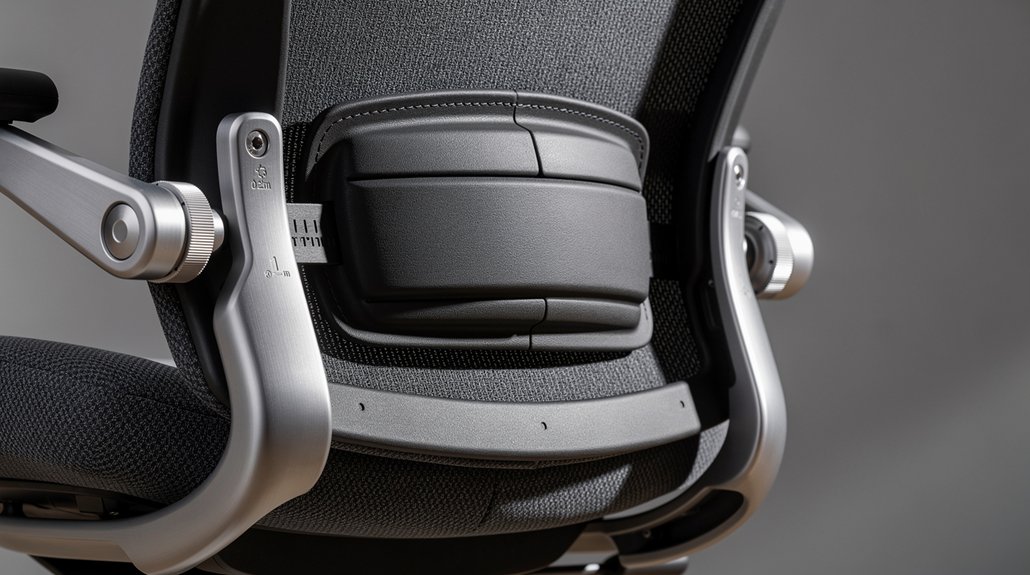
Why do so many people end up with back pain despite having a lumbar pad? You probably placed the pad too low, causing slumping, or too high, forcing an unnatural arch that strains your neck and shoulders. A common mistake is using a fixed cushion without adjusting the rest of the chair, which defeats the purpose of lumbar support and breaks posture alignment. Assuming a one‑size‑fits‑all setting ignores your height and natural curve, reducing effectiveness.
Ignoring other ergonomic tweaks—seat height, desk height, and backrest tilt—also undermines the benefits and can worsen discomfort. By aligning the pad with the curve just above your hips and fine‑tuning the whole setup, you’ll maintain proper posture alignment and keep pain at bay.
Why Mesh Backrests Boost Lumbar Support Comfort
Ever notice how a mesh backrest keeps you cool while supporting your lower back? The breathable design lets air circulate around the lumbar region, so the pad stays fresh during long work sessions. It also lets you fine‑tune the lumbar support without overheating, and the flexible mesh follows micro‑movements, keeping your spine in a neutral position. When you combine a mesh backrest with an adjustable lumbar pad, you get precise targeting and steady ventilation.
- Airflow – continuous cooling for the lumbar zone.
- Adjustability – height‑responsive pads stay comfortable.
- Flexibility – mesh moves with you, preserving alignment.
These features make mesh backrests a smart choice for lasting lumbar support comfort.
When to Use an External Lumbar Pillow?
If your chair lacks built‑in lumbar support, an external pillow can ease back pain and keep you comfortable. It’s a portable, affordable cushion that works well on non‑ergonomic seats, especially when you’re traveling or testing a new chair. Just remember it won’t replace a proper integrated design, and it may slip unless you secure it.
Pillow Benefits for Back Pain
Ever wondered when a portable lumbar pillow can actually ease your back pain? You’ll find that an external lumbar pillow delivers instant, budget‑friendly lumbar support wherever you sit. It’s perfect for travel, office swaps, or quick relief without a permanent chair upgrade.
- Adjustable positioning – you can strap or slide it to match your curve, ensuring the lumbar region stays cradled.
- Targeted pressure – the pillow’s foam concentrates support where you need it, reducing strain on the lower spine.
- Versatile use – it works on any seat, from conference chairs to airplane seats, giving consistent comfort across environments.
While it won’t replace a chair with built‑in lumbar design, the Velour Lumbar Pillow from Boulies exemplifies how a simple external lumbar solution can alleviate back pain and improve posture on the go.
Portable Cushion for Non‑Ergonomic Seats
When you sit on a non‑ergonomic chair, a portable lumbar pillow can instantly fill the gap in lower‑back support. You’ll find it especially handy if you’re on a budget or need quick relief without buying a new chair. Slip the portable cushion onto the seat, strap it if possible, and align it with your natural lower‑back curve just above the hips. Make sure it complements the seat height and backrest, avoiding conflict with any existing lumbar support.
Expect some readjustments as you move or switch surfaces, since the pillow may slide if not secured. This solution works on desks, stools, or couches, giving targeted lumbar support without permanent modifications, though stability can be a drawback.
How Gaming Chairs Differ in Lumbar Support Needs
Why do gaming chairs demand a different kind of lumbar support than office seats? You sit in a dynamic, high‑intensity environment where posture shifts rapidly, so you need a system that moves with you. Gaming chairs typically embed 3D/4D lumbar mechanisms, tilt‑lock pads, and height‑adjustable cushions that lock the spine into a natural curve. This firmer, higher‑contrast lumbar support reduces mid‑back fatigue during marathon sessions, while stronger lateral reinforcement keeps you stable when you lean forward for precision.
- Dynamic multi‑tilt lumbar adapts to rapid posture changes.
- Adjustable height and tilt‑lock maintain spinal alignment.
- Firmer, deeper zones provide sustained support versus a standard ergonomic chair.
Brand‑Specific Lumbar Solutions: Boulies Model Overview
Which Boulies chair matches your lumbar needs? You’ll find a range that blends comfort and precision. The EP460 gives you a height‑adjustable back with built‑in lumbar support and breathable mesh, perfect for fine‑tuning contact. The NUBI Series stays compact, offering a fixed curve that fits smaller offices without fuss. Master Series adds a multi‑tilt, adjustable lumbar zone for dynamic postures. EP200 pairs a fixed curve with tilt and tension adjustments, while OP300 models keep a simple fixed lumbar support in the backrest.
| Model | Lumbar Type | Adjustability |
|---|---|---|
| EP460 | Built‑in lumbar support | Height‑adjustable |
| NUBI | Fixed curve | None |
| Master Series | Multi‑tilt zone | Adjustable lumbar |
| EP200 | Fixed curve | Tilt & tension |
| OP300 | Fixed lumbar | None |
How to Evaluate Boulies Master Series Adjustability
Curious how to gauge the Master Series’ adjustability? First, sit upright and locate the lumbar zone; the pad should rest just above your hips. Next, use the height lever to raise or lower the adjustable lumbar until it aligns with your natural curve, then test depth by pressing the forward knob—feel the BioCurve foam respond without hard stops. Finally, recline and tweak tilt tension, confirming the pad stays in contact throughout motion.
Adjust the lumbar height, depth, and tilt tension for seamless, supportive motion.
Steps to evaluate adjustability
- Align lumbar zone height with hip level.
- Adjust depth for snug, supportive pressure.
- Verify consistent contact while changing tilt angles.
Quick Checklist to Verify Your Chair’s Lumbar Support
Ever wondered if your chair’s lumbar support truly matches your back’s needs? Start by confirming the chair has an adjustable lumbar mechanism that lets you tweak height, depth, and firmness. Make sure the support aligns with the natural curve above your hips and targets the L1–L5 region without tilting your pelvis forward.
Check whether the lumbar support is integrated—preferably an adjustable system—rather than a fixed or external pad, because integrated designs tend to stay consistent. Verify you can fine‑tune the pad’s height and depth to suit your 56–60 cm average alignment.
Finally, assess if the chair offers a dedicated lumbar zone or dynamic 3D/4D movement that adapts as you shift posture throughout the day.
Frequently Asked Questions
How to Choose Lumbar Support for Chair?
Pick an adjustable lumbar support that lets you set height, depth, and firmness. Choose breathable, inflatable or mesh‑back options, and match the zone size to your height for comfortable, neutral alignment.
What Chair Is Good for Fibromyalgia?
You’ll love the Boulies Master Series or EP460; they offer adjustable, inflatable lumbar zones, breathable mesh backs, and multi‑tilt support, letting you fine‑tune height and depth for fibromyalgia comfort.
How to Know if a Chair Has Good Lumbar Support?
You’ll feel good lumbar support when the pad aligns with your lower back curve, stays in contact as you move, and lets you adjust height and depth until your spine stays neutral without strain.
Do I Need Lumbar Support in a Chair?
Yes, you need lumbar support; it keeps your spine’s natural curve, eases muscle strain, and helps prevent back pain during long sitting sessions. Adjust it to match your height and posture.
In Summary
Now that you know your natural curve, you can pick a chair that lets you fine‑tune lumbar height and depth. Adjustable systems give the support you need whether you’re typing, gaming, or moving throughout the day. Skip the one‑size‑fits‑all pads and opt for a dynamic, customizable solution—like Boulies’ Master Series—so your spine stays aligned, comfortable, and protected.




Leave a Reply